
Hey Reader,
Greetings from WebEngage!
We hope you’re having a great experience with WebEngage. We’re excited to introduce new features on the dashboard. 😀
Custom Alerts: Monitor Events with Real-time Alerts
With custom alerts, you can track specific events and receive timely notifications. Set thresholds for metrics that matter to you and be instantly alerted whenever a deviation occurs.
Discovery and alert set-up on your WebEngage dashboard can be done in two ways:
1. When looking at specific event analytics, you can select the alert option and create a custom alert for that specific event.
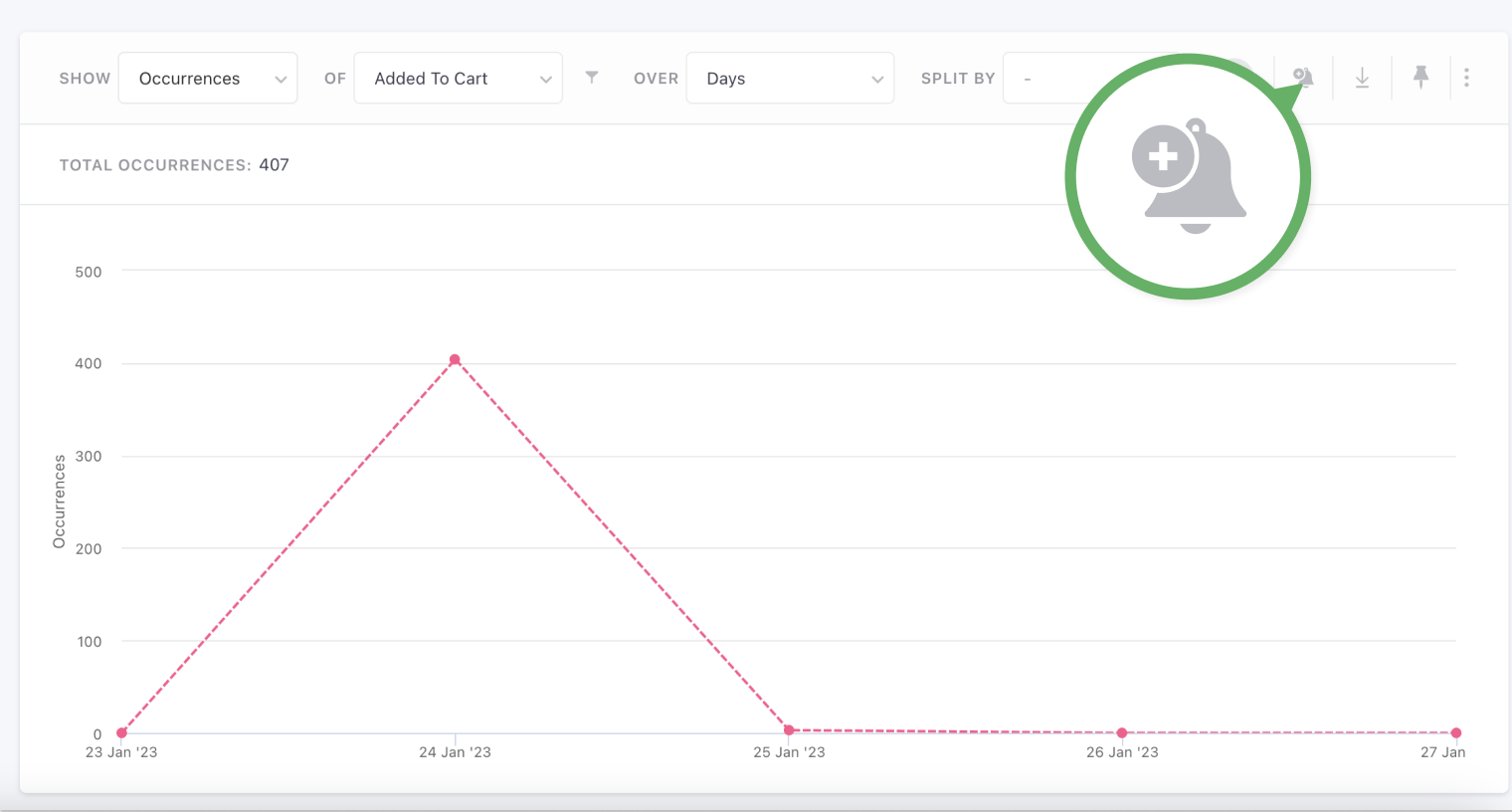
2. Access the ‘Alerts’ section under Data Platform and click on the plus icon to create an alert.
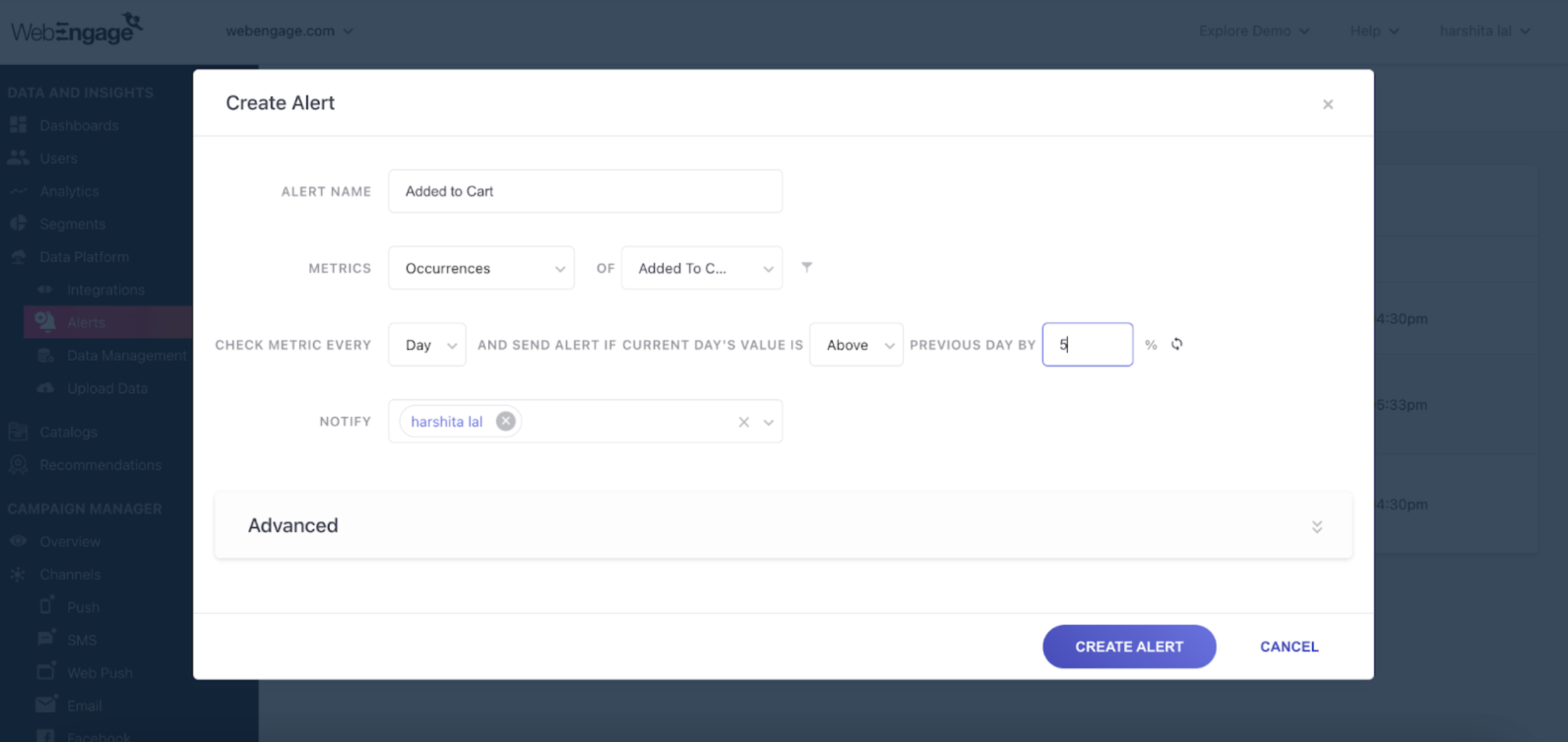
For more information on custom alerts, read our blog and our documentation.
Note:
- The Custom Alert feature supports both custom and system events.
- Multiple users can subscribe to a particular alert from the same project. Users also have the option to pause specific alerts.
- Currently, this feature is access-controlled. Reach out to your Customer Success Manager or contact us at product@webengage.com to get it enabled.
Mobile Push Impression Metrics Added on the Campaign Overview and Listing Page
Push Impressions metrics are now available for Mobile Push Campaigns under Key Metrics on the Overview page and on the List of Campaigns page.
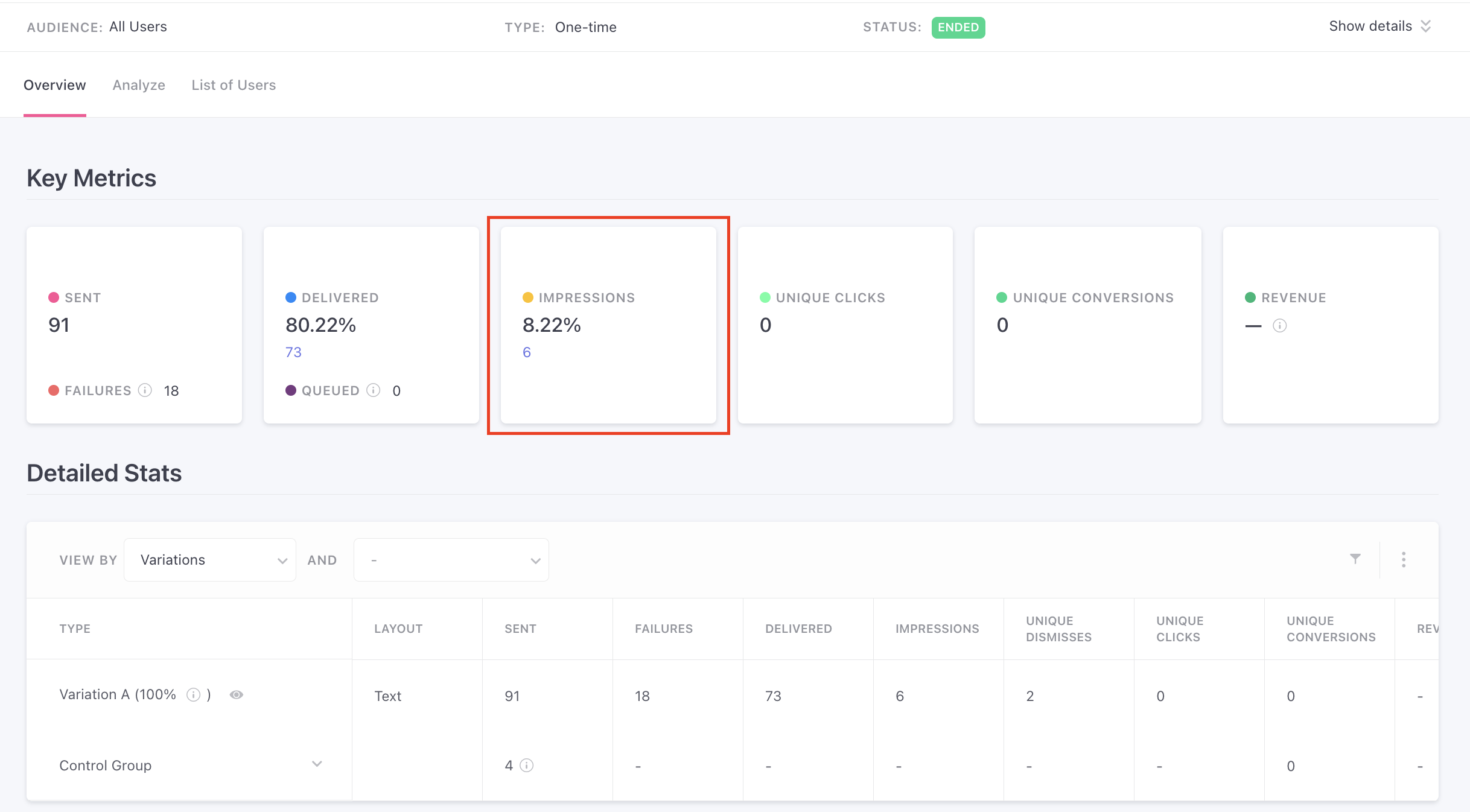
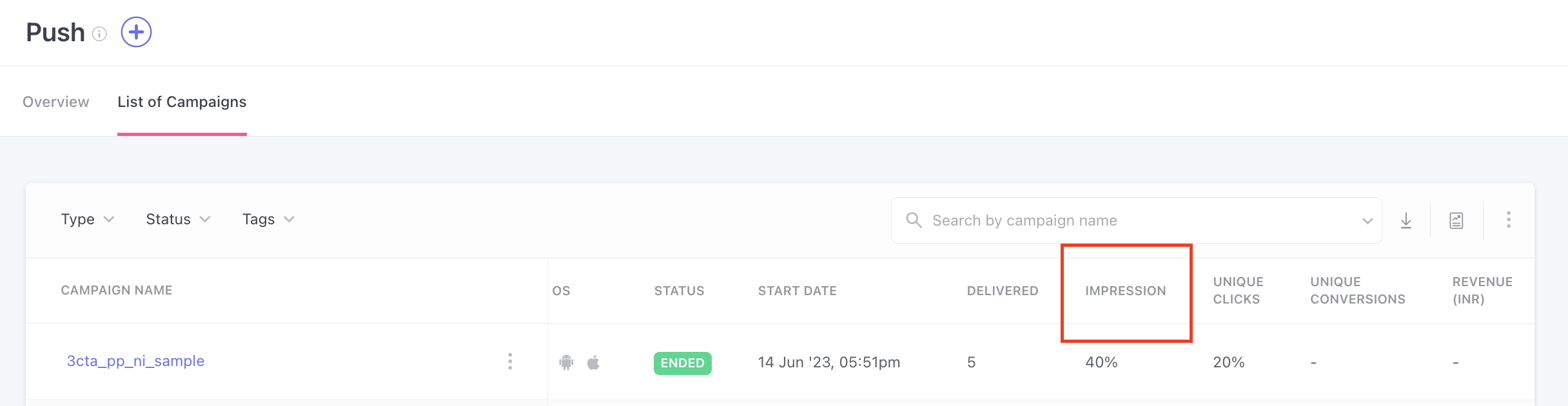
Note: Currently, this feature is access-controlled. Reach out to your Customer Success Manager or contact us at product@webengage.com to get it enabled.
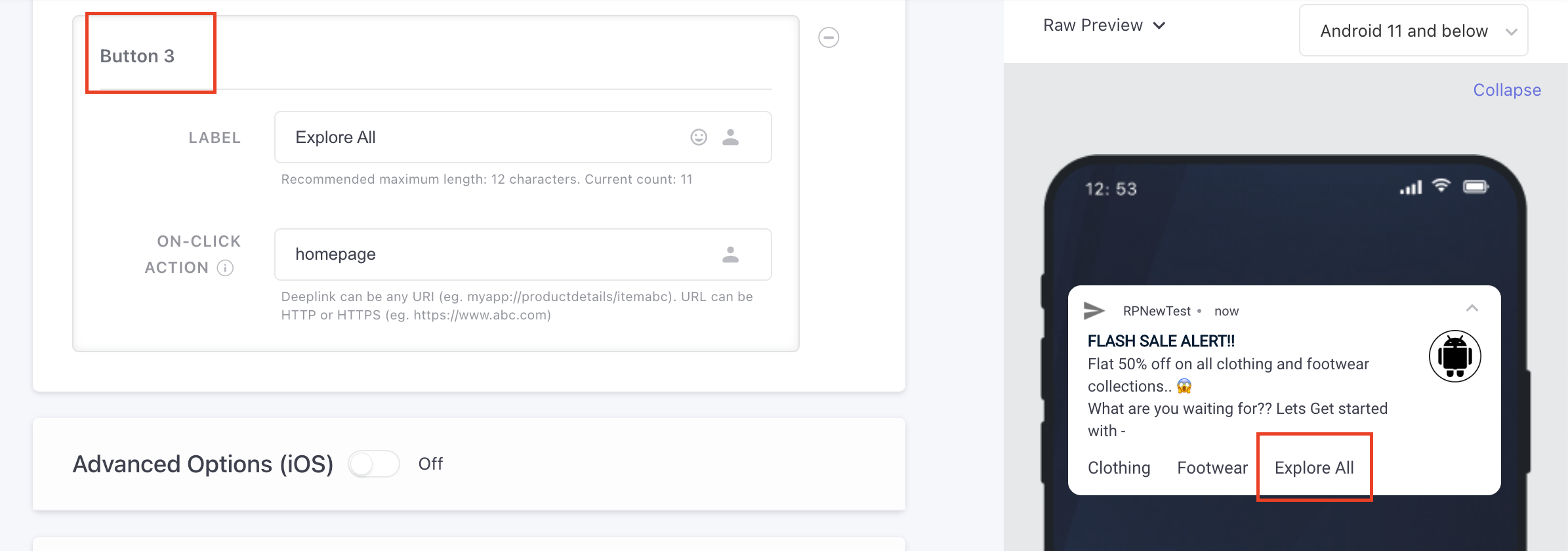
Android Push Notification – 3 Button Support Added
Instead of 2 buttons, clients can now add 3 buttons in Android Push notifications.
Web In-Line Content: Enabling Dynamic Element Use Cases
We have added dynamic element support to Web In-Line content, enabling even more versatile and engaging use cases. This update includes:
- Enhanced web in-line rendering.
- Personalization support across infinite scroll pages.
- Persistent display of campaigns on trigger-based dynamic elements of a web page.
Unlock growth for your mobile app with our Vajro integration
Leverage the Vajro integration on WebEngage to boost customer engagement on your mobile app platform. Here’s how to make the most of this integration:
- Capture user activity through custom events and create a 360° user view.
- Create targeted segments to send personalized marketing campaigns to your users.
For more information on the Vajro integration, read our blog.
Other SDK Updates
iOS SDK v6.3.4 released
In this update, we have made bug fixes and optimizations related to multi-threading.