

Stop paying to retarget customers who already bought. The same segments running your email, push, RCS, in-app campaign run your ads too.
Digital Ads · Audience flow
The anatomy of an audience sync
Five steps, one closed loop.
Build a segment
Toggle the sync
One click — sync to Google Ads, Meta, or both. All PII is SHA-256 hashed before it leaves WebEngage.
Audience lands
In Google Customer Match or Meta Custom Audiences. Match rate of 40–70% is typical for hashed email-based audiences.
The job runs
Retarget the segment, suppress it from ad delivery, or use it as a lookalike seed. The advertiser picks the bet.
Loop closes
What an audience actually does.
A segment that lands in Google or Meta can be targeted, excluded, or used as a seed. Same export, three very different outcomes.
Retarget.
Bring high-intent users back.
Users who showed clear intent like viewed a product, abandoned a cart, started checkout, but didn’t convert. They’re the cheapest audience to reach because they’ve already done the discovery work. Ads close the loop.
Suppress.
Stop wasting spend on people who already bought.
Recent buyers and active subscribers keep consuming budget with nothing left to convert. Push them as an exclusion audience and Google/Meta stops showing them ads. Often the highest-ROI move on the page.
users where event:
purchase in last 30d
OR user.subscription_status = active
Lookalike.
Find more users like your best ones.
Export your VIPs, RFM Champions or high-LTV cohorts and use them as a seed i.e. a Meta Lookalike Audience, or a lookalike segment in Google Demand Gen. Elsewhere in Google the same list feeds optimised targeting and Smart Bidding as a signal. Either way, your best segment becomes the spec for what to find.
users where rfm_segment = “Champions”
AND ltv > $500
What's new for Ads teams.
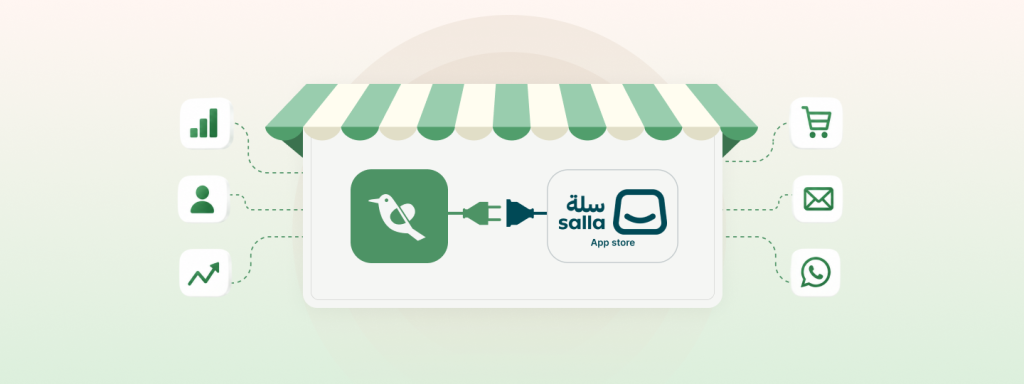
WebEngage Is Now Salla Platform Native – Asia’s #1 CEP Joins Hands With GCC’s Largest E-commerce Platform
Salla is one of the largest commerce platforms in the GCC region, built specifically for merchants in the Middle East…
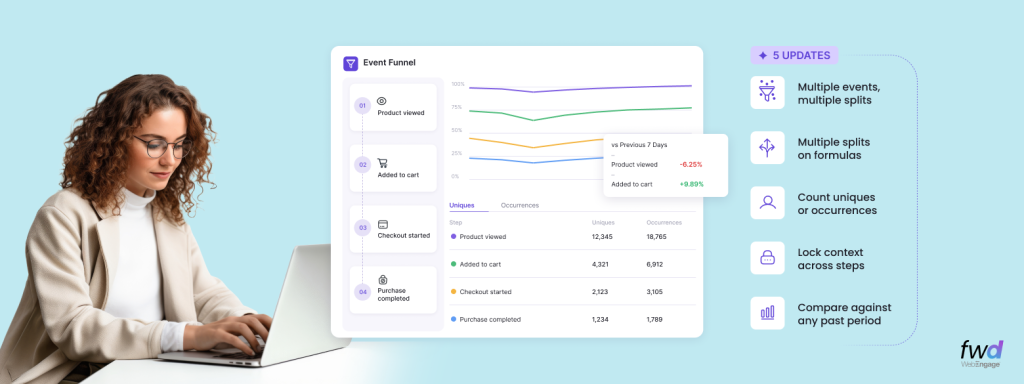
Analytics Digest – Introducing Multi-splits in Event Analytics, Choose Between Uniques/Occurrences In Funnels, Hold Property Constant In Funnels & Compare Funnels Across Time Periods
WebEngage is rapidly becoming the de-facto Analytics toolkit for its customers across product and growth teams. As our usage grows…
Introducing Entity Relationship Visualizer – Manage Relationships Between Your CDPx Data Objects In A Visual Interface
Last year, we launched a composable version of our Customer Data Platform; CDPx, and introduced Entities – a simple way…
See the anatomy of the other six.
The WebEngage channel atlas
FAQs
You export a Live Segment to the connected ad account as a one-time push or a recurring sync set to daily, weekly, or monthly. Recurring exports keep the platform audience in sync with the segment, so users who no longer match are removed and new matches are added on each cycle. Facebook exports create a new audience, Google creates a customer list, and TikTok creates a customer file.
See docs →
Match rates depend on how many exported users the platform can resolve against its own accounts, which WebEngage does not control. Matching uses the identifiers you hold: Facebook matches on email, phone number, and mobile advertising ID (IDFA or IDFV on iOS, Advertising ID on Android), Google matches on email, phone, first name, last name, country, and zip plus mobile device ID, and TikTok matches on email, phone, and mobile device IDs. Users with none of the accepted identifiers are not added.
See docs →
For Facebook, the export passes encrypted user details to the platform rather than sending raw identifiers. WebEngage documentation does not spell out the hashing method for Google Ads and TikTok exports, so confirm the exact handling for those two with the team before relying on it for a compliance sign-off.
See docs →
Recurring exports refresh daily, weekly, or monthly depending on how you configure them. Minimum segment sizes are set by each platform: 20 users for Facebook, 100 users for Google Ads, and 1000 users for TikTok. Only Live Segments are currently supported for export.
See docs →
You connect your own Facebook, Google Ads, and TikTok ad accounts to WebEngage and export into audiences you own on those platforms. There is no requirement to move your ad spend or accounts, since WebEngage is the source of the audience segment and the ad platforms remain yours.
See docs →
Setup is connecting the ad account in the WebEngage dashboard, which for Facebook means adding ad account IDs and granting permissions through Business Manager, then choosing a segment and export frequency. Once connected, exporting a segment is a dashboard action, so time to first sync is short relative to channel migrations that require SDK work.
See docs →
