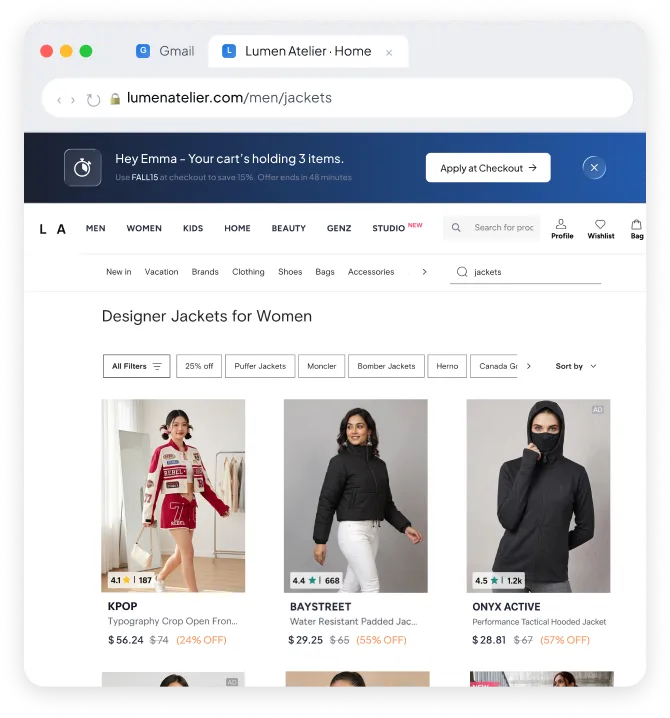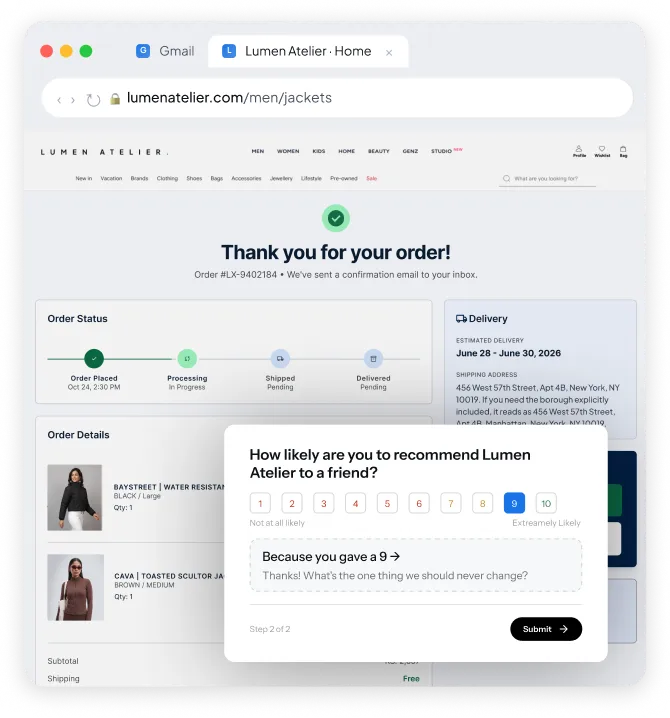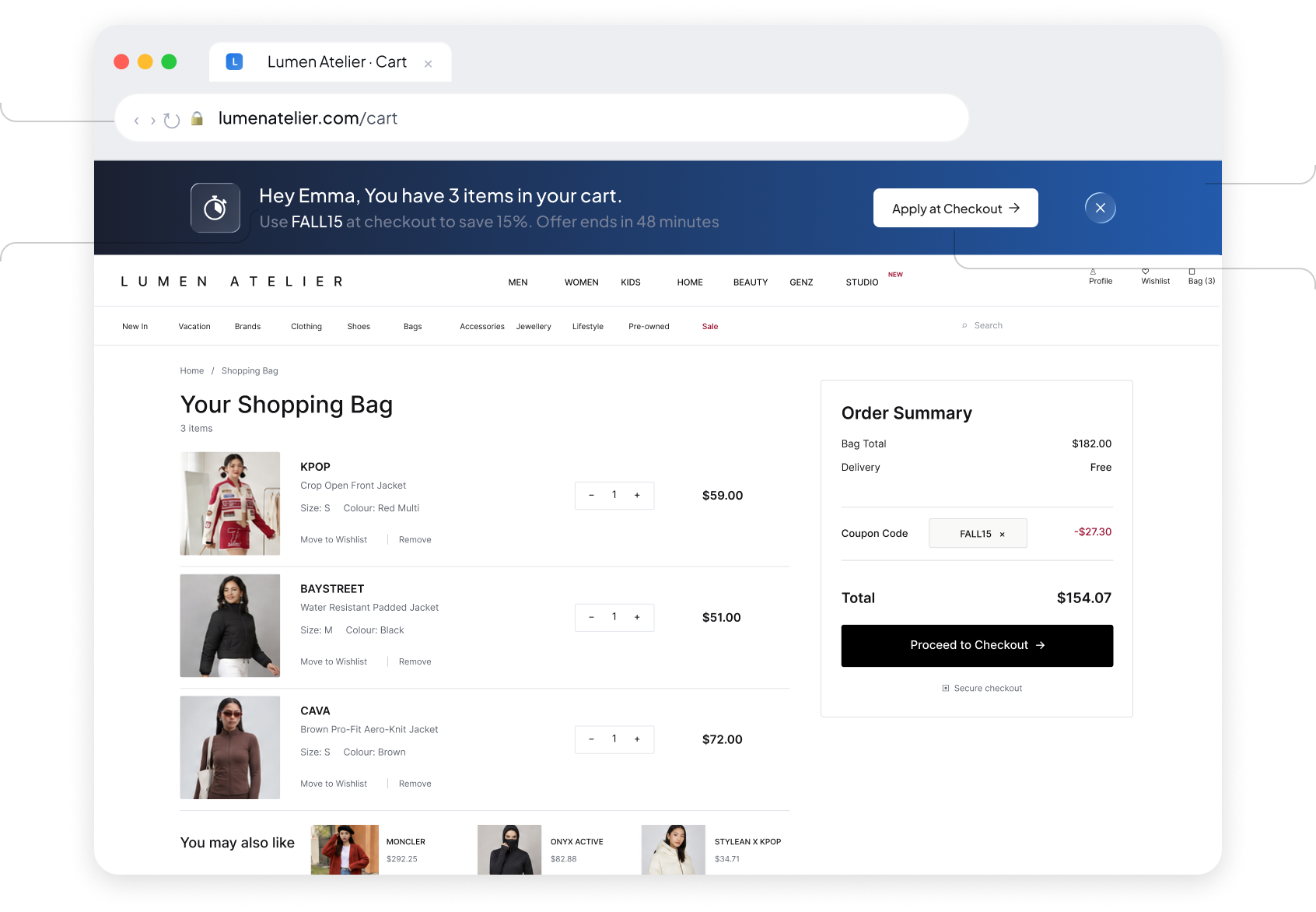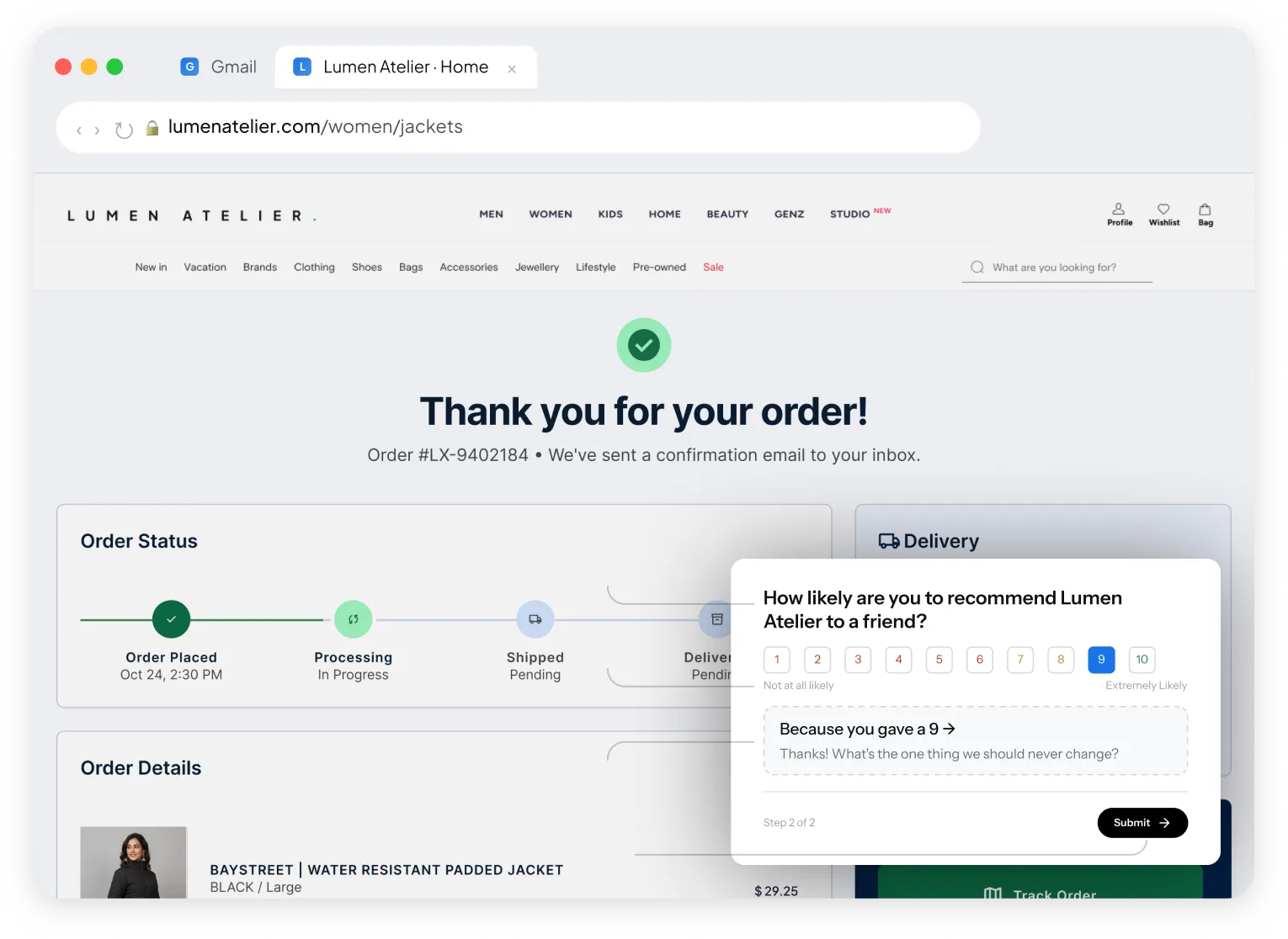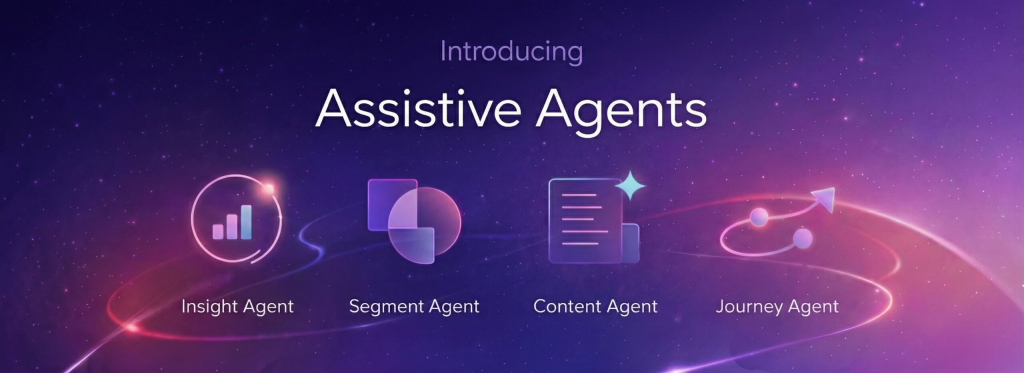

Stop treating your website as a passive channel. Turn every visit into an opportunity with personalized banners, surveys, and push notifications powered by customer behavior.
Web push CTR
1.6%
web push opt-in
4.3%
Onsite CTR
3.7%
Built for Web. Backed by the platform
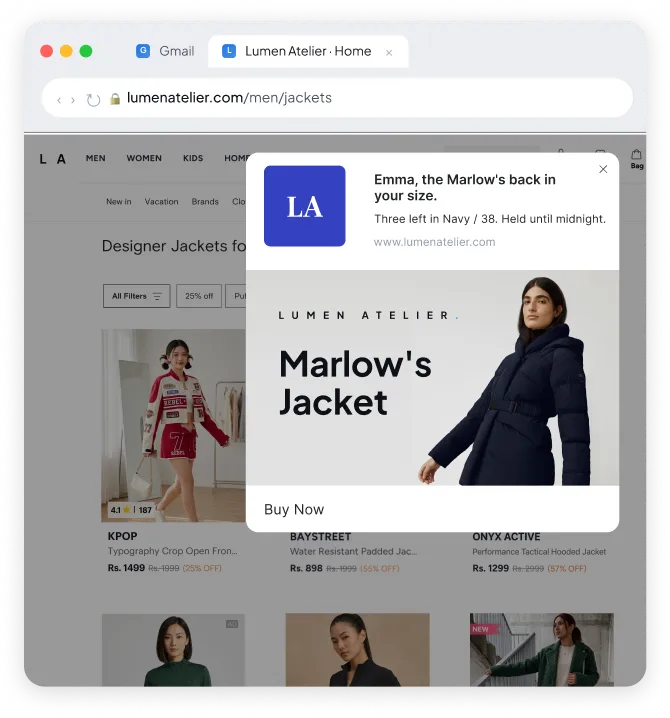
Create on-site inline content two ways: a no-code Banner builder to personalize with images quickly, or Custom Code for full flexibility to build dynamic experiences like spin-to-win offers.
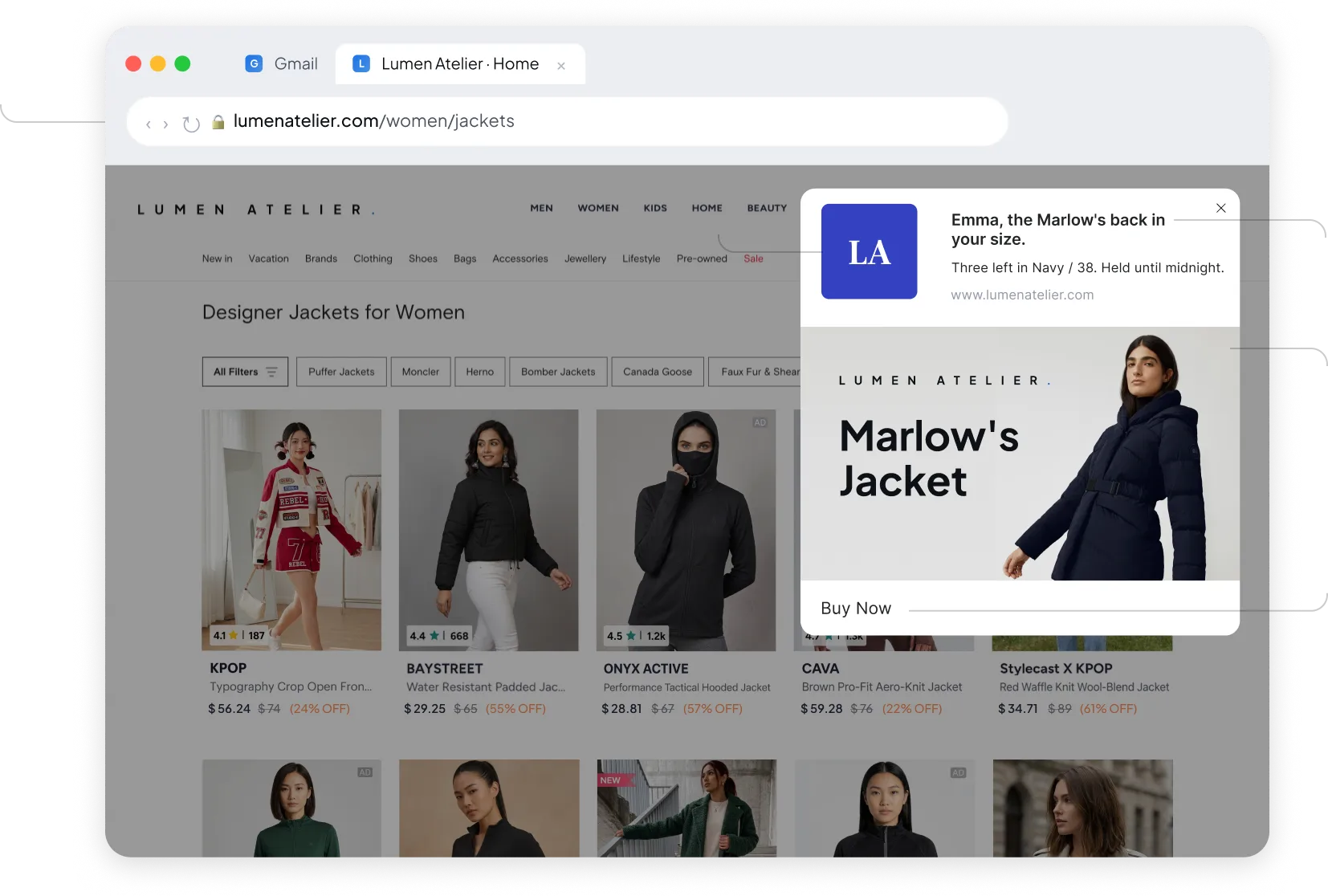
Customize web push notifications with your own icon and banner image. Upload or link visuals for each, and preview how the notification renders across browsers before launch.
Build in-app notifications with a seamless drag-and-drop editor. Drop blocks like columns, text, images, headers, and buttons onto a canvas to design notifications visually, with instant preview.
Launch on-site messages fast with a prebuilt template library. Pick from ready-made layouts like welcome popups, cart recovery, and spin-to-win, then customize and go live.
Measure true campaign impact by holding out users. Choose Universal, Custom, or Campaign-level control groups, then compare held-out users against targeted ones to see the real lift.
Track conversions by defining a goal event. See which touchpoint drove the conversion across channels, giving credit to the campaign that actually earned it.
Personalize your website in real time based on who's visiting. Adapt hero banners, CTAs, and product grids to each visitor's lifecycle stage, so new and returning customers see different content.
Use visual editor to drop a recommendation block into your web page and populate products automatically, personalized to each recipient.
Built for Web. Backed by the platform.
Web Features
Native to this channel
In Line Content
Create on-site inline content two ways: a no-code Banner builder to personalize with images quickly, or Custom Code for full flexibility to build dynamic experiences like spin-to-win offers.
Icon & Banner Customization In Webpush
Customize web push notifications with your own icon and banner image. Upload or link visuals for each, and preview how the notification renders across browsers before launch.
Custom Drag-And-Drop Editor
Build in-app notifications with a seamless drag-and-drop editor. Drop blocks like columns, text, images, headers, and buttons onto a canvas to design notifications visually, with instant preview.
Ready-To-Use Templates In Onsite Notification
Launch on-site messages fast with a prebuilt template library. Pick from ready-made layouts like welcome popups, cart recovery, and spin-to-win, then customize and go live.
Platform Features
Available everywhere relevant to Mobile too
Multi Level Control Group
Conversion Tracking and Attribution
Track conversions by defining a goal event. See which touchpoint drove the conversion across channels, giving credit to the campaign that actually earned it.
Dynamic Personalization
Configurable Recommendation Block (Upcoming)
What's new for Web teams.
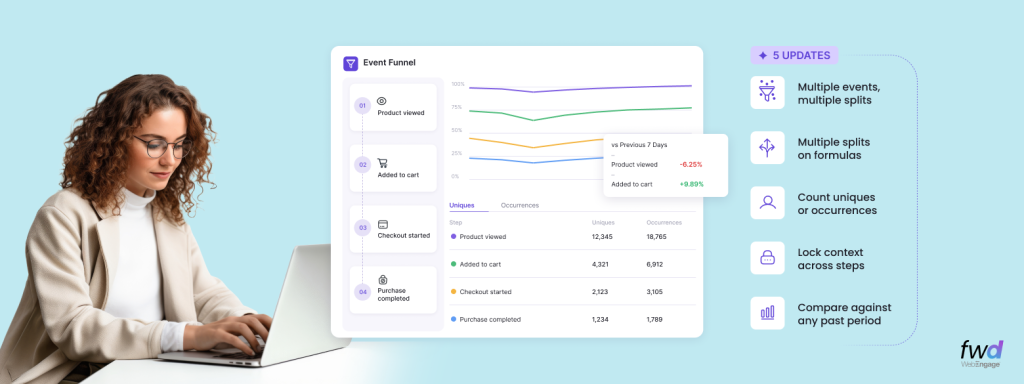
WebEngage Is Now Salla Platform Native – Asia’s #1 CEP Joins Hands With GCC’s Largest E-commerce Platform
Salla is one of the largest commerce platforms in the GCC region, built specifically for merchants in the Middle East…
Analytics Digest – Introducing Multi-splits in Event Analytics, Choose Between Uniques/Occurrences In Funnels, Hold Property Constant In Funnels & Compare Funnels Across Time Periods
WebEngage is rapidly becoming the de-facto Analytics toolkit for its customers across product and growth teams. As our usage grows…
Introducing Entity Relationship Visualizer – Manage Relationships Between Your CDPx Data Objects In A Visual Interface
Last year, we launched a composable version of our Customer Data Platform; CDPx, and introduced Entities – a simple way…

See the anatomy of the other six.
The WebEngage channel atlas
FAQs
No. Web push subscriptions are bound to your previous provider's service worker and push endpoint and cannot be transferred to WebEngage. After the WebEngage integration goes live, visitors must re-opt-in through the new setup before they can be messaged. Plan a re-permission campaign so returning visitors are prompted again as they arrive.
See docs →
You add the WebEngage web SDK snippet and make a service worker file publicly accessible on your domain. If you already register your own service worker, you set webpush.registerServiceWorker to false so WebEngage does not register a duplicate, and instead relies on your registration. Opt-in can run as a two-step popup or a one-step native browser prompt.
See docs →
Yes, with conditions. On iOS the device must run 16.4 or higher on Safari 16 or higher, and the user must add your site to the home screen as a PWA with a service worker and manifest before push can be enabled. Because Safari blocks the native prompt without prior interaction, you show a preceding custom opt-in prompt and set the safariWebPush option in the SDK.
See docs →
Yes. Because subscriptions are tied to the previous provider's service worker and endpoint, existing subscribers are not carried over and every user must grant permission again on the WebEngage setup. The re-opt-in is a browser-level permission prompt, which you can precede with a soft opt-in to protect consent rates.
See docs →
Web push supports a text-only layout with title, message, and up to two CTAs, and a banner layout that adds a large image. Banner images render on Chrome for Android and Windows, while Safari on macOS and iOS does not support icons or banner images and Firefox does not show banner images. Custom badges are supported on Chrome Android v53 and above.
See docs →
Chrome, Firefox, Safari, and Edge are supported, with the layout and media capabilities varying by browser and platform. Internet Explorer is not supported, and image support differs, for example Safari on macOS and iOS does not render banner images. iOS web push works only through the home screen PWA flow described for Safari.
See docs →
You use the same double-brace personalization tokens available across channels to insert user attributes and event data into the title, message, and on-click action. This lets you tailor content and destination per visitor using your existing profile and event model.
See docs →
On-site notifications and surveys are built in the dashboard using ready-to-use templates, so a marketer can create and launch them without developer help. Deeper control over appearance, timing, and data collection is available through the Web SDK if your team wants it, but it is optional for standard campaigns.
See docs →
On-site messaging runs on the same WebEngage Web SDK you install for tracking and web push, so there is no separate on-site script to add once that SDK is live. Enable On-site under Data Platform, Integrations, Channels in the dashboard and no additional configuration is required for standard campaigns.
See docs →
You can run on-site notifications and targeted surveys such as NPS, reviews, and feedback widgets, using ready-to-use templates for desktop and mobile. You can also build custom notifications from scratch by adding your own code when the templates do not fit.
See docs →
You start from ready-to-use templates and can go beyond them by adding your own code for custom notifications. The Web SDK exposes additional controls over notification and survey appearance, behavior, and data collection.
See docs →
You can target by user segments and real-time behavior, and use custom rules such as filtering by checkout amount or number of product views. You can also control timing, for example showing a notification only on selected days or after a delay from session start.
See docs →
Yes. You can set a time delay in milliseconds before a notification or survey renders, and control re-display behavior such as showing it again after a user dismisses it. Surveys can also be scoped to appear once per session or on each new session.
See docs →
Survey responses are captured against the user and can be retrieved via REST APIs, so you can push them into a CRM or use them to build segments. That lets a survey answer become a targeting attribute for later campaigns.
See docs →
Yes. The Web SDK exposes notification methods and callbacks, including an onClose callback and render and clear methods, so your site can respond to on-site events. This is optional and only needed for custom behavior beyond the dashboard.
See docs →