
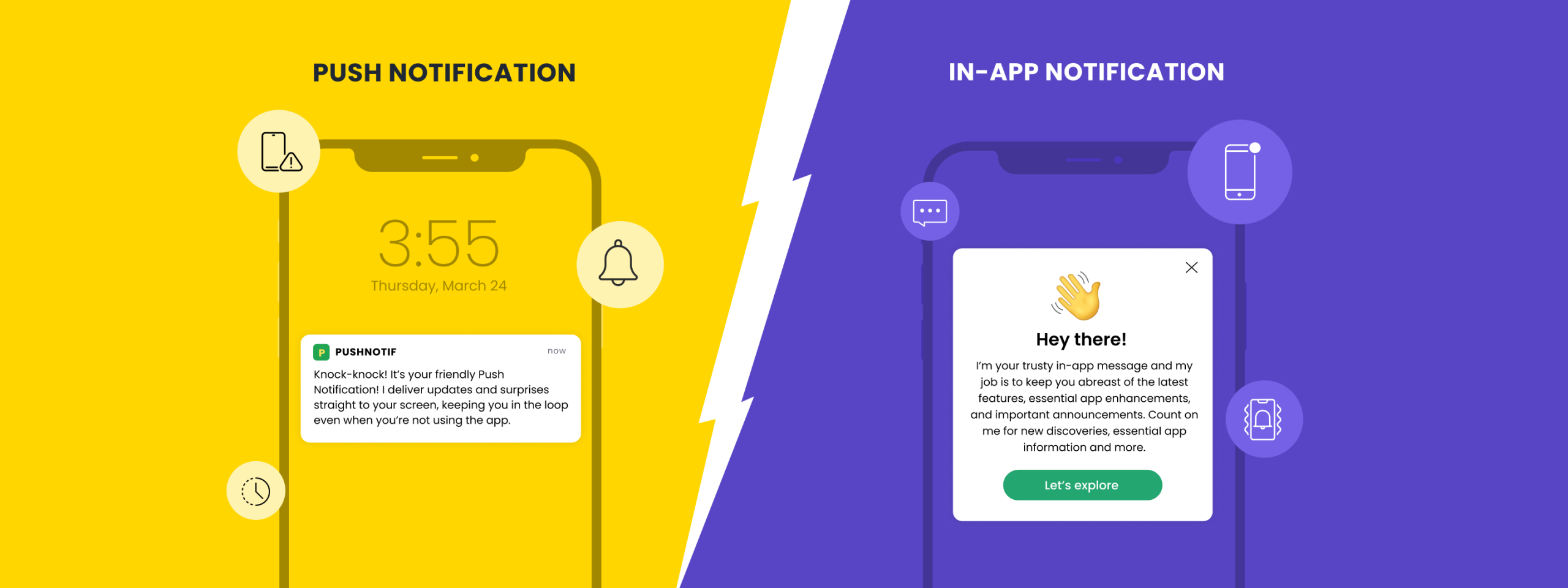
In a constant tussle between in-app vs push notifications, targeted marketing is most effective with a multi-channel approach, and the best mobile campaigns often use a combination of mobile push notifications and in-app messaging. That’s because the complementary channels each offer their own advantages and disadvantages.
The mobile app push notifications, for example, are reported to boost reaction rates by a whopping 400%. In-app notification, on the other hand, has been found to drive a staggering 3.5x higher user retention rate.
In this blog, let’s explore these powerful tools, uncovering their unique strengths and how they can boost your customer engagement.
What are In-App Notifications, and Why Do They Matter?
In-app notifications are alerts that pop up within a mobile application while the user is actively using it. These in-app notifications are designed to be less intrusive, blending seamlessly into the app’s interface.
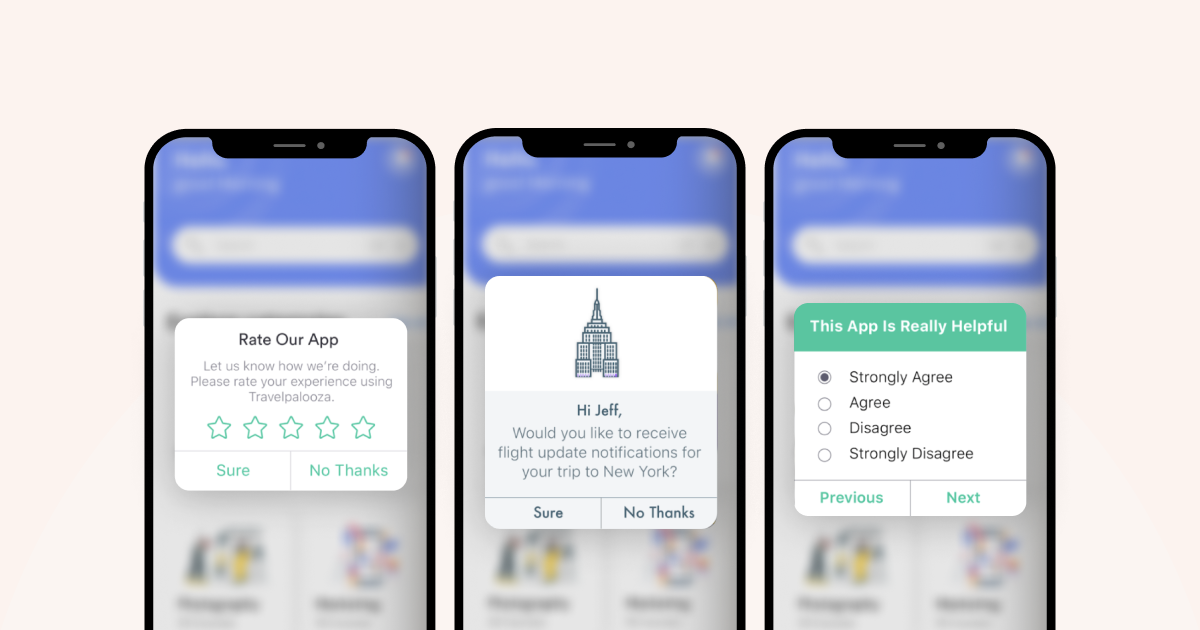
They can take various forms, such as banners, pop-up messages, or in-app news feeds. Instead of interrupting your scrolling, they guide you towards features or complete tasks within the app.
For instance, when a user receives a new message or a comment on their post, a small notification banner may appear within their social media app. This alert informs the user of the activity without pulling them away from their current task in the app.
Pros of In-App Notifications
- Since in-app notifications reach users while they are engaged with the app, they allow for highly targeted messaging based on the user’s current activity or interests.
- These notifications offer significant customization options, enabling businesses to tailor content, design, and timing to enhance relevance and user experience.
- Users are more likely to interact with in-app notifications as they’re already engaged with the app, leading to higher click-through and engagement rates.
- Encourages users to discover new features and functions, improving app familiarity.
Cons of In-App Notifications
- In-app notifications can only reach users who are actively using the app, potentially missing out on engaging inactive users.
- If overused, these notifications can clutter the app interface and annoy users, leading to a negative experience.
- The effectiveness of in-app notifications heavily relies on the frequency of app usage by the customers.
Understanding The Power of Push Notifications
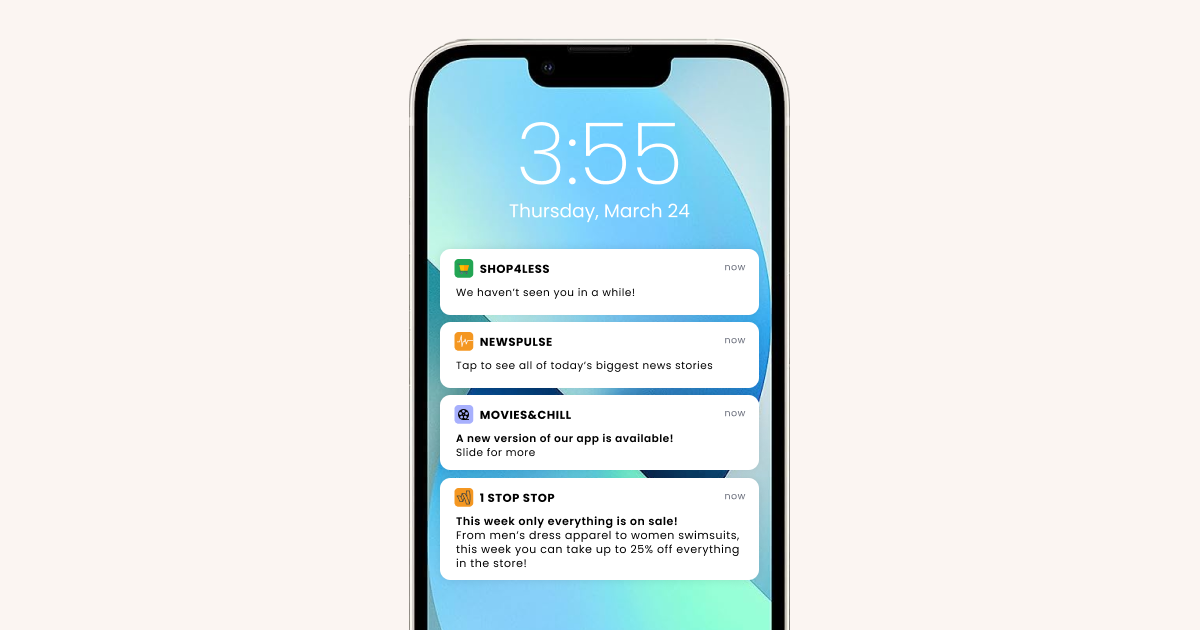
Push notifications are messages sent by an application to a user’s device, even when the app is not actively in use. They appear as pop-up messages on the device’s screen, similar to text messages, providing updates. These notifications serve various purposes: alerting users about new content, reminders, promotional offers, or urgent updates.
Pros of Push Notifications
- Push notifications can reach users even when they are not actively using the app, widening the engagement scope.
- The instant nature of these notifications makes them ideal for time-sensitive communication and alerts
- Regular, relevant push notifications can encourage users to return to the app, potentially increasing user retention rates.
- Push notifications offer a low-cost, high-impact solution compared to other marketing methods.
In-App vs. Push Notifications: Which is the Best Option for Customer Engagement
Even though in-app notifications and push notifications both have their own advantages, determining when to use which of the two options can be tricky. Factors like the speed of delivery, goal of the Notification, notification settings, and how frequently they use an app need to be weighed.
Here are 10 specific examples of times a brand would use a push notification marketing strategy or in-app notifications:
- Abandoned shopping cart
- Opt-in request
- Payment Confirmation
- In-app purchases
- App abandoners
- New app features
- Time-sensitive alerts and reminders
- Feedback request
- Customer lifecycle campaigns
- In-store beacons and flash sales
1. Abandoned shopping cart
Medium- Mobile Push notifications
Hybris reports that 97% of shopping carts are abandoned on mobile. That’s a lot of lost revenue!
Although there are lots of reasons that people abandoned their would-be purchases that require businesses to re-evaluate their customers’ experience—a long checkout process, bad loading speed, required registration, poor design, and limited payment options—sometimes it’s just about an interruption. Customers get phone calls, texts, and emails that need to be responded to, pulling them away from their purchase attempt.
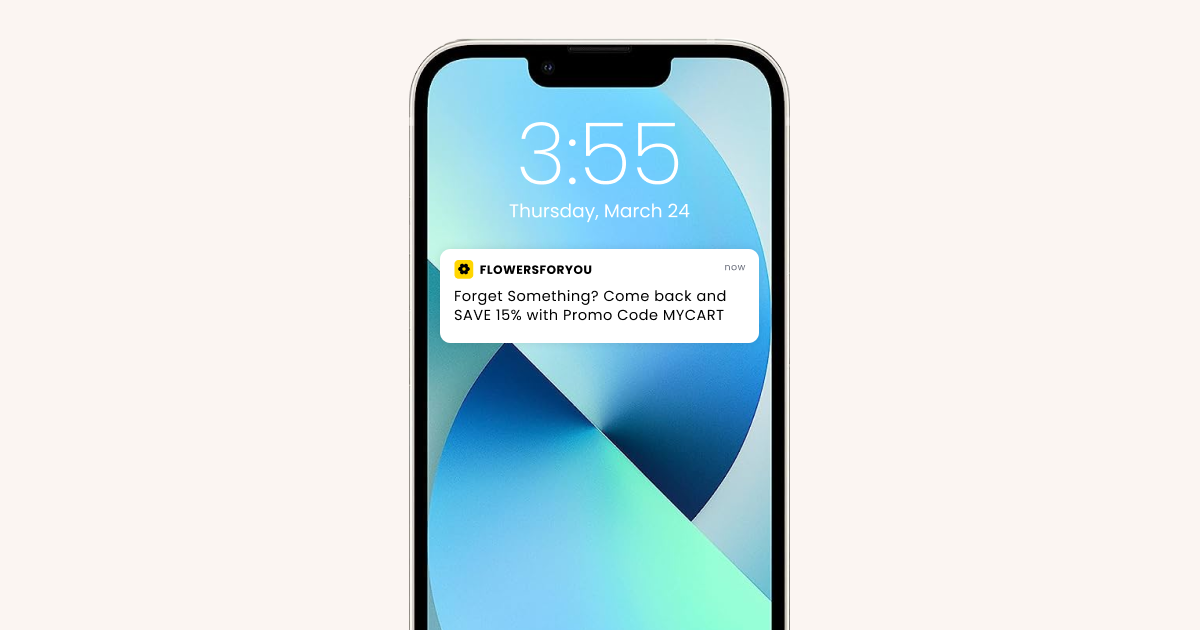
A mobile app push notification can be just the nudge customers need to remind them what they started. Businesses can also play around with offers of free shipping or other discounts, like this one from 1800Flowers, to see which help turn abandoned carts into purchases.
Tip- Base your offer on the client’s profile like, based on the number of transactions, activeness on the app, the volume of purchase, etc. Either devise a solid incentive or just decide against sending the message.
2. Opt-in request
Medium- In-app message
In-app messaging platform offers a great opportunity for businesses to ask users to opt-in to receive push notifications on iOS as Fandango does here.
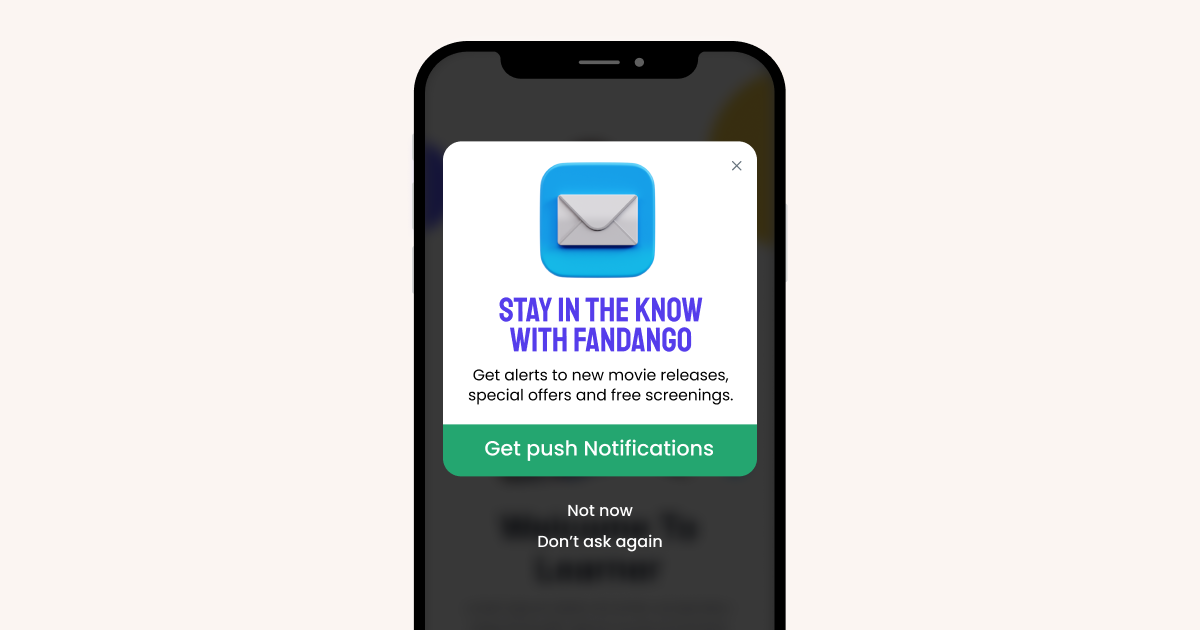
If they don’t opt-in immediately, businesses should ask again through an in-app notifications welcome message or customized screens once the user has had time to evaluate the app and determine its benefits to them.
Tip- Encourage opt-in right at the time when the user installs the app by clearly stating the benefits that he may derive from it.
3. Payment Confirmation
Medium- Mobile app notification:
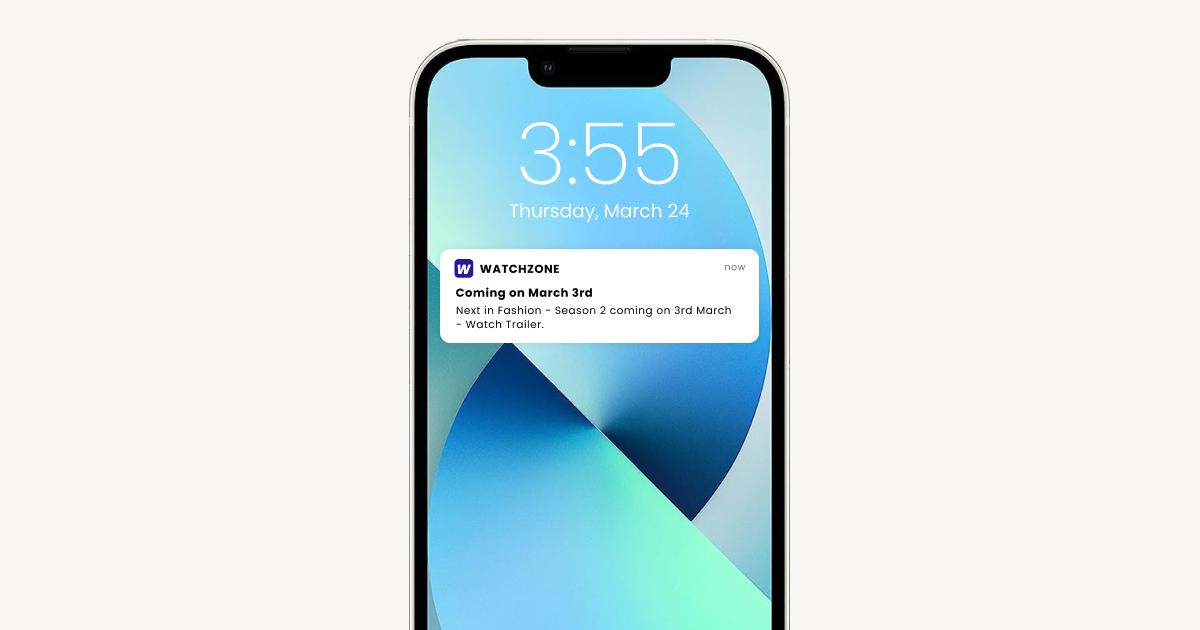
With push notification service, a customer can pay for their in-store purchase and immediately receive a push notification that their receipt has been emailed to them.
These push notification marketing strategies can be customized, allowing a brand to promote a product, offer a survey, or request feedback while the customer is still in the store and the transaction is top of mind.
In fact, Textedly reports that 98% of all text messages are read within five minutes, which increases the likelihood that the customer will see a brand’s offer while they’re still in the store.
Here’s an example of a digital receipt the mobile push notification could alert the customer to:
Tip- Avoid sending payment confirmation text messages if you are using mobile app notifications.
4. In-app purchases
Medium- In-app message
A report by eMarketer estimates that in-app purchase revenues just for mobile games will total more than $2 billion in 2016. Targeted in-app messages about purchase opportunities are the perfect way to target “whales”—users who already spend money in an app, as well as non-spenders.
While non-spenders may require more frequent incentives or greater discounts to encourage them to make an in-app purchase, “whales” have already shown, through their purchase history, that they’re likely to purchase at full price.
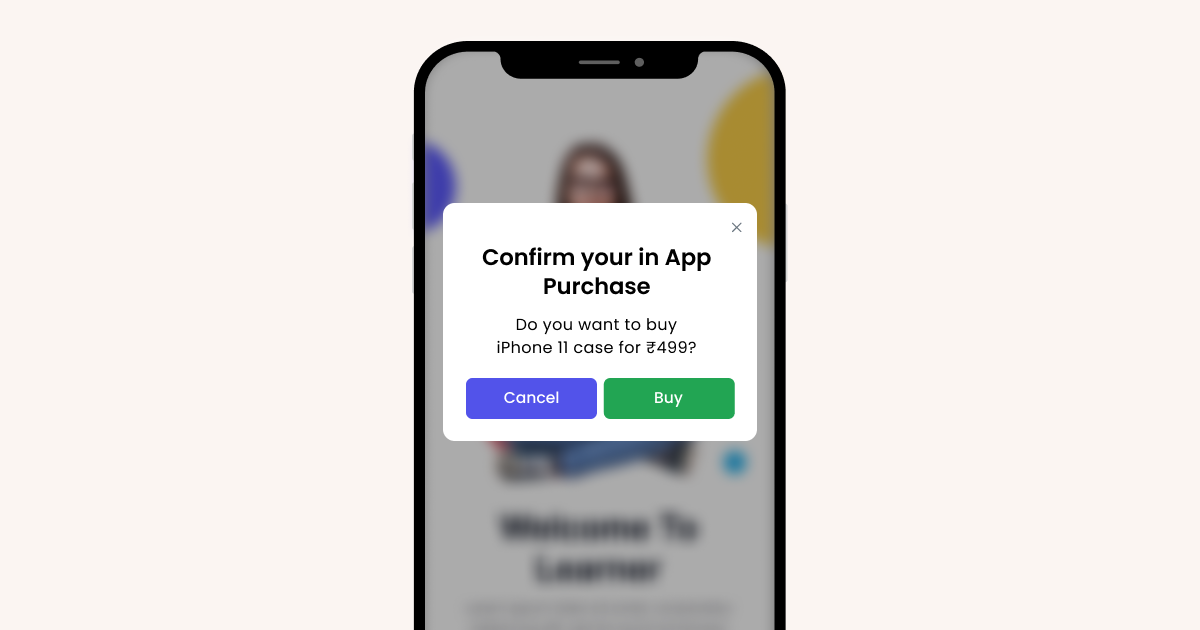
UserIQ points out that custom offers presented via in-app messages are 10 times more effective than emails alone in driving behavior. It makes sense; brands are up-selling while customers are highly engaged. This is especially true in the case of mobile games, like the one below.
Tip- Keep testing different copies and timings for the message
Bonus Read – All You Need To Know About Effective Post Purchase Engagement
5. App abandoners
Medium- Push notification
Businesses should use app notification strategy to pull in users who haven’t used the app in a while. According to Statistica.com, in 2015, 25% of apps were used only once after their installation.
But there’s good news from Aberdeen Group’s research, which found that mobile apps using precision push notification services can create a 20% increase in customer engagement. As a general rule, the more users go into a brand’s app, the more “sticky” it becomes.
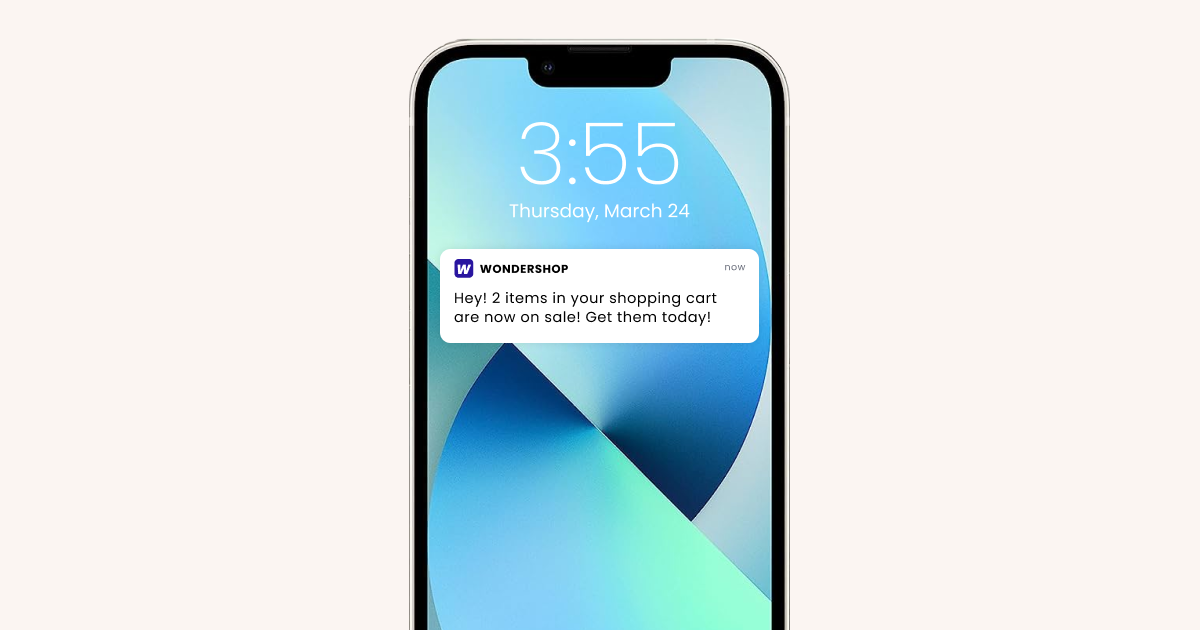
With precision push notification service, brands can woo users back with customized messaging based on a variety of factors: the number of days inactive, best re-engagement times, response to previous re-engagement attempts, and previous in-app behavior.
Here’s an example:
Tip- Be conscious of the frequency of messaging. Being pushy increases the uninstall risk. Figure out the optimal frequency by testing different workflows.
6. New app features
Medium- In-app message
To introduce new users to features of an app, in-app messaging can serve as an app’s tour guide. This is a good opportunity for a brand to guide users through a complicated process, boost excitement about your app or convert trial users to paid subscribers if the new features are only included with a subscription.
Sometimes, users just forget about a feature. Sending an in-app message to point out the feature can give users more value out of the application.
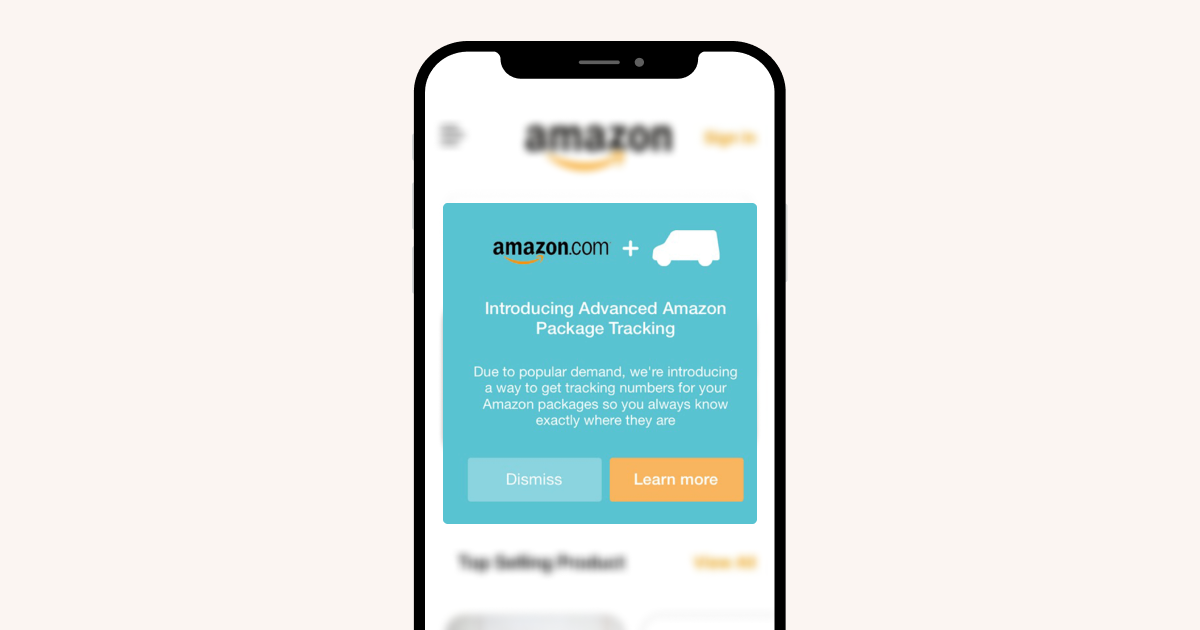
If a new feature being promoted by an in-app message isn’t garnering many click-throughs, consider using a clickable button instead. Amazon used a large clickable button in its in-app message, as seen below, to introduce the company’s new advanced package tracking feature.
Tip- Ensure that your call-to-action buttons are highly visible.
7. Time-sensitive alerts and reminders
Medium- Push notification
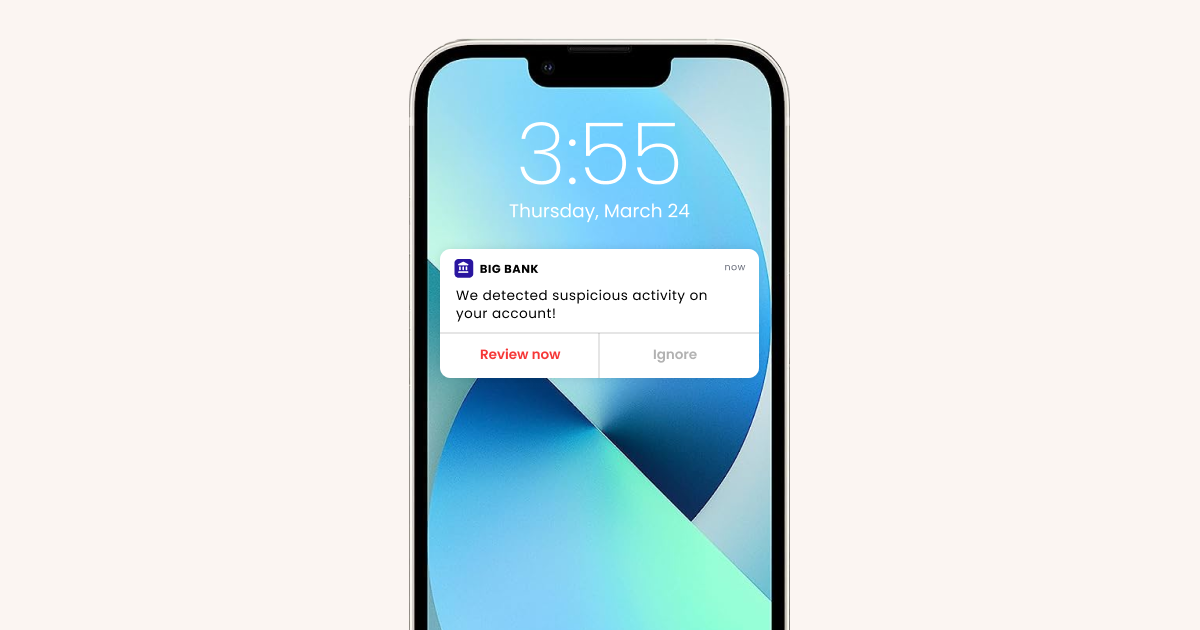
Time-sensitive alerts and reminders are best sent via push notification, as users aren’t always in the app when important news needs to be relayed. For appointment reminders, low-funds account balance warnings, and last-minute travel changes, users need to be notified via the fastest channel possible.
American Express sends mobile push notifications like the one below to its cardholders if suspicious activity is detected. With just a few taps on the phone, cardholders can either call Account Protection Services or verify charges to get them right back to using their card.
Tip- The conventional days don’t always work. Figure out an event or occasion that might be relevant to only a handful of the audience and push out an exclusive offer to them.
8. Feedback request
Medium- In-app message
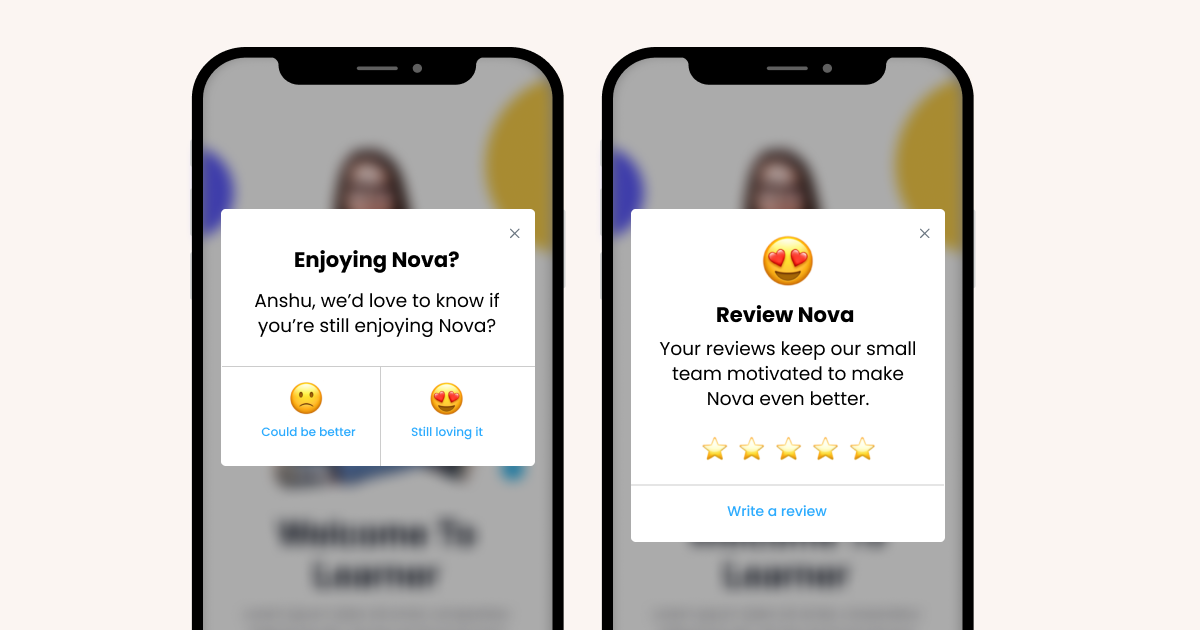
Brands share app updates via in-app messages, to make it convenient for the user to be interactive immediately. They also allow for more creativity than most push notifications, as brands can use slides, images, full-screen notifications, and movement.
In-app messages for feedback sent right after a user experiences an update or beta feature can give brands some of the highest percents of responses and the best feedback. Here’s a simple in-app request for feedback that Mercari used to determine customer satisfaction.
Tip- Take a 5 seconds test. If the user cannot complete the feedback in 5, optimize it.
9. Customer lifecycle campaigns
Medium- Push notification
Customer lifecycle campaigns—addressing customers at different points in their relationship with your products—are best communicated via mobile app notifications.
An example of a customer lifecycle might include:
Week 1: Customer “likes” a juicer on the store’s e-commerce site.
Push notification: “Click here to watch a video of our Super Juicer.”
Week 2: Customer watches a video on how the juicer works.
Push notification: “Buy the Super Juicer today and get free shipping!”
Week 3: Customer shares the video on social media.
Push notification: “Thanks for sharing our Super Juicer video. Here’s 10% off if you order today.”
Week 4: Customer comparison shops on juicer features and pricing.
Push notification: “Still thinking about our Super Juicer? We price match for 30 days after your purchase.”
Week 5: Customer buys the juicer.
Push notification: “Don’t forget to register your Super Juicer warranty!”
Week 6: Brand sends push notifications offering juicer recipes or cleaning tips.
Tip- Micro-segment your audience and test different workflows for each segment.
10. In-store beacons and flash sales
Medium- Push notification
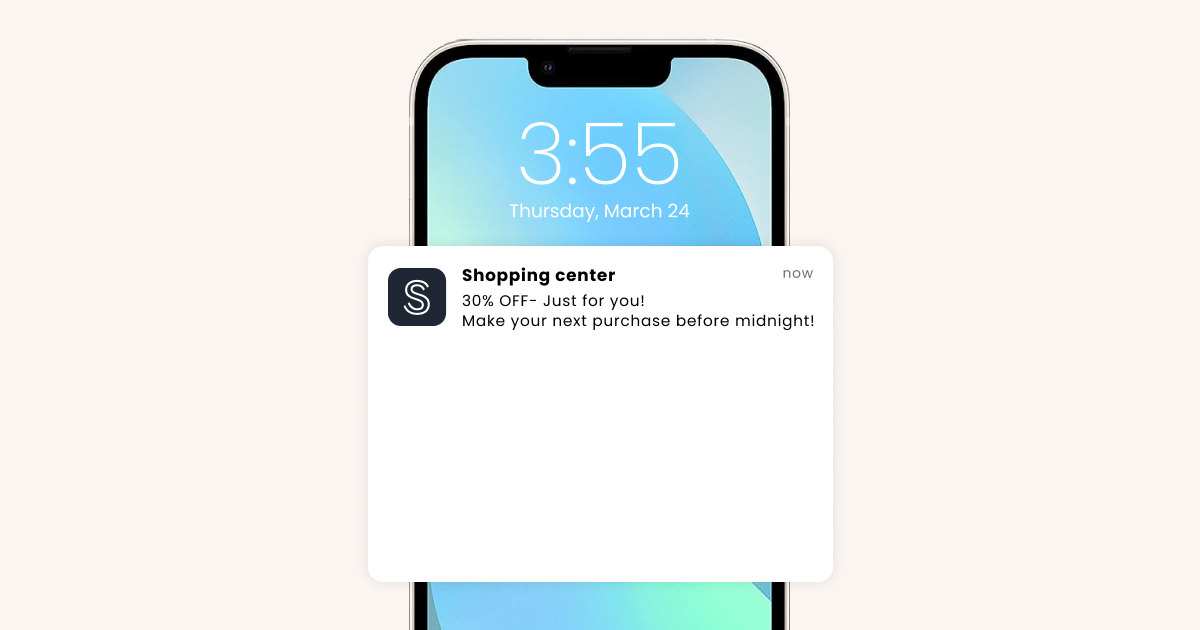
Whether a brand features in-store beacons or just wants to notify users of a short-lived flash sale, push notifications are the best choice. They get messaging to a customer when the time is of the essence.
It’s not realistic to think that customers will always be active in a brand’s app during a time-restricted sale or promotion. Charlotte Russe used Push notifications to alert customers of its “Happy Hour” flash sale. Although the one-day sale was available online and in stores all day, the $25 “Boots & Booties” special was only in stores from 3 p.m. until 6 p.m.
Tip- Don’t go overboard with this one. Take care of the target audience’s timings. They sleep too just like you.
Drive better engagement and results with WebEngage’s advanced mobile push notifications
Wrap up
So, push notification or in-app notification?
The answer isn’t a simple one-size-fits-all. It’s a strategic balance between reaching your audience wherever they are and delivering the right messages.
Both push notifications and in-app notifications are important means of communication for businesses. Research shows that 6.94 billion people worldwide own a smartphone today, which means businesses must embrace mobile marketing methods to ensure a continued connection between brands and consumers.
However, customer engagement isn’t about choosing between push notifications and in-app messages. It’s about crafting personalized communication that resonates with each user. And that’s where WebEngage steps in.
From delivering engaging, targeted communication strategies to creating a data-driven approach to enhance user engagement, WebEngage ensures your messages are both impactful and resonate with your audience.
Book a demo today to see how WebEngage can transform your customer engagement approach with its innovative tools.