We have made a bunch of additions to WebEngage in December 2018 and January 2019. Here’s a consolidated list below:
Live Stats
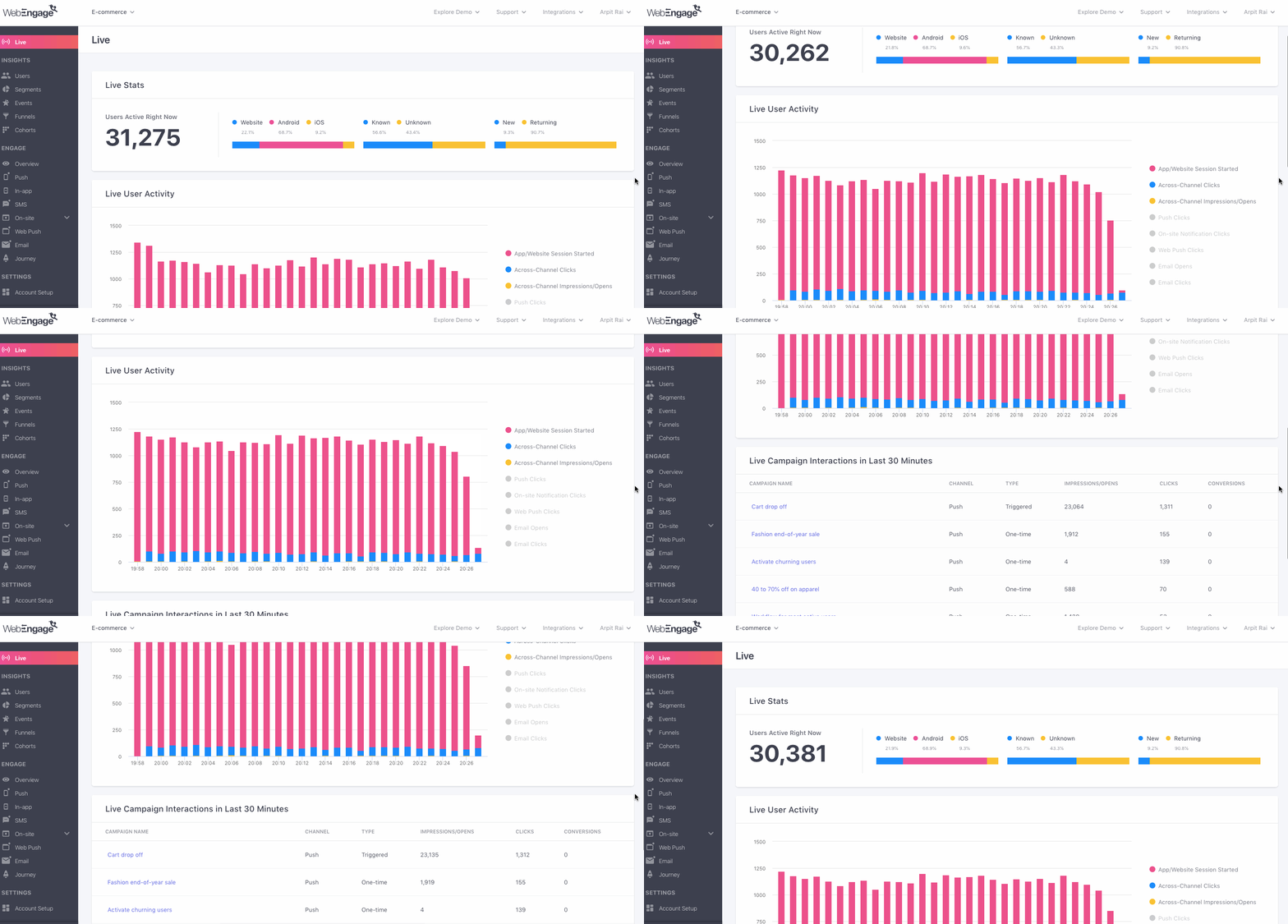
You can now see live statistics on WebEngage of how your users are engaging with your campaigns and your app/website. Live Stats also shows engagement trends (clicks, conversions etc.) for campaigns across channels and how active sessions are changing over the last 30 minutes at any point in time. Lastly, it will also show a list of top 10 campaigns with the most activity over the last 30 minutes. More details in our blog post here.
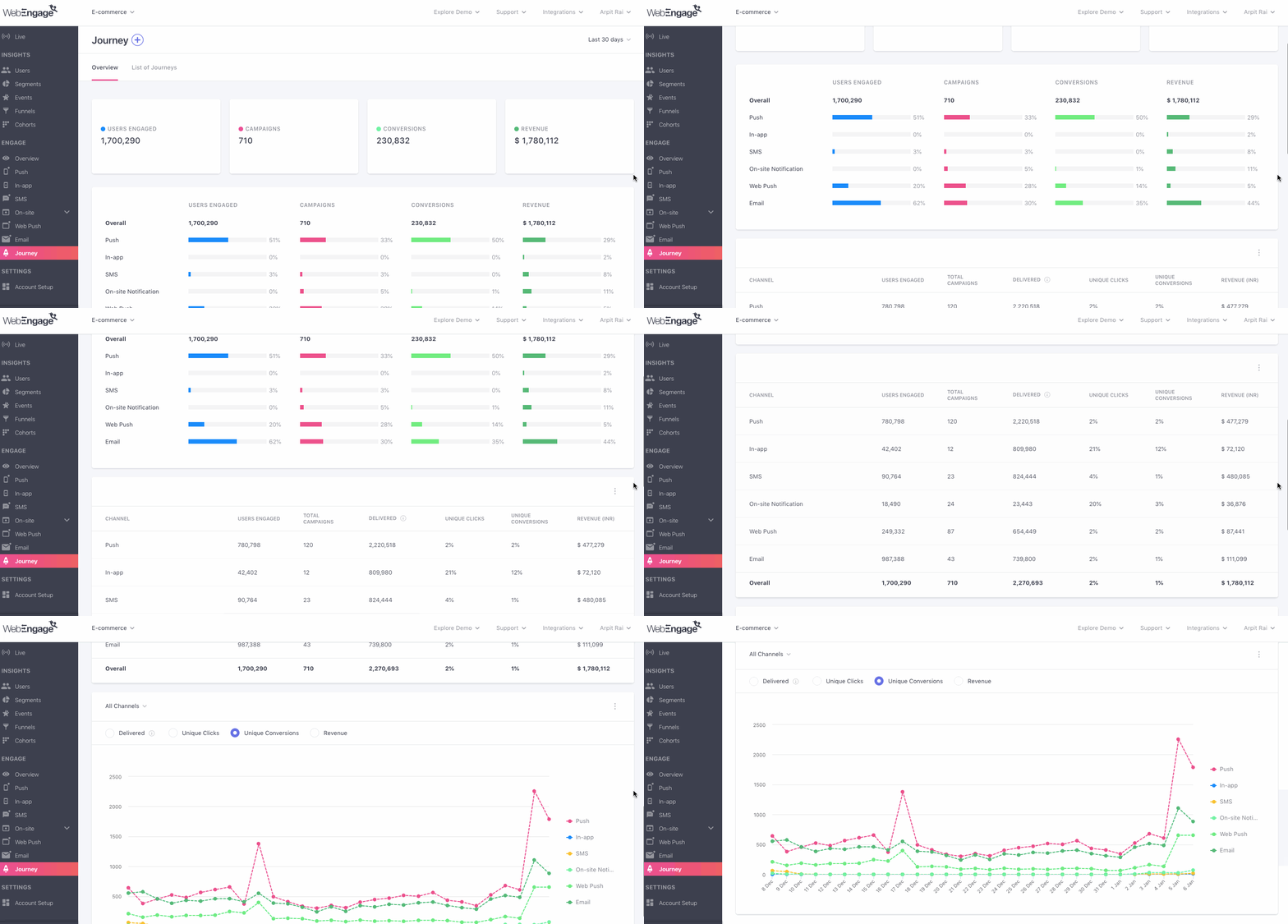
Enriched Journey Reports
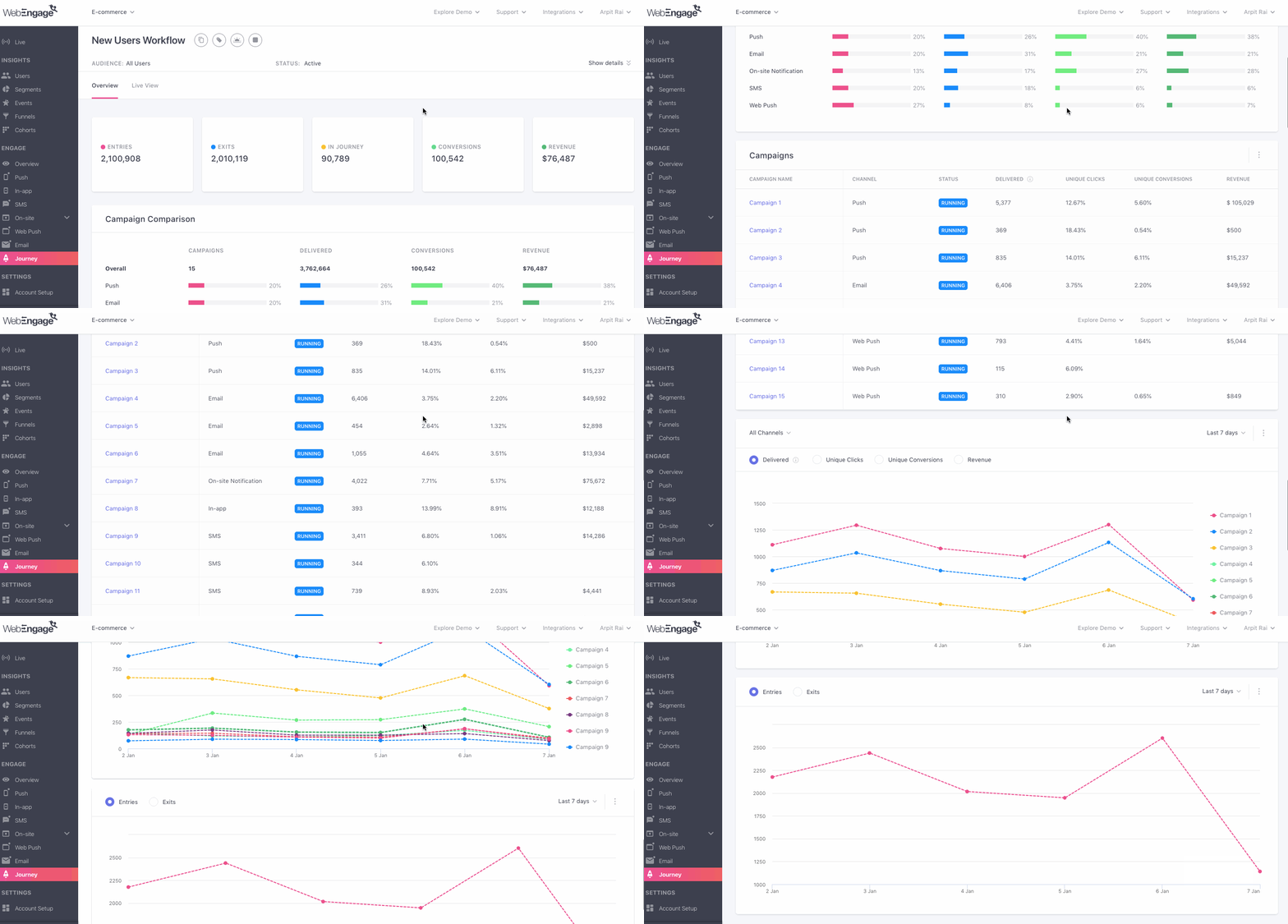
Journey reports for each journey will now show results on two tabs. More details in our blog post here.
- The Overview section shows summary of a few key metrics including detailed metrics for each of the campaigns in the journey, channel wise comparison of the various channels used for campaigns in the journey etc.
- The Live View section shows the usual live statistics of users entering/exiting each of the blocks.
Channel Usage Comparison of All Journeys
With this feature, you will now be able to compare usage of all the channels of engagement across all journeys. You can see this in a tab called Overview next to List of Journeys. More details in our blog post here.
Custom Domain in SMS Campaigns
If your SMS message contained a URL, WebEngage would change the URL with its own URL in order to shorten the URL and also track clicks and other metrics. Therefore a URL such as https://www.abctravels.com/
Custom Push Layouts on Android
You can now change the appearance of your push notifications on Android devices. This requires changes to your SDK. Once the changes are done, you can modify the appearance of push notifications in many ways. eg. You could specify that Banner Push Notifications on Android devices should show 3 lines and then the image (WebEngage’s default view shows only 1 line on Android devices for Banner layout) and also in the first line, the first word should be bold and red in color. More details in our docs here.
Custom Attributes in Funnels & Cohorts
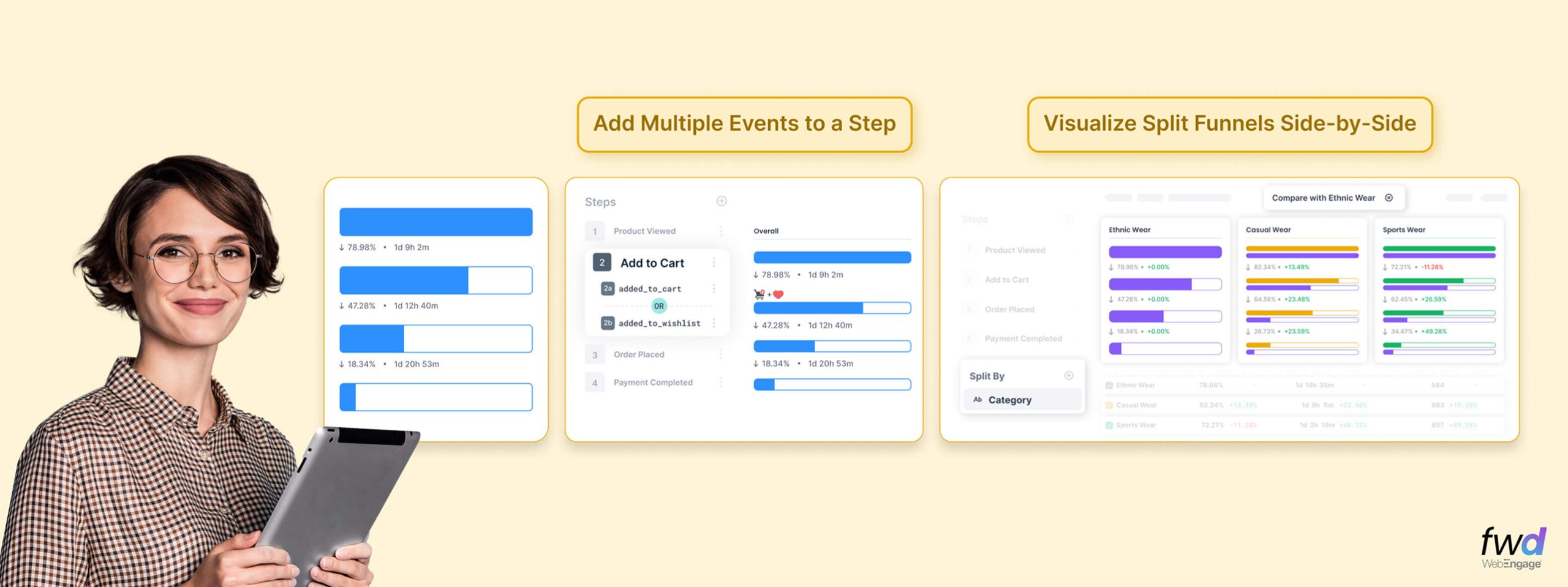
You can now analyze Funnels and Cohorts based on custom attributes of the first event. Eg. You could analyze a funnel that consists of Add to Cart > Go to Checkout > Complete Checkout by Item Category (a custom attribute of the first event Add to Cart). On analyzing this by category, you would see the funnel breakup for items like T-shirts, Trousers, Shoes etc.
Reachability in Segment Creation Criteria
You can now create a segment of users reachable/not reachable on certain channels. Eg. if you want to send web push to only a segment of users who are not reachable on mobile push, you can now do so.
Dynamic Attachments in Email
You can now send personalized attachments specific to each user in email campaigns. To do so, please specify a URL with personalization tokens in the Attachment field in email campaigns. If the attachment is found at the URL, then the email will be sent with the attachment. But if the attachment is not found for some user, then the email to that user will not be sent and you will see a failure reason Invalid Attachment URL under Campaign > Overview or Campaign > List of Users.
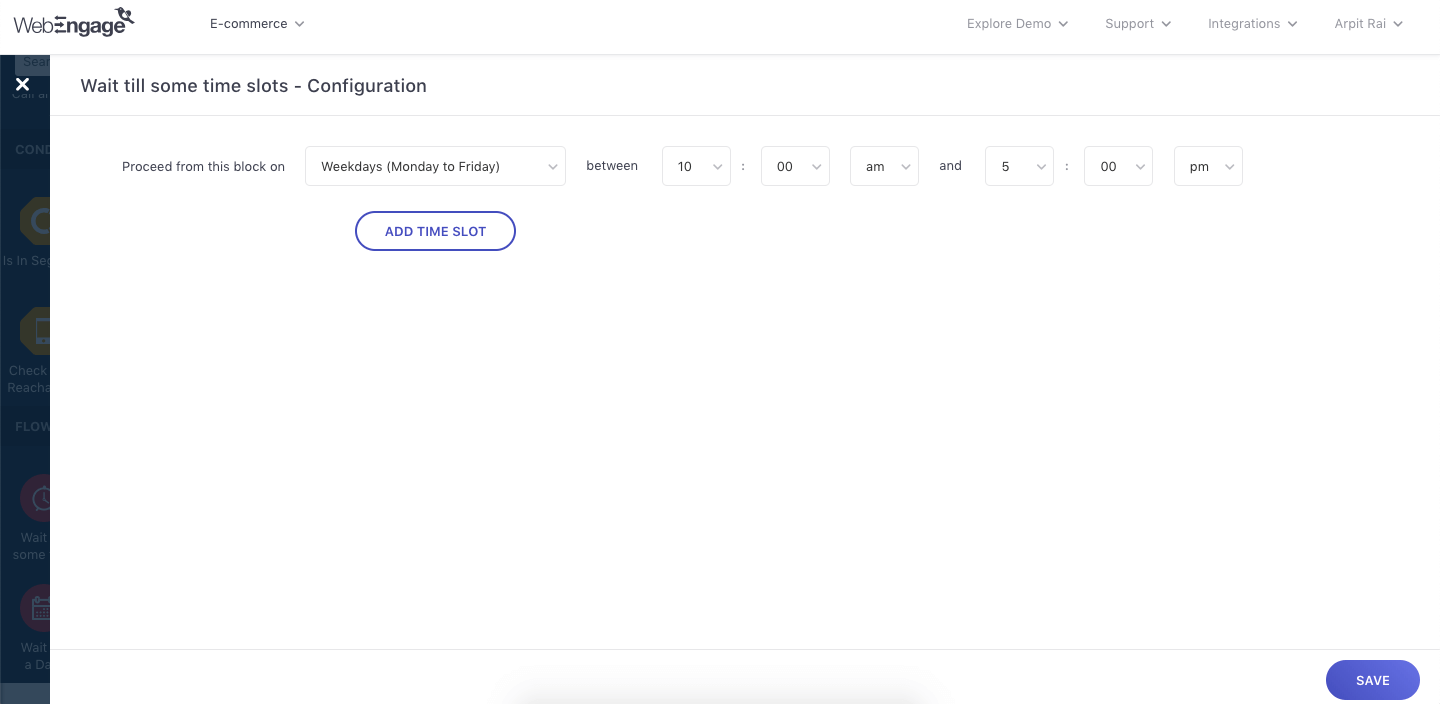
New Flow Control Block in Journeys: Wait Till Some Time Slots
The new flow control block Wait Till Some Time Slots enables you to wait till certain time slots on certain days in a journey before proceeding eg. Wait till Monday 12pm and only then allow users to proceed from this block. More details in our blog post here.
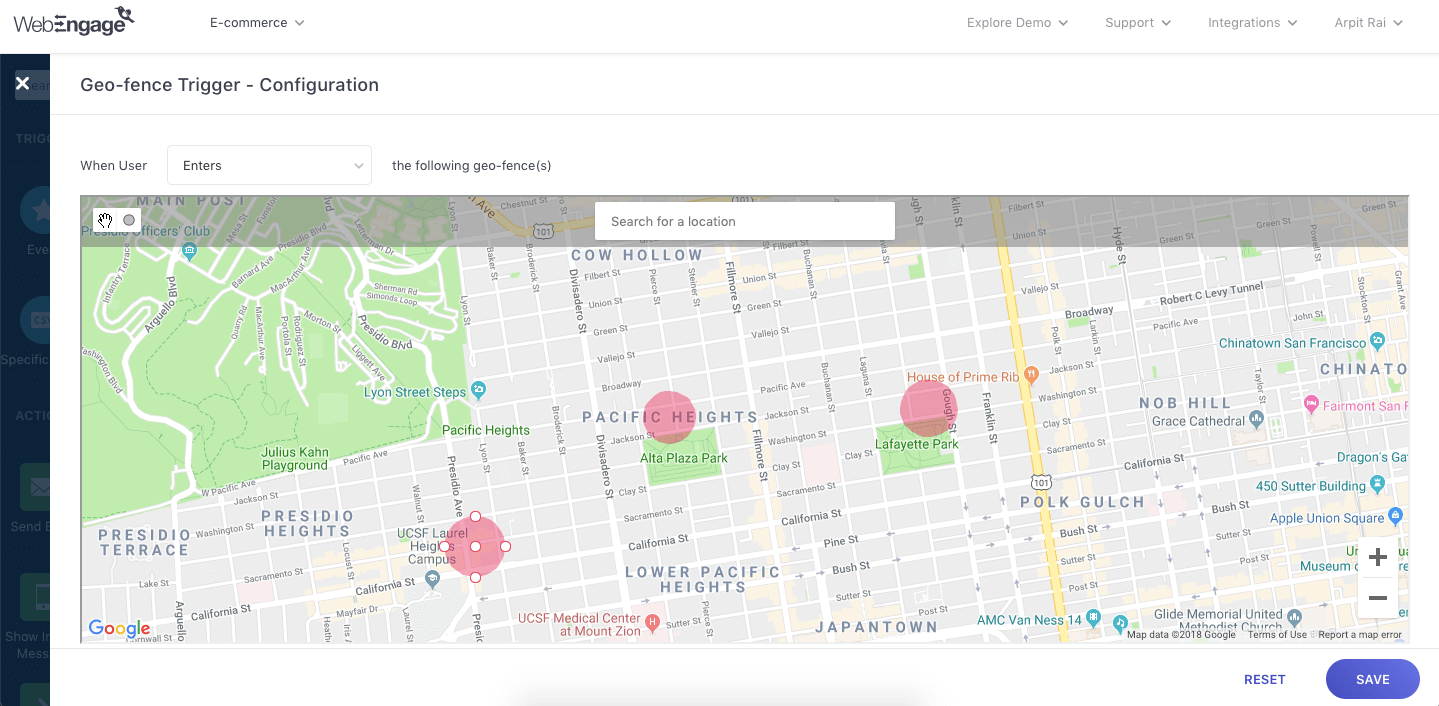
New Trigger Block in Journeys: Geo-fence Trigger
You can now create journeys that will get triggered when users enter/exit a geo-fence. This enables you to engage your users in real-time based on their movement. Eg. Trigger a journey when users enter an area that’s close to your offline store that will smartly engage users and drive them to visit your store. More details in our blog post here.