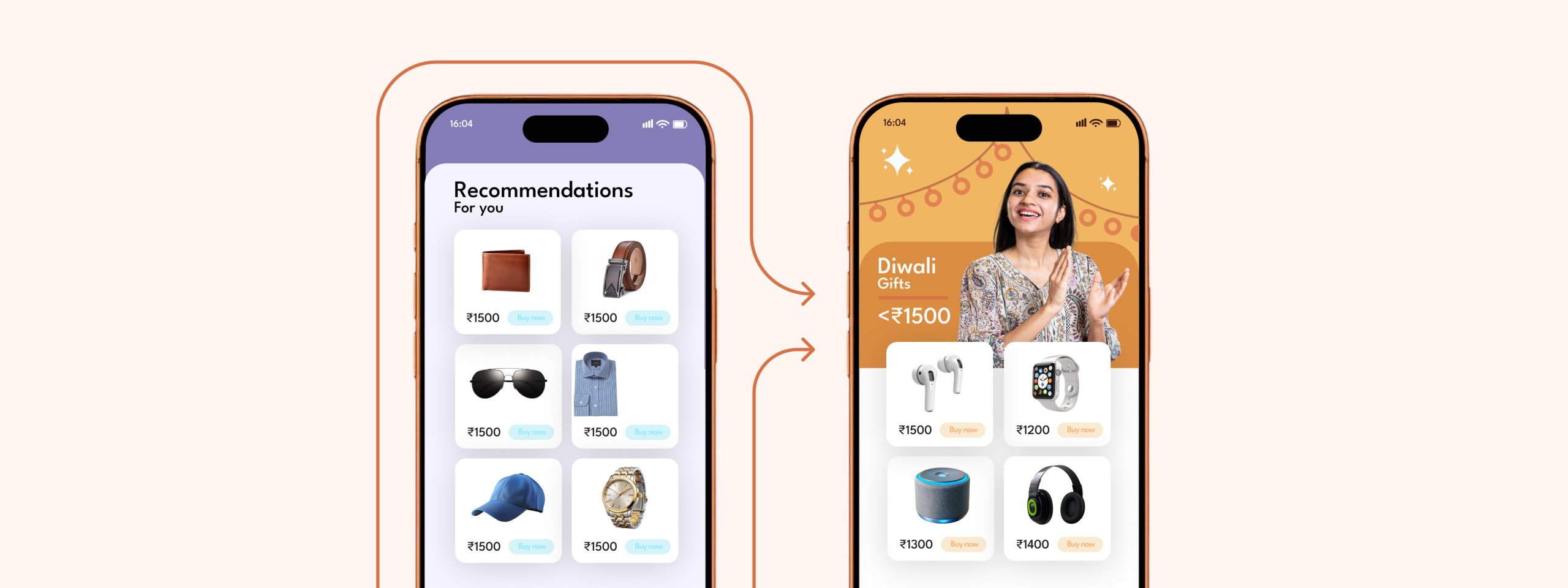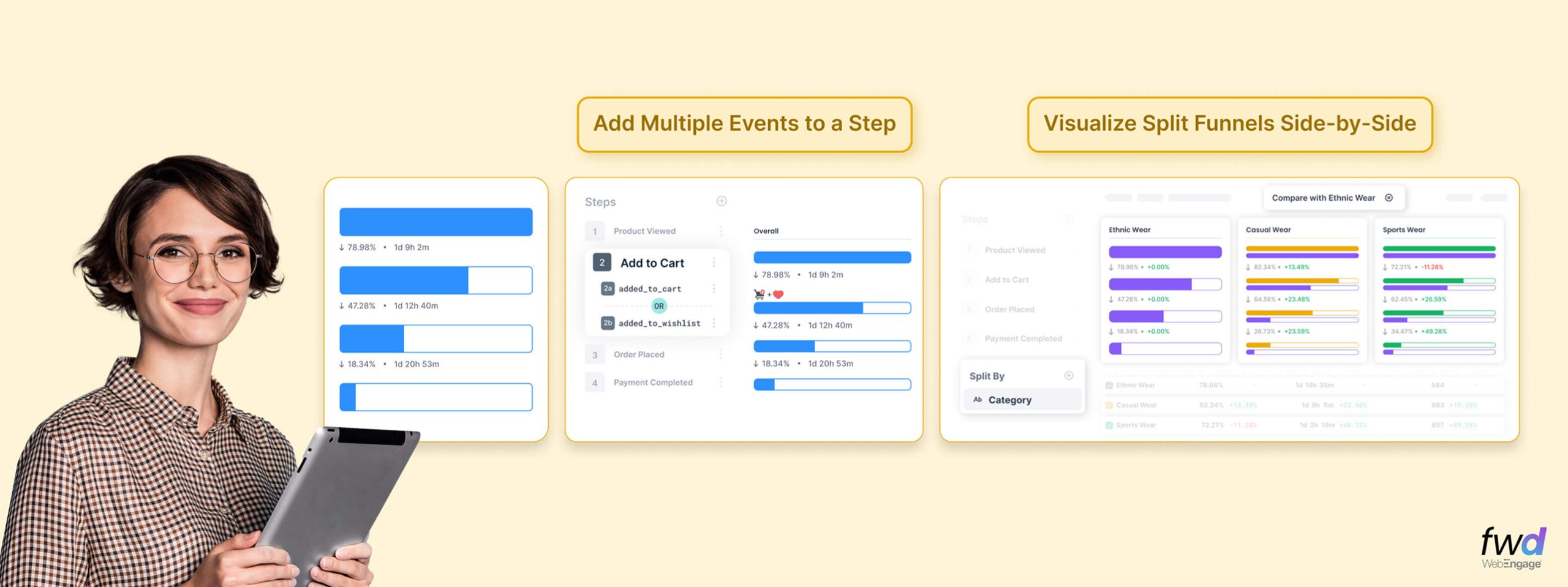

Push notifications offer a way to re-engage your audience and drive users back to your app. It is a convenient channel as users spend, on average, 4.2 hours a day on their mobile devices. But have you ever wondered if there are ways to make your push notification strategy better?
At this point, if you’re wondering where is the need to enhance your push notifications strategy, consider this — The open rate of text-only push notifications is at a mere 8%. And that’s if you’re lucky. The days of a simple alert in the form of a tiny icon have long since passed. Therefore, necessitating a change in your push notification strategy.
[bctt tweet=”An effective push strategy can boost your app’s user retention, while poorly planned push notification tactics can turn customers away.” via=”no”]
We have identified 5 methods that will transform your Push notification strategy:
1. Enrich Push notifications with rich text and media
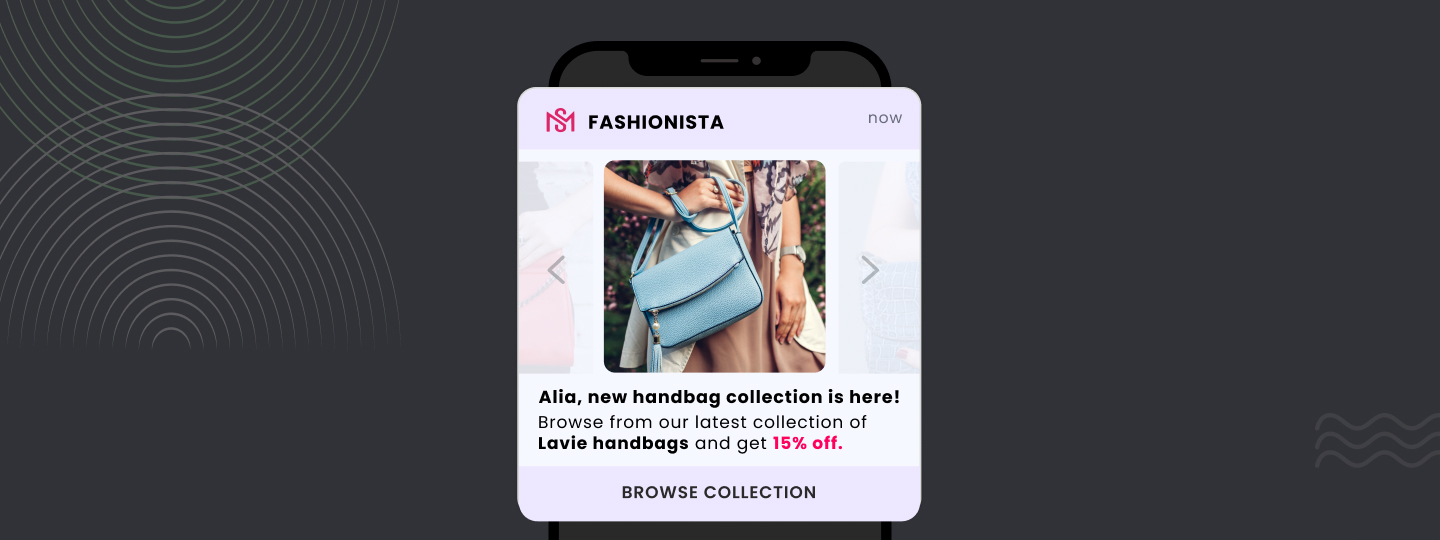
Leveraging rich media can help you send a more visually appealing notification. Moreover, you can use rich media such as images, carousels, ratings, and more to send relevant information. For example, an E-Commerce brand could use images to display products abandoned in a cart and nudge users toward a purchase.
And that’s not all…
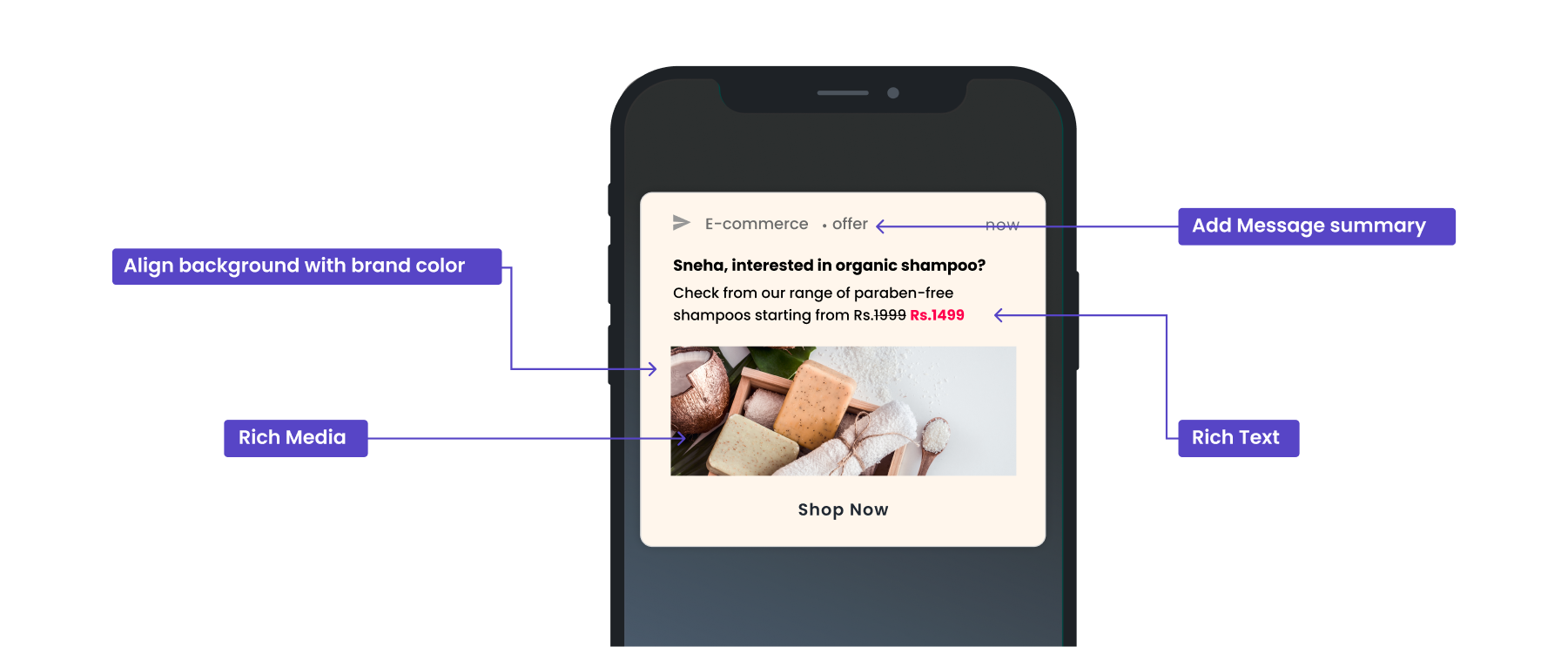
We have added a rich text editor that will allow you to style your text (bold, italicize, underline) and change the font color. You can leverage a rich text editor to highlight parts of your message, as shown in the screenshot below.
Additionally, there are two new text fields that allow you to add more content to your push notification campaigns.
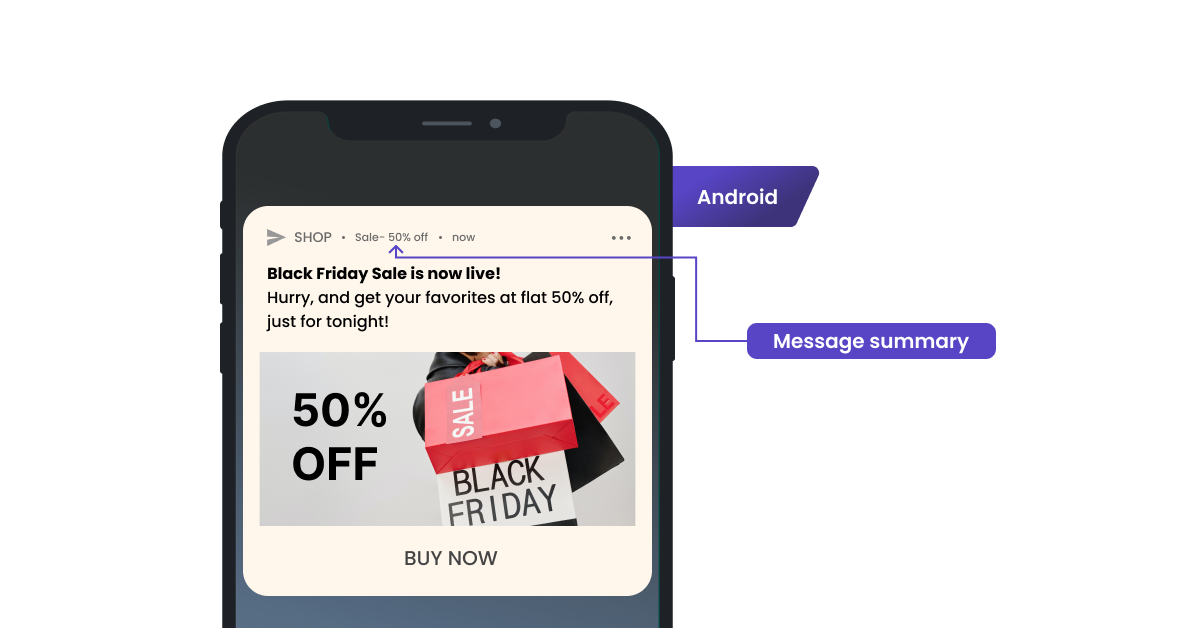
‘Message summary’ for Android: Let’s you add a message summary for Android devices. When a notification is in the inbox with other notifications, rich media such as images are not displayed unless expanded. A message summary can be helpful in conveying additional information that otherwise could be missed. The screenshot below shows where the message summary appears.
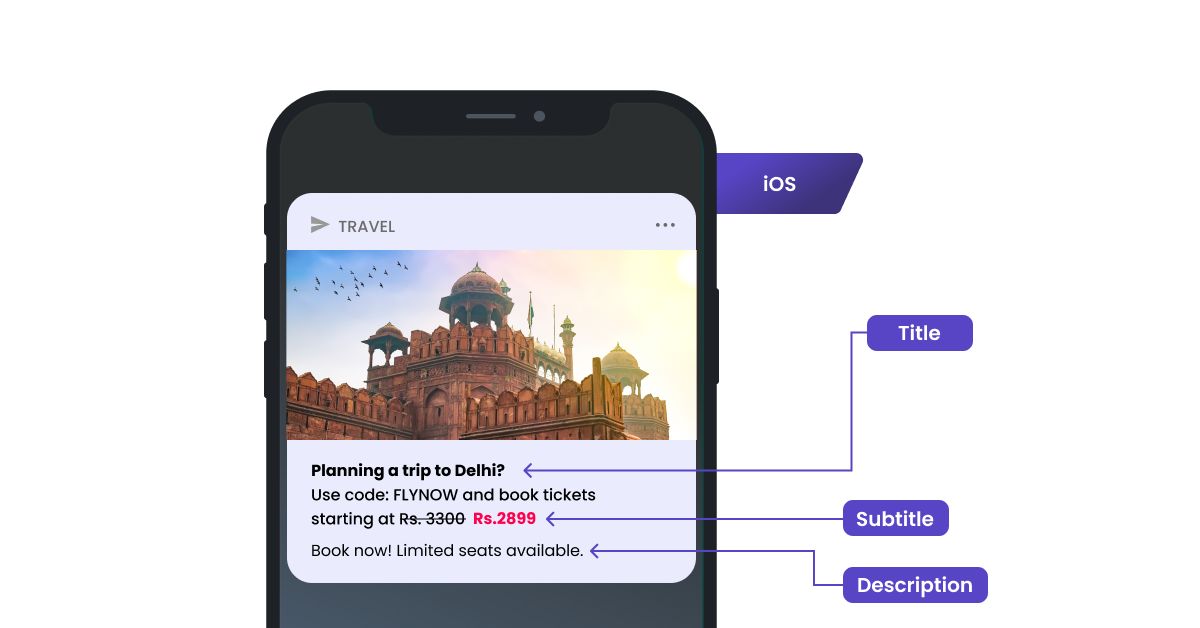
‘Subtitle’ for iOS: Let’s you add a subtitle for iOS devices. The screenshot below shows where the subtitle appears in your message. Subtitles offer additional context in cases where the title alone isn’t clear. In our example below, we have piqued user interest by identifying intention and have used subtitle to offer a discount code to the user.
2. Align notification appearance with your brand strategy
If you ever come across a picture of a little girl twirling around in a white frock, the familiar jingle ‘washing powder Nirma’ instantly comes to mind. This is the power of building brand awareness and recall.
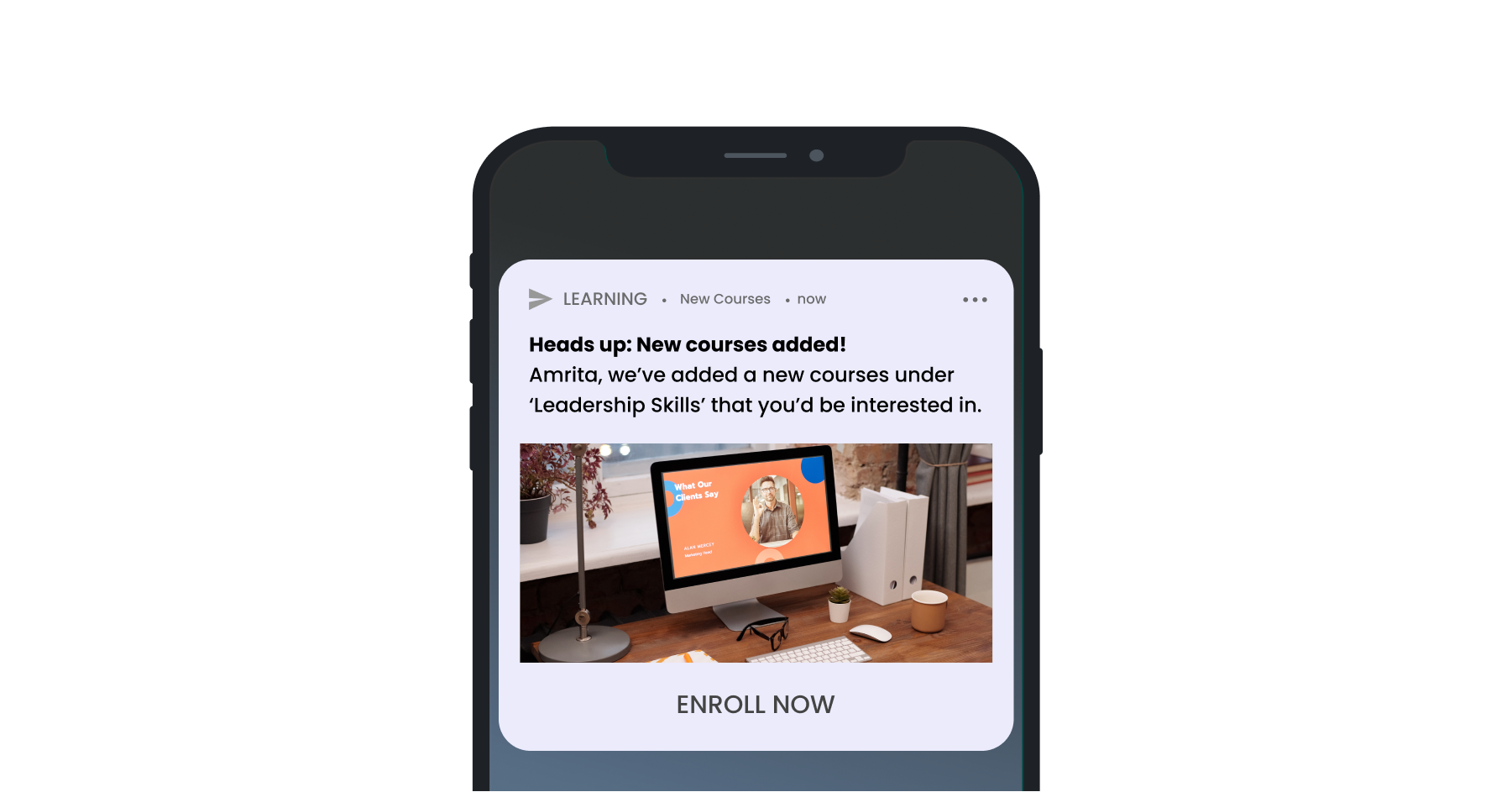
Advancing a step in that direction, you can now introduce a background color to your push notifications. Leverage background colors to align your messages with your app layout and build brand recognition. And that’s not all. With a no-code mechanism, it’s easy to understand, implement and execute. 0 hassles, and 100% success.
3. Make crucial information stick, avoid oversight
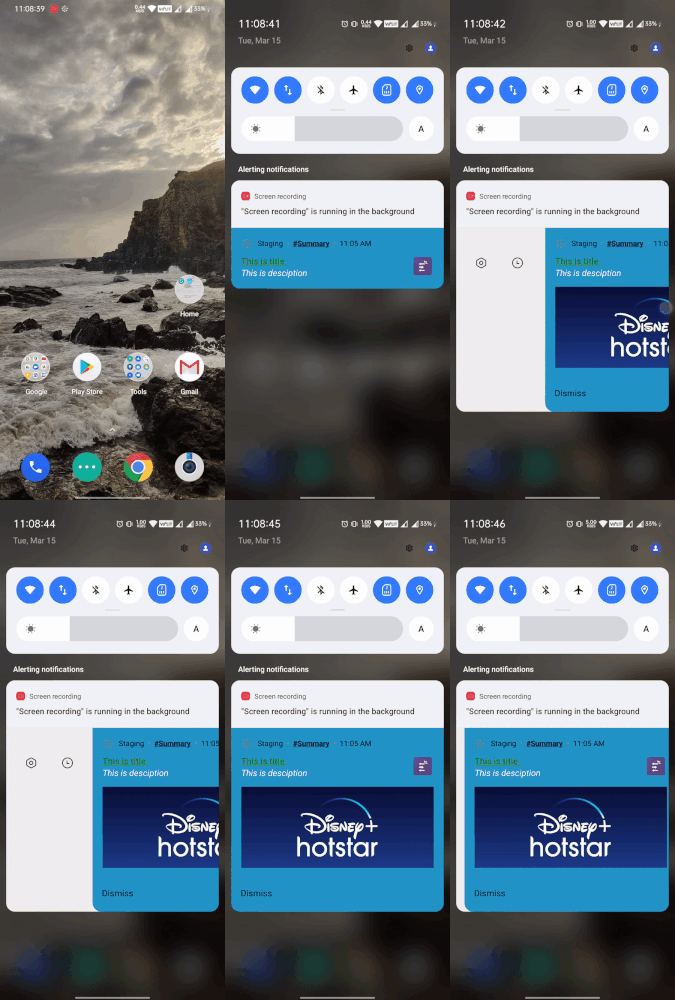
Most brands have the tendency to over-message crucial information to users so as to avoid oversight. You can now use sticky push notifications instead i.e. the user will not be able to swipe and dismiss the push notification and will have to take action to dismiss the notification.
You can communicate important information such as flight delays/ rescheduling, EMI reminders, and so on. However, be cautious of the frequency of such notifications to avoid user interruptions.
You can access this feature under Advance Options (Android).
4. Don’t ‘push’ your users into opting out
Let’s be honest. None of us would like it if we got notifications at 2 am. Then why would your audience? The WebEngage dashboard lets you set DND and frequency capping to avoid over-messaging the users. You can also select the notifications to be delivered as per the user’s time zone.
Refer to our knowledge base for more details.
5. Serve users with exactly what they need
The trick to getting users to engage with your push notifications is to communicate exactly what they need. While segmentation can help you drill down and bucket users with similar actions, such as cart abandoned or product wishlisted. Personalization is how you can zero in on specific user information. According to the Forrester report, 77% have chosen, recommended, or paid more for a brand that provides a personalized service or experience.
Incorporating personalization in the WebEngage dashboard is easy, just look for the human icon () in your text editor and select from User attributes and Custom events, as per your requirement.
Bonus Tip: Your message can make it or break it.
It is difficult to pinpoint factors that contribute to the success of your push notifications. Therefore, as a best practice, it is beneficial to continuously test different variations of your message and experiment with different message strategies. You can set different versions of your push notification message, allocate variation distribution, and also auto-select winning variation.
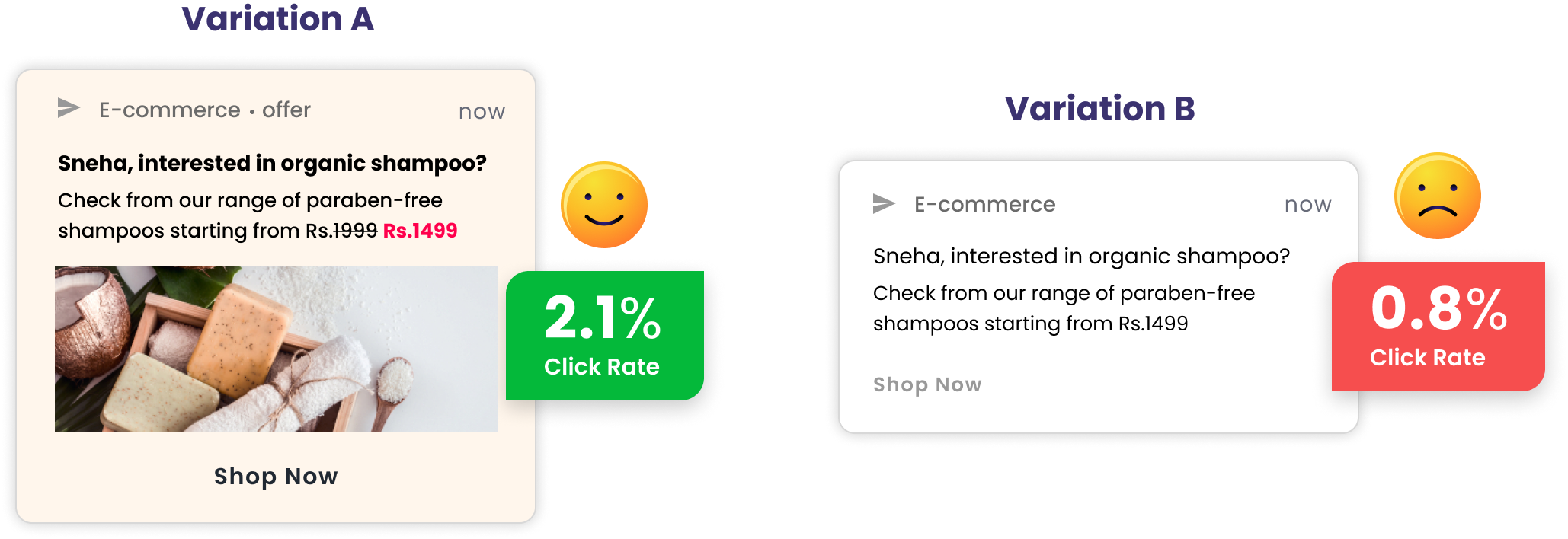
We hope this was helpful. We encourage you to experiment with various permutations & combinations to find a push notification strategy. that helps you get maximum engagement.
Please note: To achieve the above capabilities, update Android SDK to v3.20.0 and iOS Service and Content Extension v1.0.0. To update the iOS extension, follow this documentation. Android clients who have been creating their own custom notifications (using key-value pairs) will have to follow this documentation while updating their app.