
Home Channels Whatsapp

WhatsApp.

Connect your WhatsApp Business Account to WebEngage and engage users with personalized, template-based messages across campaigns and journeys.

Volume / mon

1.8B

Delivery rate

98.4%

Read rate

88%
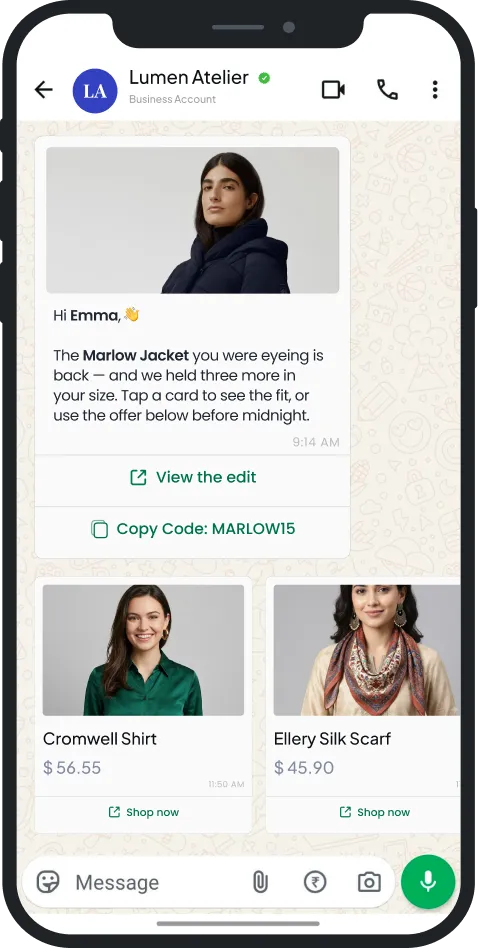
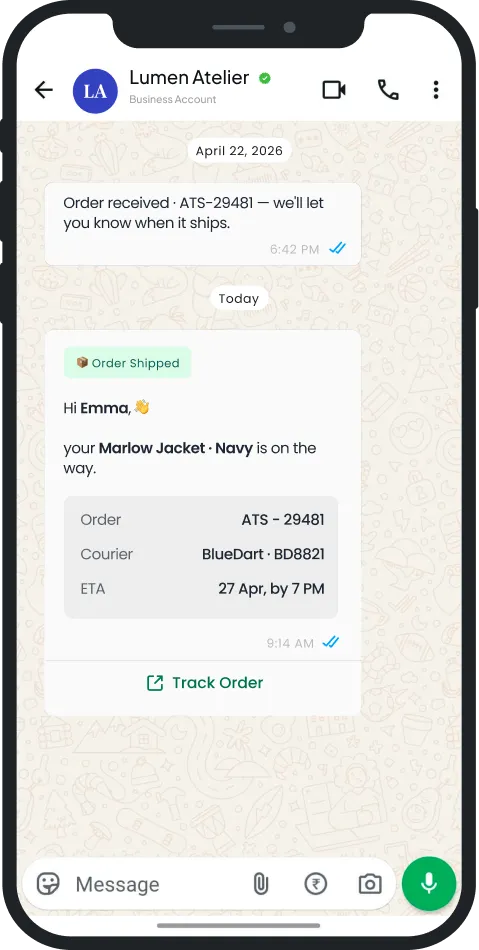
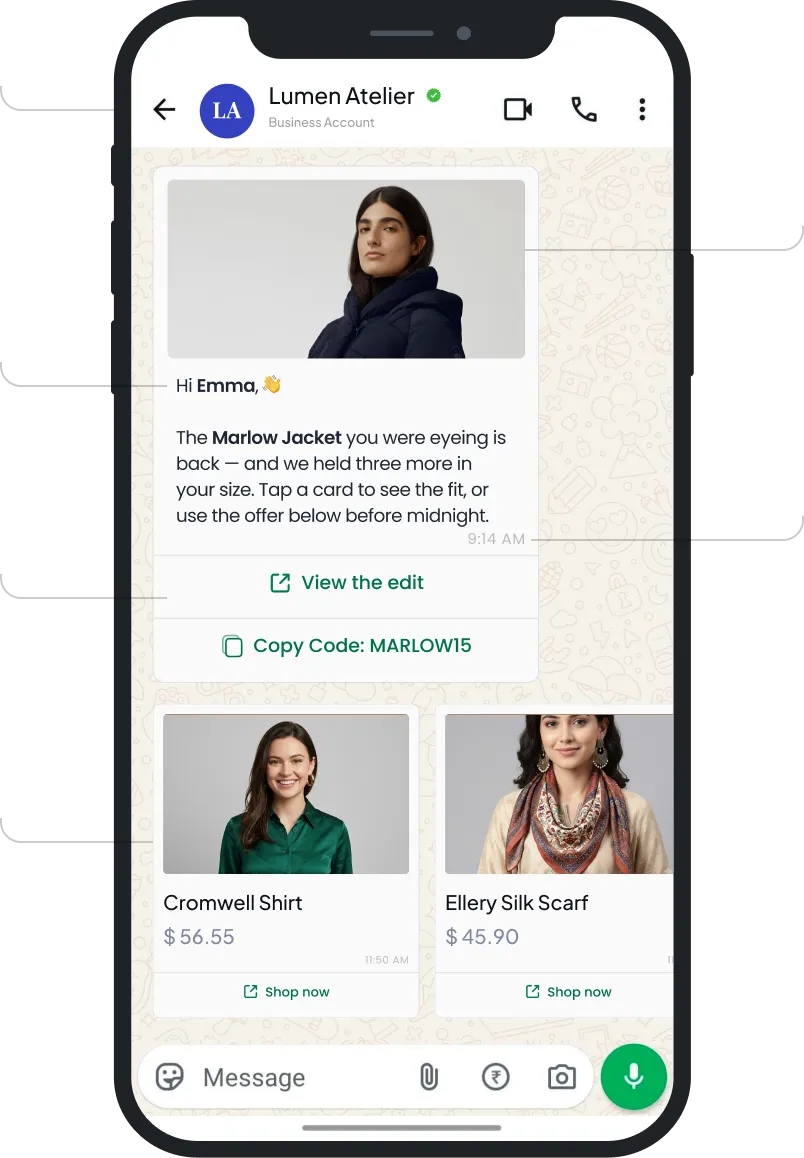
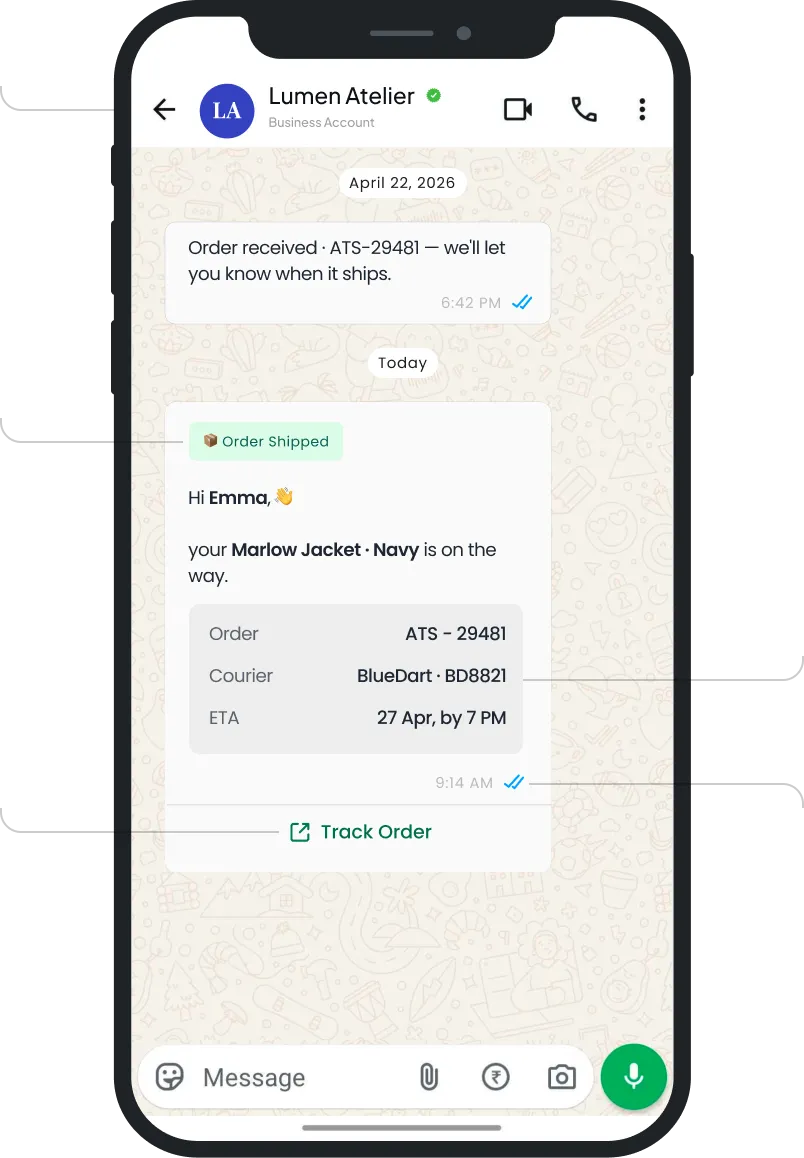
Two templates, dissected.​

Switch the artifact, explore the pins.

Tap any pin to open

Two templates, dissected.

Tap any pin to open

Tap any pin to open

Built for WhatsApp. Backed by the platform

Create WhatsApp carousel campaigns with multiple swipeable cards. Add a title, description, and image to each, along with multiple CTAs and quick reply buttons like Book Now or Get Itinerary.

Measure overall click performance of your Whatsapp campaign. Track total and unique clicks on your link to understand how recipients engage with your message.

Personalize where each recipient lands using dynamic URLs. Insert user attributes into the link so the same CTA routes every user to a destination matched to their data.

Create WhatsApp message templates directly within the platform. Submit them to Meta for approval through your BSP and track approval status, all without leaving your dashboard.

Boost your WhatsApp delivery rates with retry logic that re-attempts failed or undelivered messages. More of your audience gets reached, lifting overall delivery compared to sending without boost.

Personalize WhatsApp messages with dynamic fields like name, order ID, and status. Insert placeholders into your template and each recipient sees content tailored to their own data.

Auto-append UTM parameters to campaign links. Set source, medium, and campaign values, and every link is tagged for accurate attribution in your analytics.

Set Do Not Disturb time slots to avoid messaging users during odd hours. Messages are held during DND and delivered once the window ends.

Built for WhatsApp. Backed by the platform.

WhatsApp Features

Native to this channel

Carousels, Multiple CTA, Quick Replies

Create WhatsApp carousel campaigns with multiple swipeable cards. Add a title, description, and image to each, along with multiple CTAs and quick reply buttons like Book Now or Get Itinerary.

Measure overall click performance of your Whatsapp campaign. Track total and unique clicks on your link to understand how recipients engage with your message.

Personalize where each recipient lands using dynamic URLs. Insert user attributes into the link so the same CTA routes every user to a destination matched to their data.
Create WhatsApp message templates directly within the platform. Submit them to Meta for approval through your BSP and track approval status, all without leaving your dashboard.

Boost your WhatsApp delivery rates with retry logic that re-attempts failed or undelivered messages. More of your audience gets reached, lifting overall delivery compared to sending without boost.

Platform Features

Available everywhere relevant to Mobile too

Dynamic Personalization
Personalize WhatsApp messages with dynamic fields like name, order ID, and status. Insert placeholders into your template and each recipient sees content tailored to their own data.
Auto-append UTM parameters to campaign links. Set source, medium, and campaign values, and every link is tagged for accurate attribution in your analytics.

Set Do Not Disturb time slots to avoid messaging users during odd hours. Messages are held during DND and delivered once the window ends.

What's new for Whatsapp teams.
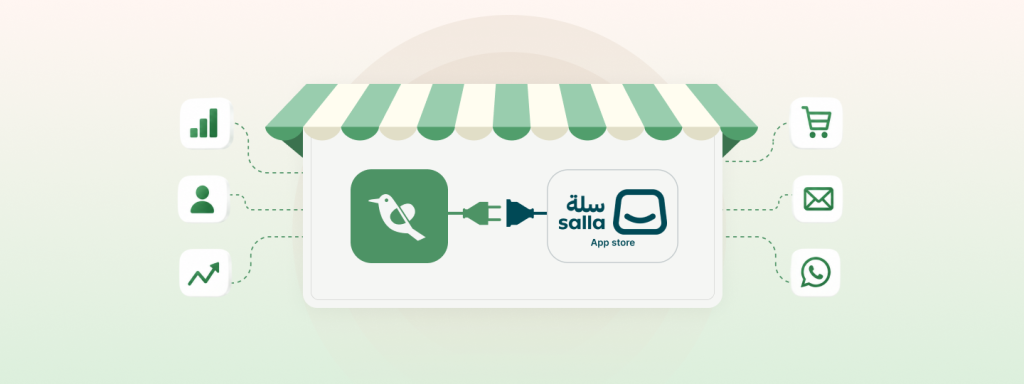
WebEngage Is Now Salla Platform Native – Asia’s #1 CEP Joins Hands With GCC’s Largest E-commerce Platform

Salla is one of the largest commerce platforms in the GCC region, built specifically for merchants in the Middle East…

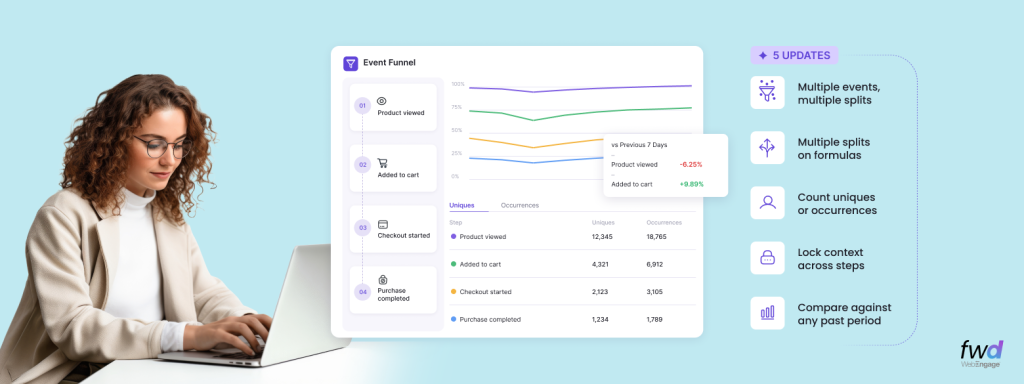
Analytics Digest – Introducing Multi-splits in Event Analytics, Choose Between Uniques/Occurrences In Funnels, Hold Property Constant In Funnels & Compare Funnels Across Time Periods

WebEngage is rapidly becoming the de-facto Analytics toolkit for its customers across product and growth teams. As our usage grows…
See the anatomy of the other six.

The WebEngage channel atlas

See the anatomy of the other six.

The WebEngage channel atlas

Web.

Email.

Mobile.

Ads.

SMS.

RCS.

View all channels

FAQs

You bring your own WhatsApp Service Provider. WebEngage integrates with WSPs including Infobip, Gupshup, Kaleyra, and ValueFirst, and you select yours during setup, so you keep your existing provider relationship and its conversation billing. See docs
Yes, WebEngage supports centralied template maangement within WebEngage dashboard. such that no need to switch between SP and WebEngage dashboards.
Yes. Phone numbers can be migrated from one WSP to another and your WhatsApp Business Account carries over. Note that once a business account is approved the attached phone number cannot be changed, so plan the number you migrate carefully. See docs
Approved templates do not auto-port across providers. You recreate the content in WebEngage and resubmit it for approval, though your WABA and number itself can migrate. WebEngage lets you either add templates already whitelisted on your WSP or create and submit new templates for approval from within WebEngage, currently for Infobip. See docs
Templates carry statuses of Approved, In-Review, Rejected, Paused, and Disabled inside WebEngage, and only approved templates can be used in campaigns. This lets you monitor resubmissions during migration. See docs
Yes. WebEngage supports template types including text, image, video, document, location, and carousel, with up to 10 buttons total, and carousels of 2 to 10 cards. Carousel support is currently available for Infobip. See docs
Yes. WhatsApp is a two-way channel in WebEngage. Users can reply to your campaigns and initiate a chat through the Customer Service Window. See docs
WebEngage gives you two paths: add templates already approved on your WhatsApp Service Provider (WSP) dashboard by entering the template details, or build templates natively inside WebEngage and submit them for Meta approval without leaving the platform. See docs
Yes. Boosted WhatsApp Deliveries works to land more of your messages, lifting the delivery rate on the campaigns you already run. You can reach out to us to switch it on and it applies to your sends automatically, with no change to how you build campaigns and no template rebuilds. Your users' experience stays exactly the same, they simply receive more of what you send.

Stop shouting at every
user the same way.

platform

Platform

ZeroPII

No personal data stored.

AI-Powered

Atlas

AI-powered customer engagement suite.

Capabilities

CDPx

Your schema, your engagement rules

Analytics

Deeper analytics, sharper decisions

Segmentation

Precise user segmentation, simplified

Automation

Automate workflows, orchestrate growth

Personalization

Smarter web and app personalization

Recommendations

Context-aware recommendations that sell

channels

Mobile

Web

Email

Whatsapp

Digital Advertising

SMS

RCS

Solutions

Travel & Hospitality

Healthcare

Automotive

Insurance

E-commerce and Retail

Resources

Product Releases

Ebooks

Blogs

Newsroom

Webinars

EngageMint

Impact Stories

Glossary

FEATURED

Introducing Entity Relationship Visualizer – Manage Relationships Between Your CDPx Data Objects In A Visual Interface

Slice Deeper: Multi-Dimensional Metrics and Smarter Funnels​

Products

Platform

ZeroPIITM, AtlasTM

Capabilities

CDPxTM, Analytics, Segmentation & more

Channels

Mobile, Email, WhatsApp, SMS & more

Solutions

BLACK

Resources