

Ding! Here’s the all-too-familiar notification of Zomato offering 50% off on momos at lunchtime. Oh! And another one from Swiggy, giving you free delivery from that one restaurant within a 5 KM radius of your house.
Isn’t that a type of notification you get just about every single day during peak food hours?
That’s just an example of how push notifications work.
And we’re here to tell you more about exactly that.
What are push notifications?
Push notifications are quick to capture attention. Messages that pop up on a browser as a pop-up on your phone/tablet are what you’d call push notifications.
What are the advantages of using push notifications?
Both mobile and desktop push notifications offer a significant amount of advantages for brand recognition, retention, and win-backs.
-
- Inactivity becomes secondary
- You can send messages to users even when they’re inactive/idle on a website session.
- Opt-ins are seamless
- All a user has to do is select ‘allow’ on their desktop to enable notifications. Sometimes, you can even send messages to users without having them opt in. On a mobile, this usually happens with an app download.
- Swift delivery
- Most messages reach users instantly, there is little to no delay.
- Increased engagement
- Users are more likely to engage with your brand if there’s something for them to look forward to every time. Hence, keeping your pushes up-to-date and easy to understand will make your user experience better than your competitors.
- Increased conversions
- Better engagement, targeting a segmented audience, and personalizing your work, in the long run, makes for better conversions.
- Inactivity becomes secondary
How do I use Web Push?
Web Push Notifications are messages sent by a website or a web app to your device, making these notifications significantly visible and easy to respond to. Most pop-ups you see on a website, banners, and images, or email sign-ups that make their way to your screen as soon as you open a site come from the broad category of Web Push Notifications.
Like push notifications, web push notifications can be delivered to your device, mobile, or desktop, even when the user is not active on the platform. Also called ‘Browser Push Notifications,’ are best used to deliver timely content and engage users.
Read on to learn more about the history, anatomy, use cases, and best practices of using web push.
How do I use a Mobile push?
Mobile push notifications usually appear in the notification tray of your phone. With good copy and design, capturing a user’s attention becomes significantly easier.
In fact, did you know that targeted Mobile Push Notifications sent to your user base micro-segments can sometimes help achieve conversions as high as 50%?
WebEngage’s Ebook on Mobile push notifications discusses push notifications in detail and sheds light on some best practices. These can play a pivotal role in making a push notification campaign successful. Read on to know more.
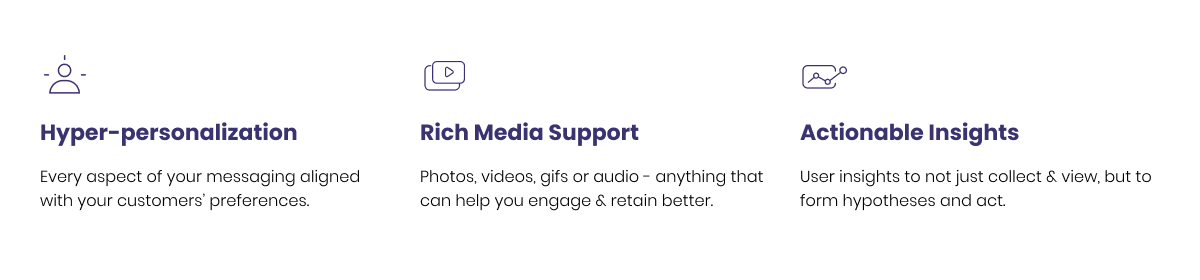
WebEngage’s Mobile push notifications can offer you a host of advantages, including:
Summary:
Push notifications make for the perfect base to build brand awareness and recollection on both the web and mobile. Increasingly, you will notice that many brands pay for making their push notifications better than building their app to ensure a smoother user experience.
WebEngage provides you with a seamless experience with its push notifications, and with an advanced push offer, you can boost your conversion and revenue rates.
All the best!