


Most brands run push, in-app, and in-line through three different tools, and the user can tell. WebEngage runs all three as one channel.
Notifications / mon
9.4B
Avg app CTR
7.3%
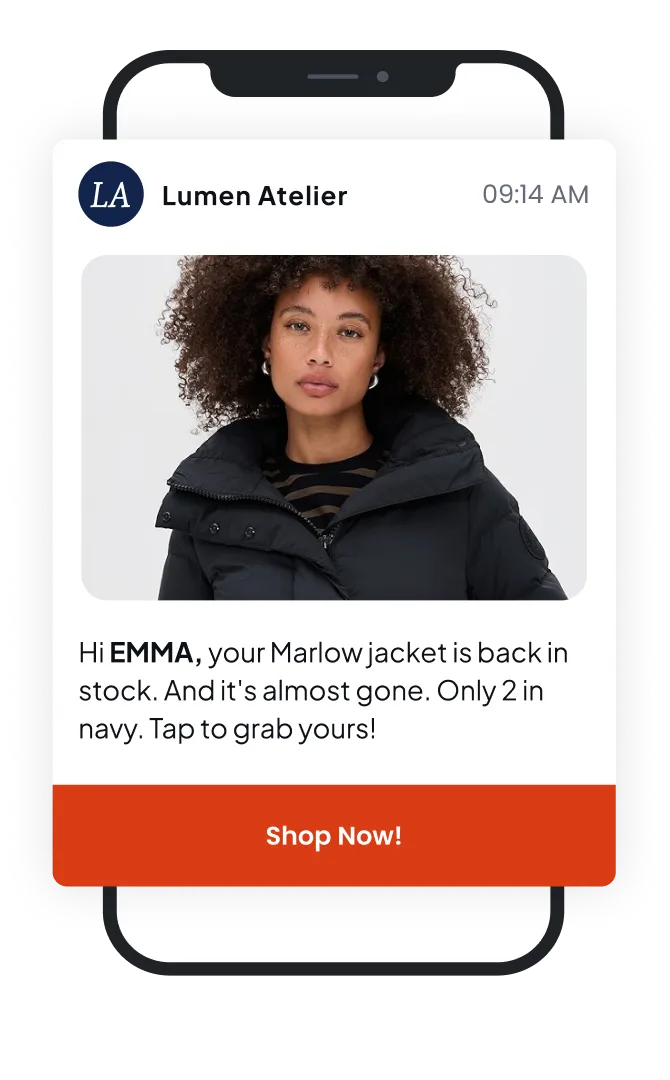
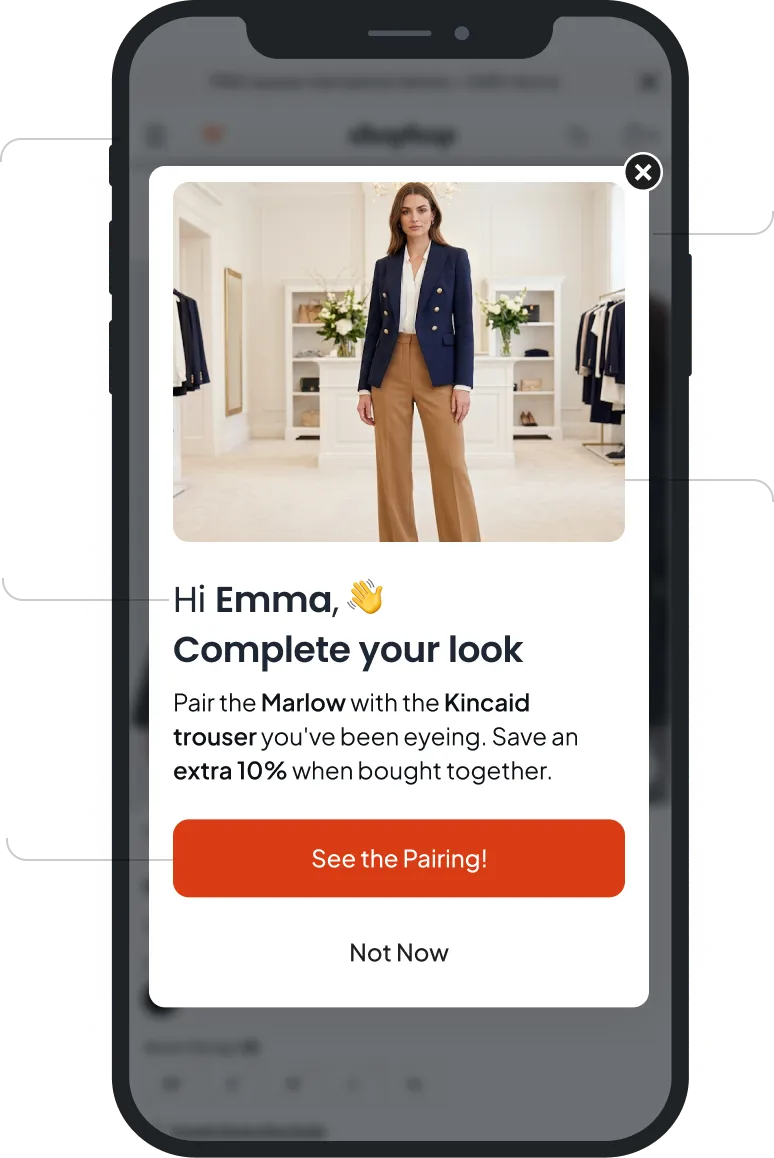
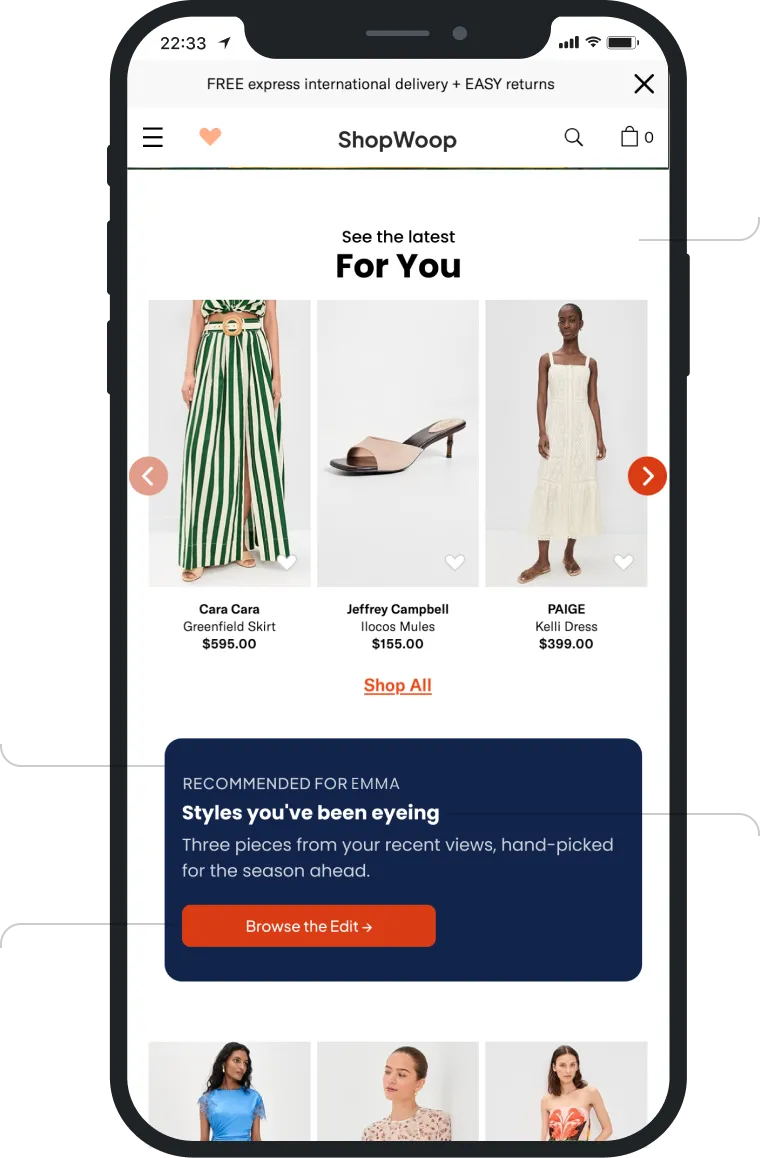
Built for Mobile. Backed by the platform.
Set a custom notification sound for your push campaigns, with the default sound as fallback if it's unavailable.
Use Sticky Push to lock a notification on the user's screen so it can't be swiped away. Users must tap an action button to dismiss, ensuring high-priority messages get seen.
Add a live countdown timer to your push notifications to drive urgency. Choose a timer style, set the duration or end time, and customize the color to match your brand.
Create carousel push notifications with up to five swipeable images in landscape or portrait style. Add a CTA label and personalized deep link to each, with optional auto-scroll.
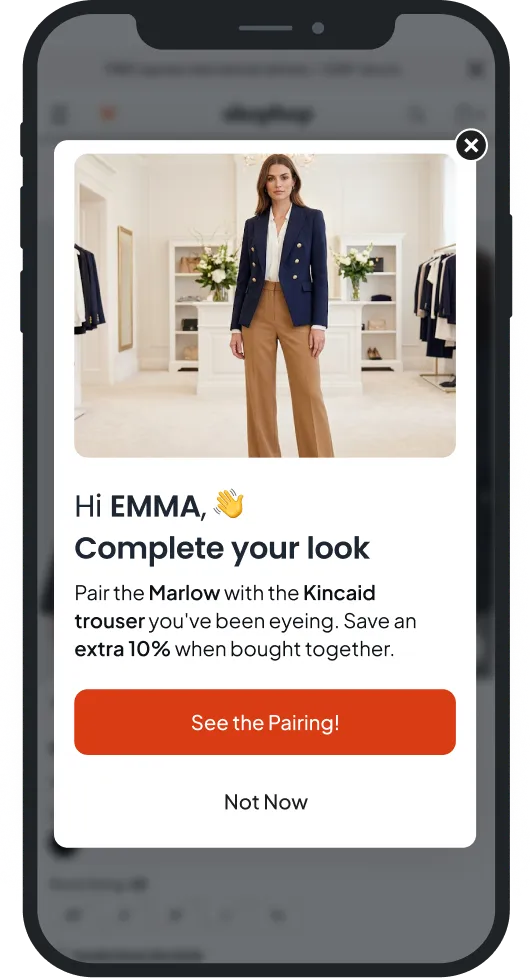
Assign priority levels to your in-app notification campaigns. Set each as Critical, High, Medium, or Low so that when multiple campaigns qualify, the most important one shows first.
Control how in-app campaigns behave per user with lifecycle settings. Define when a cycle ends (on click or views), set active dates, repeat cycles on a schedule, and cap frequency per session.
Measure true campaign impact by holding out users. Choose Universal, Custom, or Campaign-level control groups, then compare held-out users against targeted ones to see the real lift.
Define several conversion events and see how each variation performs against every goal, alongside aggregate conversions and total revenue.
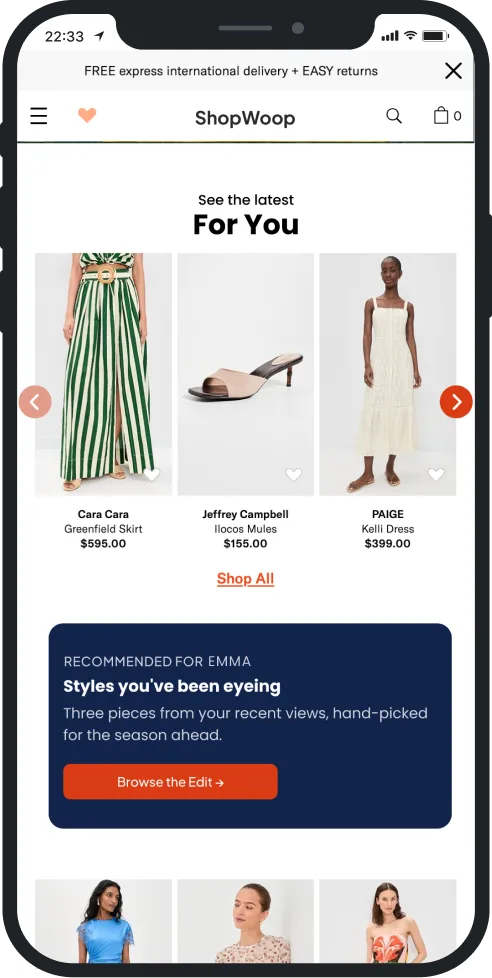
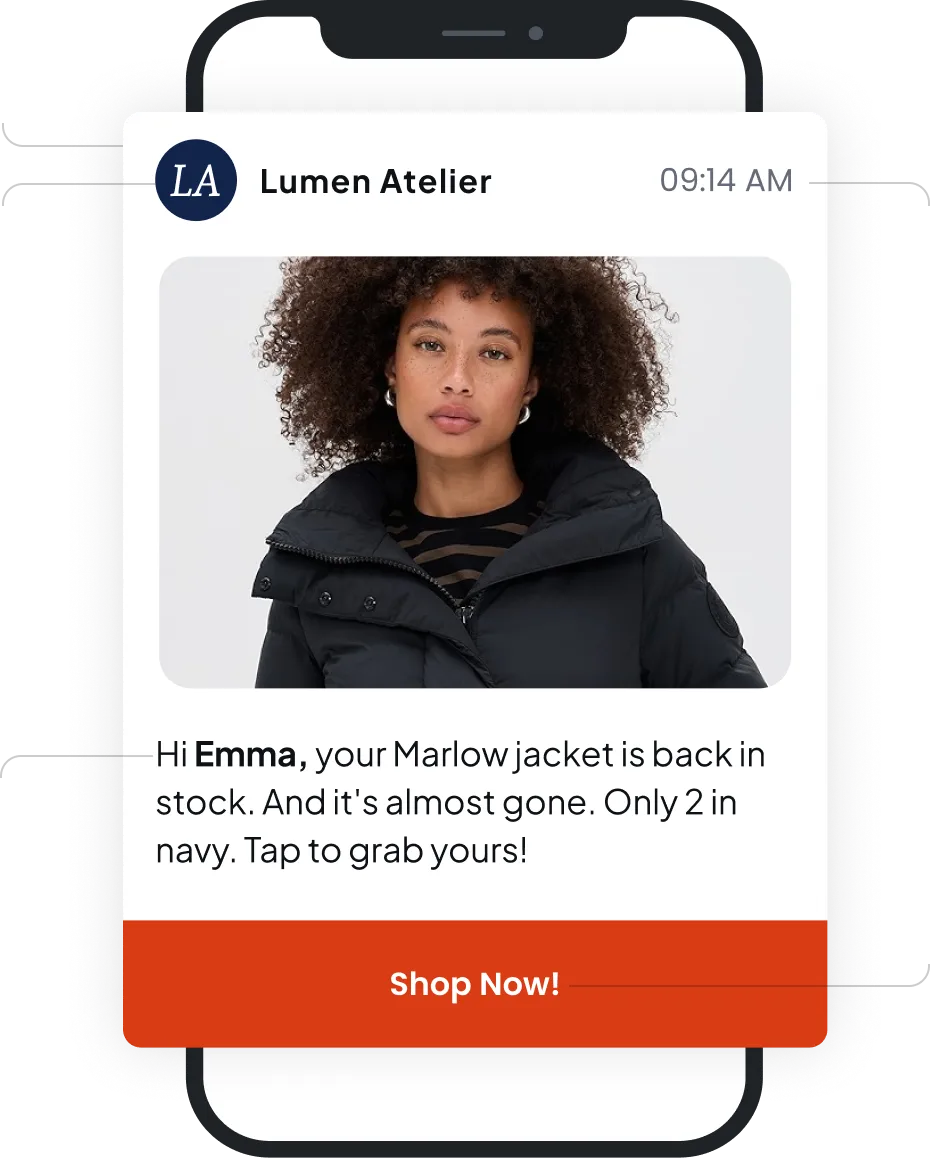
Personalize messages with dynamic fields like name, order ID, and status. Insert placeholders into your template and each recipient sees content tailored to their own data.
Built for Mobile. Backed by the platform.
Mobile Features
Native to this channel
Custom Notification Sounds
Sticky Push
Timer Push Notification
Carousel Push Notification
Create carousel push notifications with up to five swipeable images in landscape or portrait style. Add a CTA label and personalized deep link to each, with optional auto-scroll.
Campaign Priority Setting (In-App)
Mature Lifecycle Support (In-App)
Control how in-app campaigns behave per user with lifecycle settings. Define when a cycle ends (on click or views), set active dates, repeat cycles on a schedule, and cap frequency per session.
Platform Features
Available everywhere relevant to Mobile too
Multi Level Control Group
Measure true campaign impact by holding out users. Choose Universal, Custom, or Campaign-level control groups, then compare held-out users against targeted ones to see the real lift.
Multiple Conversion Event
Dynamic Personalization
What's new for Mobile teams.
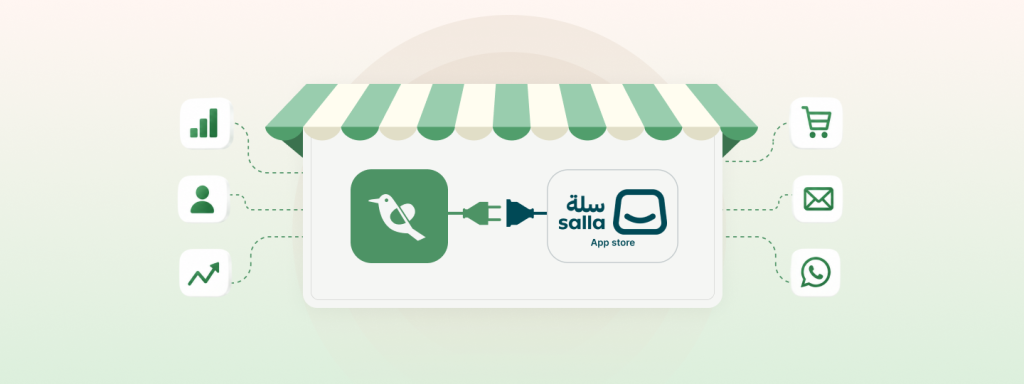
WebEngage Is Now Salla Platform Native – Asia’s #1 CEP Joins Hands With GCC’s Largest E-commerce Platform
Salla is one of the largest commerce platforms in the GCC region, built specifically for merchants in the Middle East…
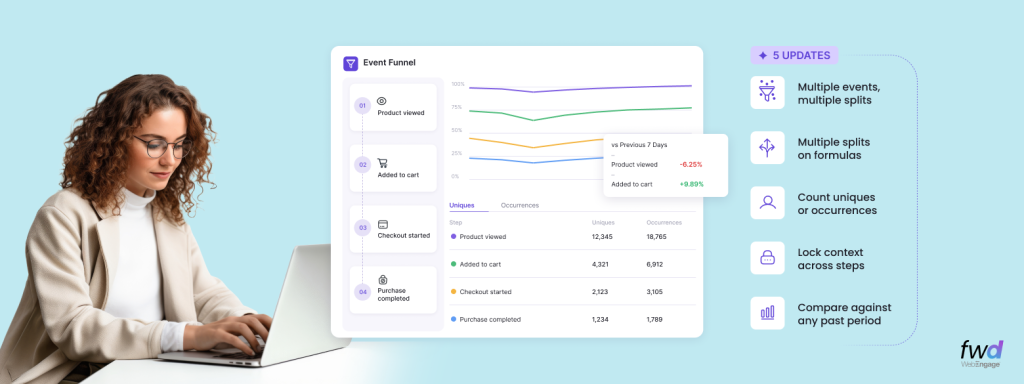
Analytics Digest – Introducing Multi-splits in Event Analytics, Choose Between Uniques/Occurrences In Funnels, Hold Property Constant In Funnels & Compare Funnels Across Time Periods
WebEngage is rapidly becoming the de-facto Analytics toolkit for its customers across product and growth teams. As our usage grows…
Introducing Entity Relationship Visualizer – Manage Relationships Between Your CDPx Data Objects In A Visual Interface
Last year, we launched a composable version of our Customer Data Platform; CDPx, and introduced Entities – a simple way…
