
Product Releases

What’s new on WebEngage?

Explore the latest feature rollouts, product enhancements, SDK updates, UI/UX improvements and other critical updates designed to make your goals more achievable and your journey with WebEngage smoother than ever!

Release Categories

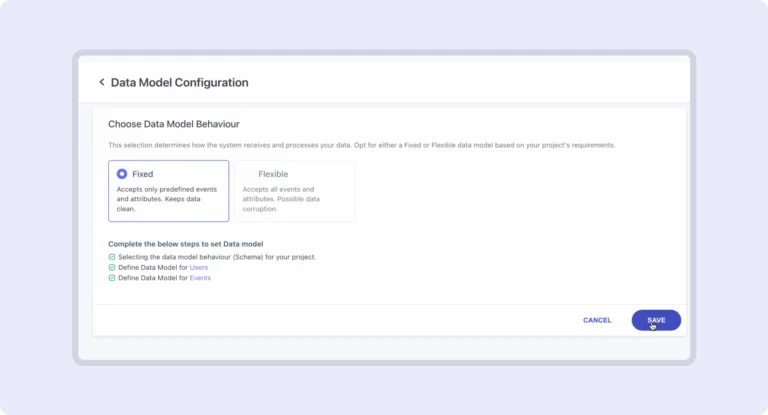
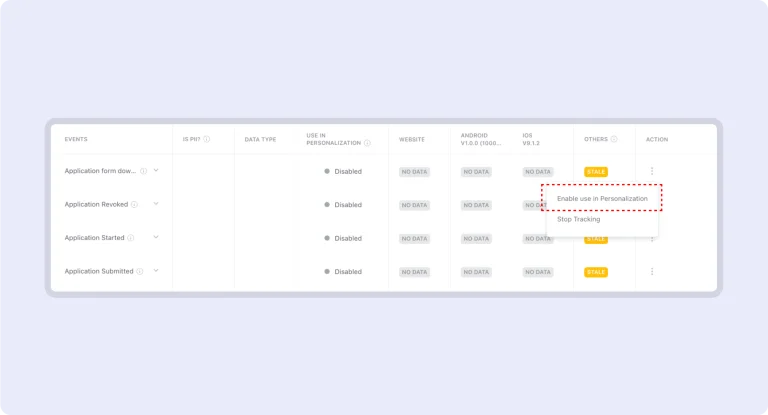
Data Management: Predefining Data Model

We’ve upgraded our data management system to ensure better data integrity. Now, events and attributes are categorized as either Flexible or Fixed. Choose the model that best fits your needs and streamline your data management process!

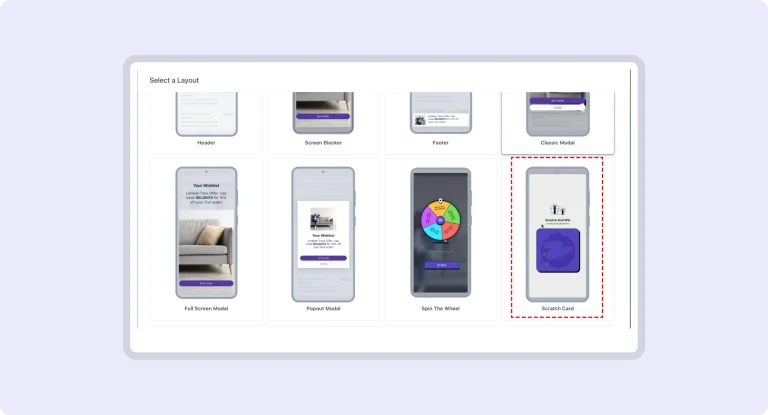
Gamification Layout: Scratch Card

Elevate in-app engagement with our new Scratch Card template! Customize the template easily and create interactive experiences to captivate your users. Perfect for gamification or personalized offers, this portrait mode template ensures your campaigns are fun and effective!

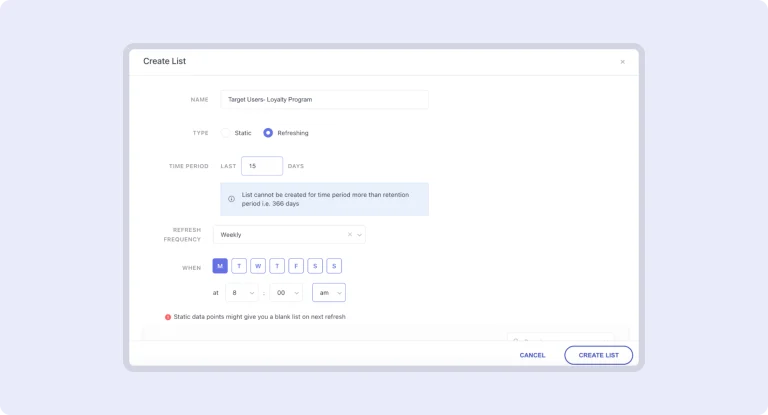
RFM: Export to Refreshing Lists

Say goodbye to manual updates! Export your RFM data to dynamic lists that refresh automatically based on your criteria. Keep your campaigns relevant and up-to-date with minimal effort—experiment and launch with ease!

RFM: New Filters Addition

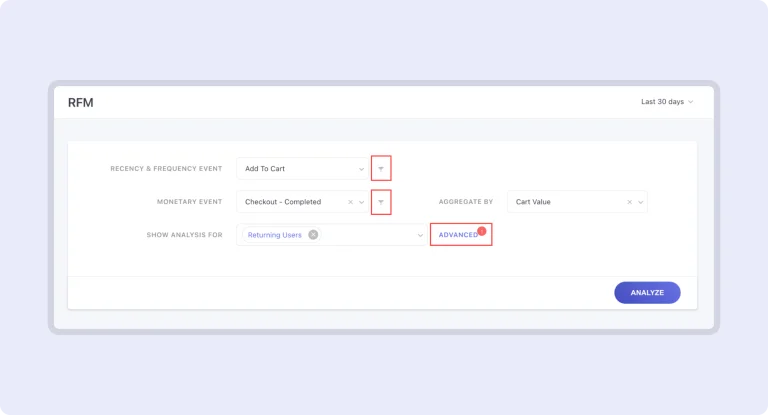
Our RFM Analysis tool now features advanced filters for event attributes, user attributes, and segments. Tailor your data analysis with precision to target the right users and streamline your campaigns effortlessly.

Catalog: XML Support

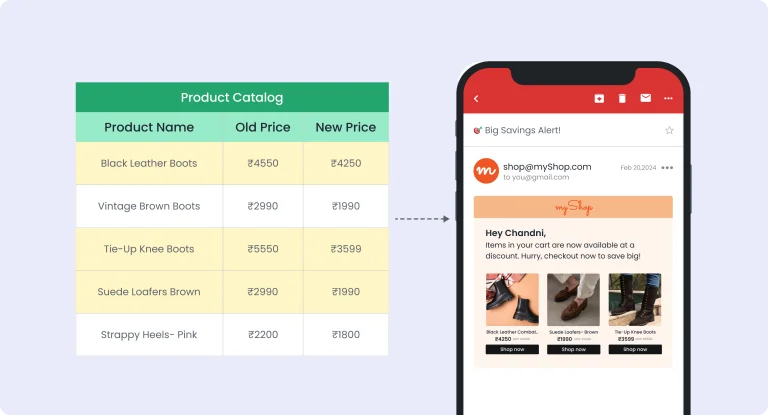
We’ve expanded our catalog upload options to include XML (RSS) format, which is available to all users with Catalog access. This allows you to upload XML catalogs up to 200 MB, whether one-time or periodic. Enjoy greater flexibility and efficiency in managing your data!

JavaScript Support

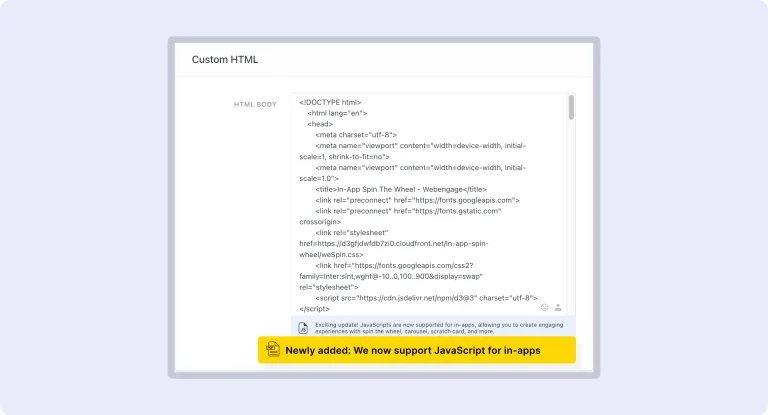
Enhance your in-app notifications with JavaScript for dynamic, interactive experiences. The expanded 10,000-character HTML limit allows for greater creativity and customization, enabling you to deliver engaging content and personalized messages. This feature empowers developers to create rich, immersive notifications that captivate and retain users effectively.

Gamification Layout: Spin the Wheel

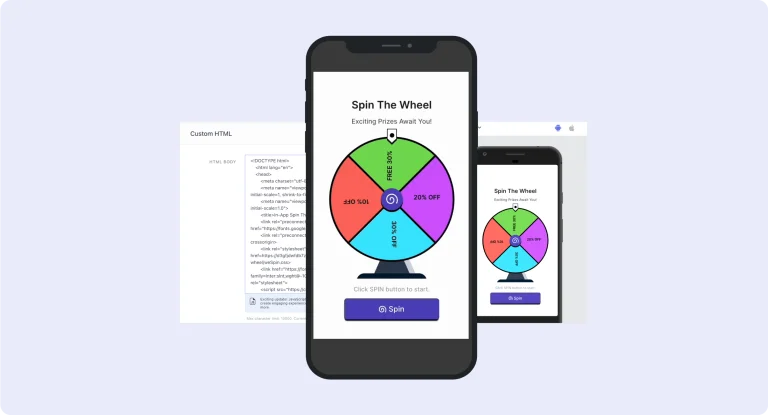
Create engaging, interactive experiences with ease using the new **Spin the Wheel** template. Just choose the template from the Layout Selection modal, customize the pre-set HTML, and you’re ready to go. This out-of-the-box solution also allows you to track user interactions seamlessly, boosting user engagement without added complexity.

On Demand Events Personalization

Handpick the latest events that matter most for your personalization efforts, keeping your database focused and relevant. This feature ensures you store only essential data, delivering highly targeted and effective personalized messages.

Universal Control Group: Uplift

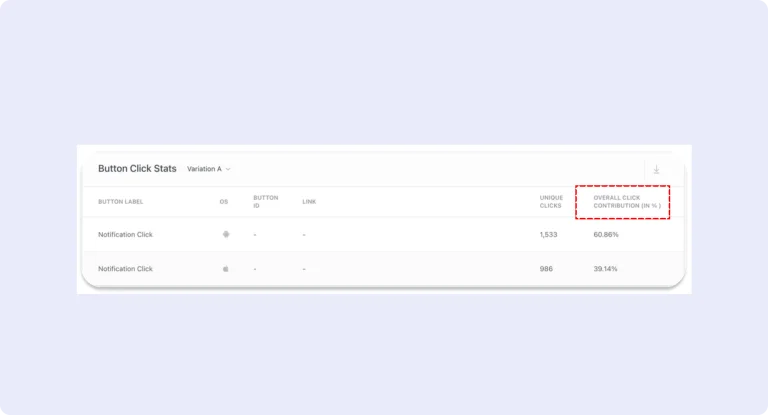
Isolate a control group from your campaign to precisely compare those who received the campaign and those who didn’t. Analyze unique conversions, revenue contributions, and overall order numbers across these groups. You can accurately gauge the uplift in critical metrics, empowering more informed marketing decisions.

Batched Relays

Batched Relays enhance traditional relays by allowing businesses to group multiple business events and trigger notifications at set intervals. This upgrade optimizes communication by reducing notification frequency and ensuring more organized, timely updates. It streamlines workflows and helps businesses stay informed without overwhelming their teams with individual alerts.

Engagement Score

This advanced tool helps you dive deeper into each customer’s interactions with your brand. Assign weightage from 1 to 5 to critical events basis their importance. Our system will then calculate a precise user engagement score on a scale of 1 to 10. Scores close to 10 indicate higher engagement, while scores closer to 1 indicate lower engagement.

Paths: Add/Remove Rows

Explore niche user journeys by adjusting the number of rows in your Path analysis. By default, you’ll see 5 events, but you can add up to 20 rows to uncover uncommon Paths that may otherwise go unnoticed.

Paths: Advanced Filters on Segment/List

Conduct Path analysis on specific segments or lists you’ve created. Focus on particular user groups to uncover how they interact with your platform, allowing for a more targeted understanding of user behavior.

Paths: Split by Attributes

Break down events by specific attributes to get a detailed view of user behavior at each step. Each attribute split is treated as a unique event, offering deeper insights into how different user groups navigate your platform.

Scheduled Emails

Stay updated effortlessly with scheduled email reports that deliver your dashboard data and pinned metrics directly to your inbox. This feature eliminates the need for frequent logins, ensuring you remain informed on key metrics and trends without disrupting your workflow, keeping your focus on decision-making and execution.

No more posts to show
Scroll to Top

Talk to the Partner Team

Supercharge Your Startup's Growth

Supercharge Your Startup's Growth

Book a free consultation

Supercharge Your Startup's Growth

The Program helped us scale our business faster and bring down acquisition costs with time.

ankit-agarwal-testimonial

Ankit Agarwal

Founder, PHOOL

Become a Partner

Grab your copy