


Product Releases

What’s new on WebEngage?

Explore the latest feature rollouts, product enhancements, SDK updates, UI/UX improvements and other critical updates designed to make your goals more achievable and your journey with WebEngage smoother than ever!

Release Categories

Quick Switch

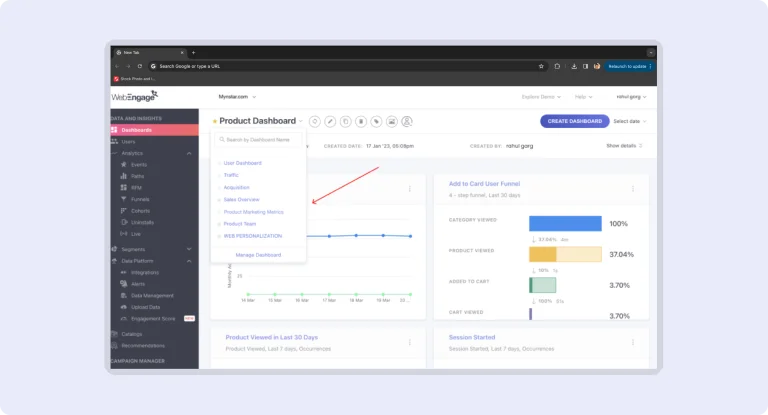
The Quick Switch feature lets users set any dashboard as their default landing page, streamlining workflows and enhancing productivity. By customizing the first screen they see, users can ensure a consistent and tailored experience, reducing the time spent navigating and increasing focus on what matters most.

List Duplication & Customization

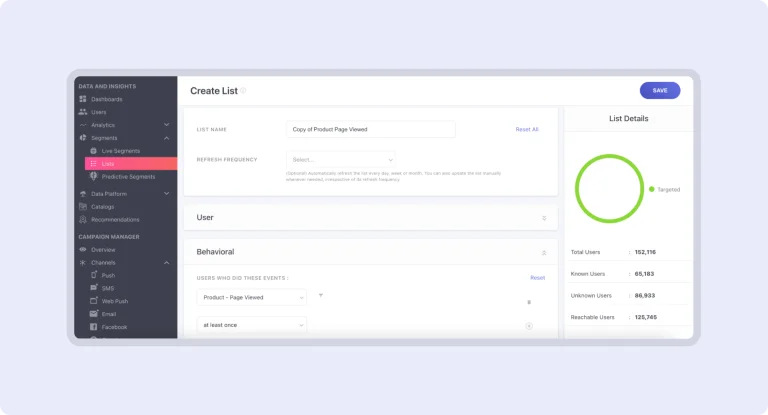
Easily duplicate and customize lists to streamline list management. This feature saves time and effort by allowing you to replicate existing lists and make necessary adjustments without starting from scratch. Enhance efficiency in list creation and management, ensuring a more productive and organized workflow.

Rename User/Event Attributes

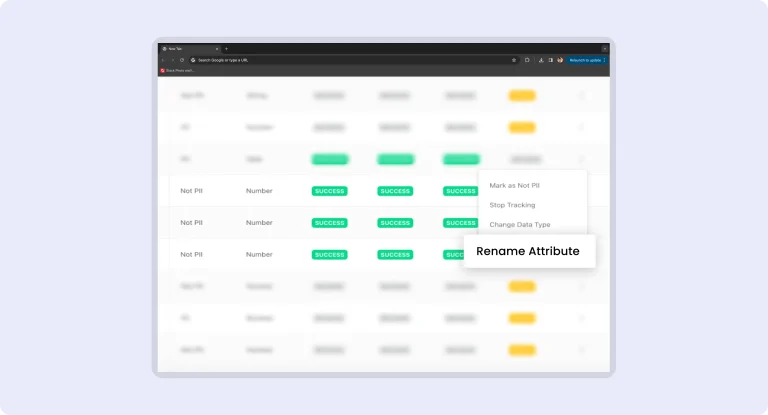
Update user or event attribute names directly from the dashboard to streamline your workflow and maintain data alignment with evolving business needs. This feature simplifies data management by allowing instant modifications, ensuring your attributes remain relevant and accurately reflect current business requirements.

Custom Alerts: Updates

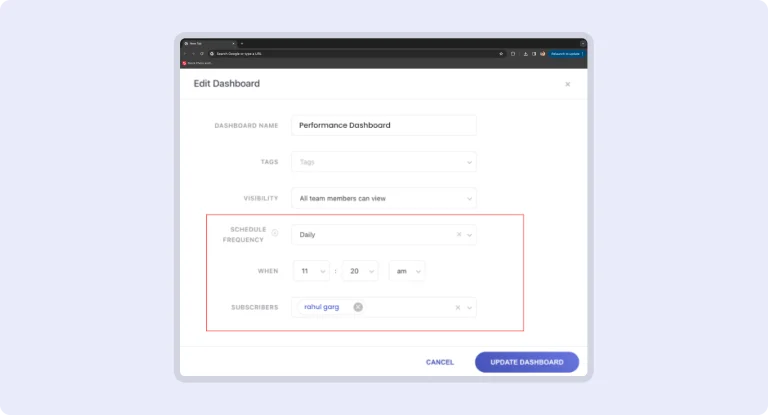
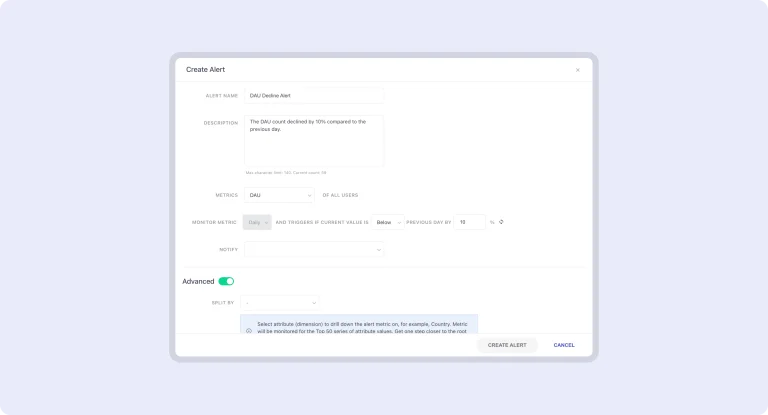
Custom Alerts allow you to set specific thresholds for key metrics that matter most to your business. For example, if you’re monitoring website traffic, sales conversions, or customer engagement, you can define a threshold that signals a significant change. Once the threshold is set, the system continuously tracks the metric in real-time. If there’s any deviation—whether it’s an unexpected drop or spike—you’ll receive an immediate notification. This helps you stay proactive, enabling swift actions to address potential issues or capitalize on positive trends. Custom Alerts are a powerful tool for staying informed and agile in managing your operations.

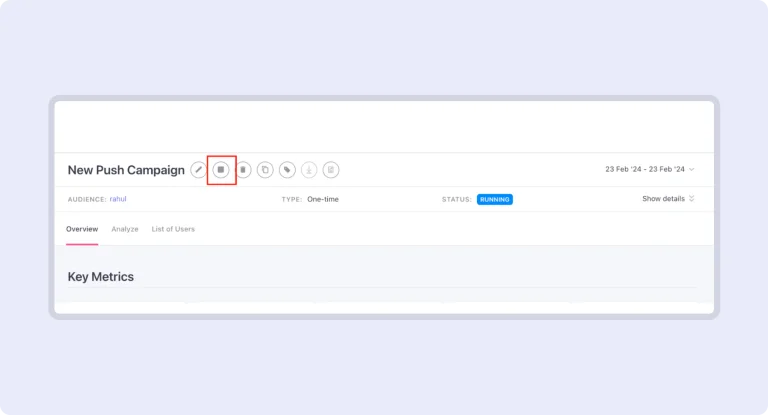
Stop One Time Campaigns

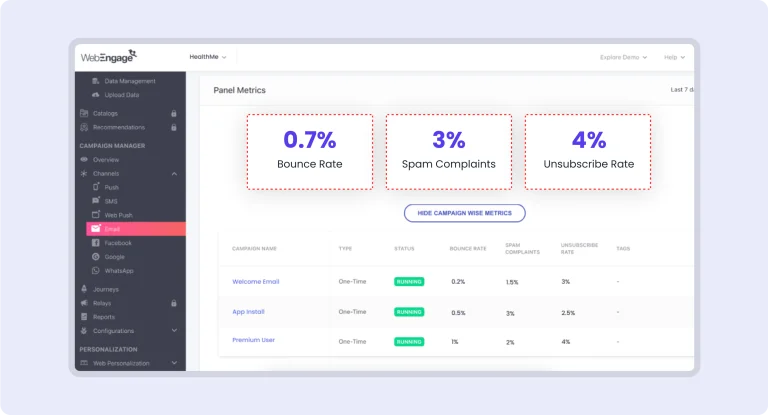
Take full control of your campaign communications with the new feature that lets you stop one-time campaigns directly from the dashboard. This capability streamlines campaign management, allowing you to halt campaigns instantly if needed, ensuring more precise control and responsiveness in your marketing efforts.

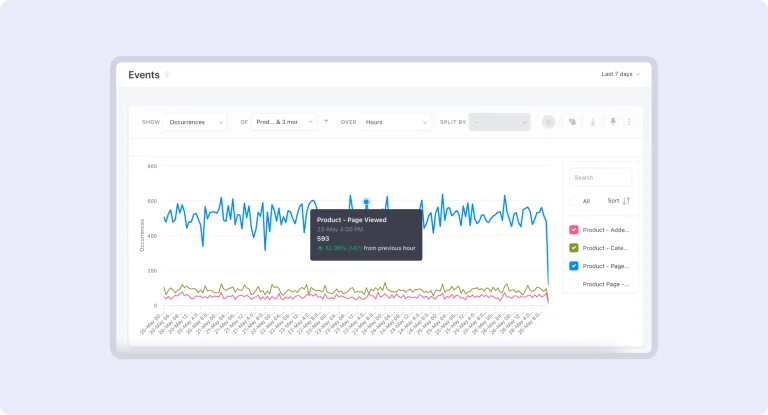
Events Analytics: Comparison Tooltip

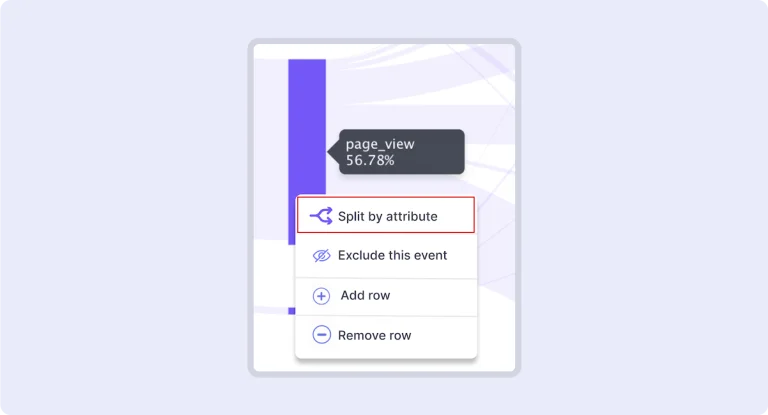
This feature enriches your analysis by revealing both the direction and rate of change in data trends. By highlighting how trends are evolving and their pace, it provides a deeper understanding of user behavior, allowing for more accurate forecasting and strategic decision-making.

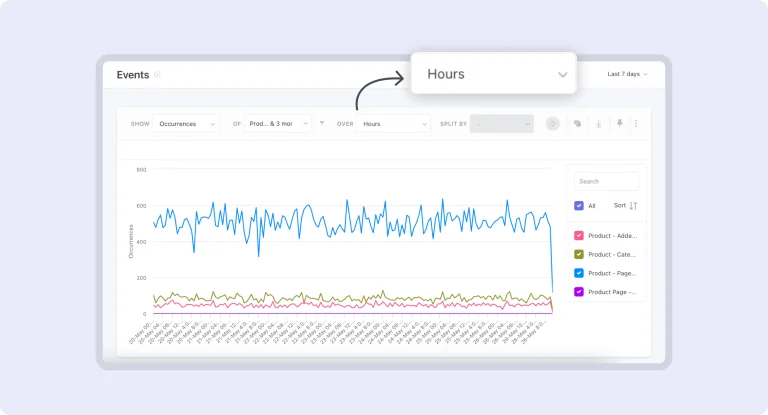
Event Analytics: Hourly Granularity

Gain deeper insights into user behavior with hourly event analysis. This feature goes beyond daily summaries, offering a detailed view of user interactions throughout the day. By examining events on an hourly basis, you can identify patterns and trends more precisely, enabling more informed and timely decision-making.

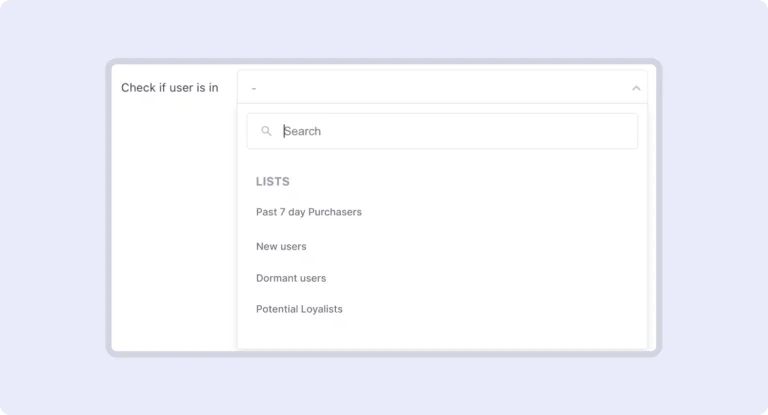
Journey: Is in Segment / List Block

Enhance your user journey customization with the upgraded ‘Is in Segment / List’ block. Now supporting both Lists and Live Segments, this feature offers increased flexibility and personalization. Tailor user experiences more precisely by incorporating dynamic segments and lists, optimizing engagement through more relevant and targeted interactions.

Cohorts: Export to Lists

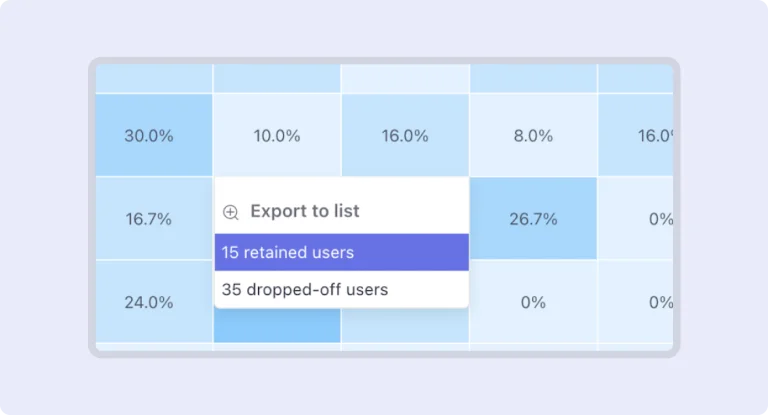
Export both static and refreshing lists from cohort analysis to monitor user behaviors over specific periods. This feature allows you to track retained or dropped-off users effectively, facilitating targeted follow-ups and strategies. Enhance your understanding of user engagement and optimize your approach based on detailed behavioral insights.

Cohorts: Segment Filter

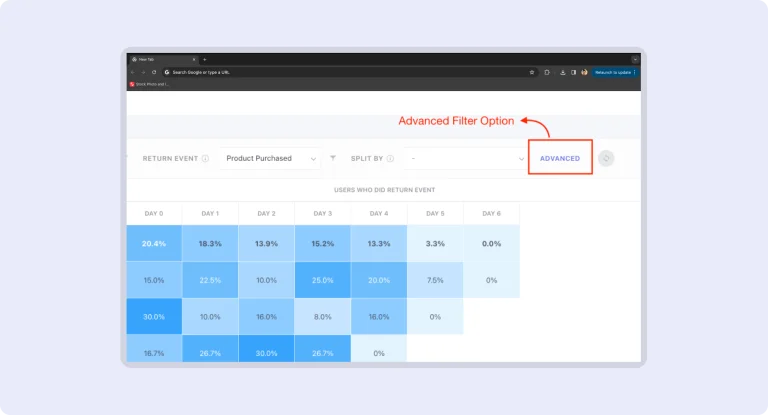
Identify unique cohorts within each segment for targeted analysis based on specific user characteristics. This feature enables precise insights by isolating distinct groups, allowing for tailored strategies and more effective decision-making. Customize your analysis to address unique needs and trends within each user segment.

Funnel Analytics: Export to Static List

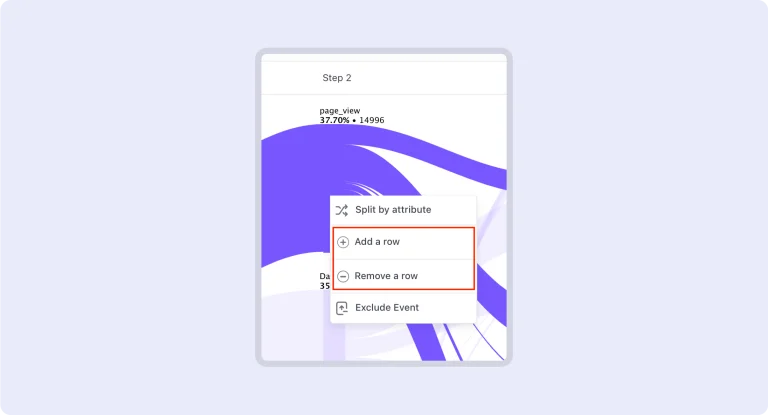
Export your Funnel Analytics data into Static Lists to allow deeper analysis and execute targeted campaigns. Convert insights into actionable lists for more precise and effective marketing efforts.

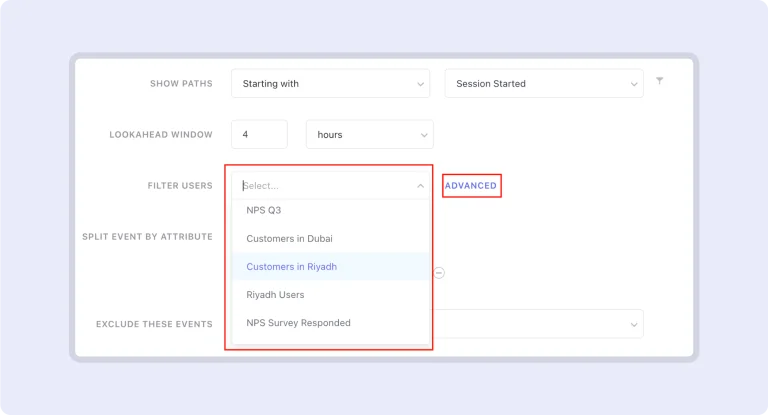
Funnel Analytics: Custom User Attributes and Common Filter

Fine-tune your user data with filters, refine your funnel analysis and enable more precise insights. As a result, you can make informed and strategic decisions tailored to your business needs.

No more posts to show
Scroll to Top

Talk to the Partner Team

Supercharge Your Startup's Growth

Supercharge Your Startup's Growth

Book a free consultation

Supercharge Your Startup's Growth

The Program helped us scale our business faster and bring down acquisition costs with time.

ankit-agarwal-testimonial

Ankit Agarwal

Founder, PHOOL

Become a Partner

Grab your copy