
Published on February 7, 2019

Drag & Drop Email Editor – Create Adaptive Email Templates with Ease!

Table of Contents

If there’s one product request we’ve received from almost all our customers – it is that of a Drag & Drop Email Editor  that can help you create beautiful responsive emails from scratch with email campaign. And we’re delighted to announce that this feature is now live!

You can now use a simple drag & drop functionality in WebEngage, marketing automation, to handcraft beautiful emails from scratch. You do not always have to work with your designers or developers anymore to create those delightful and engaging emails. You can now do this and much more with our Drag & Drop Email Editor.

Drag & Drop Editor with WebEngage

You can access the Drag & Drop Editor from the Message tab in the campaign creation process for Email. The previously handy links for personalizing your emails and adding an unsubscribe link are also available in the email editor.

Drag & Drop Editor with WebEngage - 1

Try out our new feature and tell us what you think of it! Or request a demo from our Success team to learn more about this feature.

arpitrai

Related Articles

WebEngage turns 15: Atlas, BLACK and ZeroPII launch celebration

Happy 15th AI-versary, WebEngage!

Likitha A
October 14, 2026
Raviraj Ramavarapu, Founder of Compound Lab, on automated journeys for PNG Jewellers

How We Built Automated Journeys That Drove 77% of PNG Jewellers’ CRM Revenue

Raviraj Ramavarapu
October 13, 2026
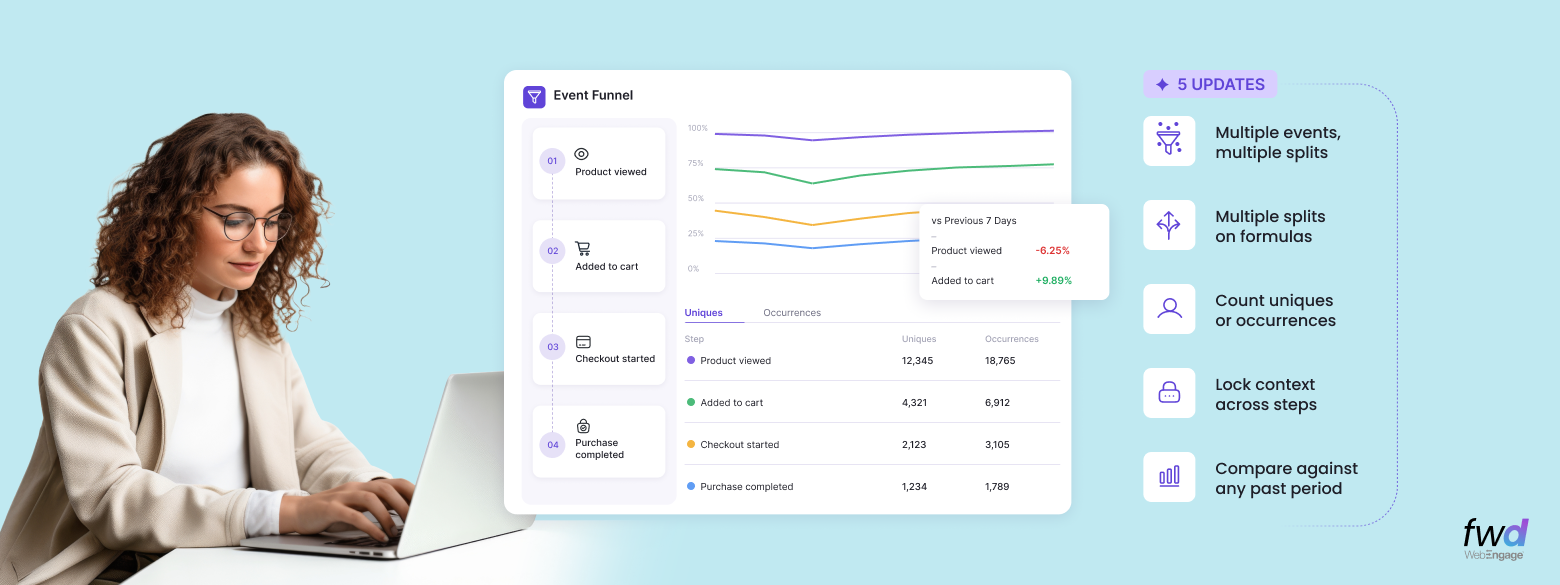
Analytics Digest: multi-splits in WebEngage Event Analytics

Analytics Digest – Introducing Multi-splits in Event Analytics, Choose Between Uniques/Occurrences In Funnels, Hold Property Constant In Funnels & Compare Funnels Across Time Periods

ajit singh
September 2, 2026

Get new articles
in your inbox.

WebEngage logo

platform

Platform

ZeroPII

No personal data stored.

AI-Powered

Atlas

AI-powered customer engagement suite.

WebEngage logo

Capabilities

CDPx

Your schema, your engagement rules

Analytics

Deeper analytics, sharper decisions

Segmentation

Precise user segmentation, simplified

Automation

Automate workflows, orchestrate growth

Personalization

Smarter web and app personalization

Recommendations

Context-aware recommendations that sell

WebEngage logo

channels

Mobile
Web
Email
Whatsapp
Digital Advertising
SMS
RCS
WebEngage logo

Solutions

Travel & Hospitality
Healthcare
Automotive
Insurance
E-commerce and Retail
WebEngage logo

Resources

Product Releases
Ebooks
Blogs
Newsroom
Webinars
EngageMint
Impact Stories
Glossary

FEATURED

Introducing Entity Relationship Visualizer – Manage Relationships Between Your CDPx Data Objects In A Visual Interface

Slice Deeper: Multi-Dimensional Metrics and Smarter Funnels​

WebEngage logo

Products

Platform

ZeroPIITM, AtlasTM

Capabilities

CDPxTM, Analytics, Segmentation & more

Channels

Mobile, Email, WhatsApp, SMS & more

Solutions
BLACK
Resources