









High quality User Segmentation sits at the heart of every marketing and product decision. Even more so, if you are a MarTech practitioner on products like WebEngage. From being a simple criteria builder in our very early days, to demographic segmentation engine, to predictive segmentation, and now all the way towards psychographic segmentation – we have evolved with you in this journey. On that path, we decided to relook at the experience of building Segments. And, we rebuilt it from the ground up.
I am stoked to unveil the WebEngage Segmentation Engine in a brand new avatar today. It’s a powerful, flexible, deeply intelligent experience designed to give the full control back to where it belongs – YOU!
Say hello to a clean, unrestricted Segmentation Canvas
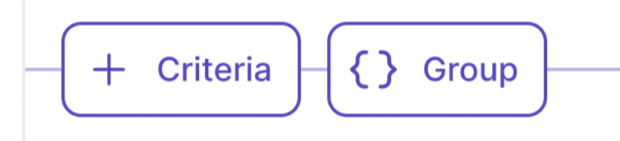
This is your brand new, core building block of the User Segmentation builder. Endless possibilities start here..
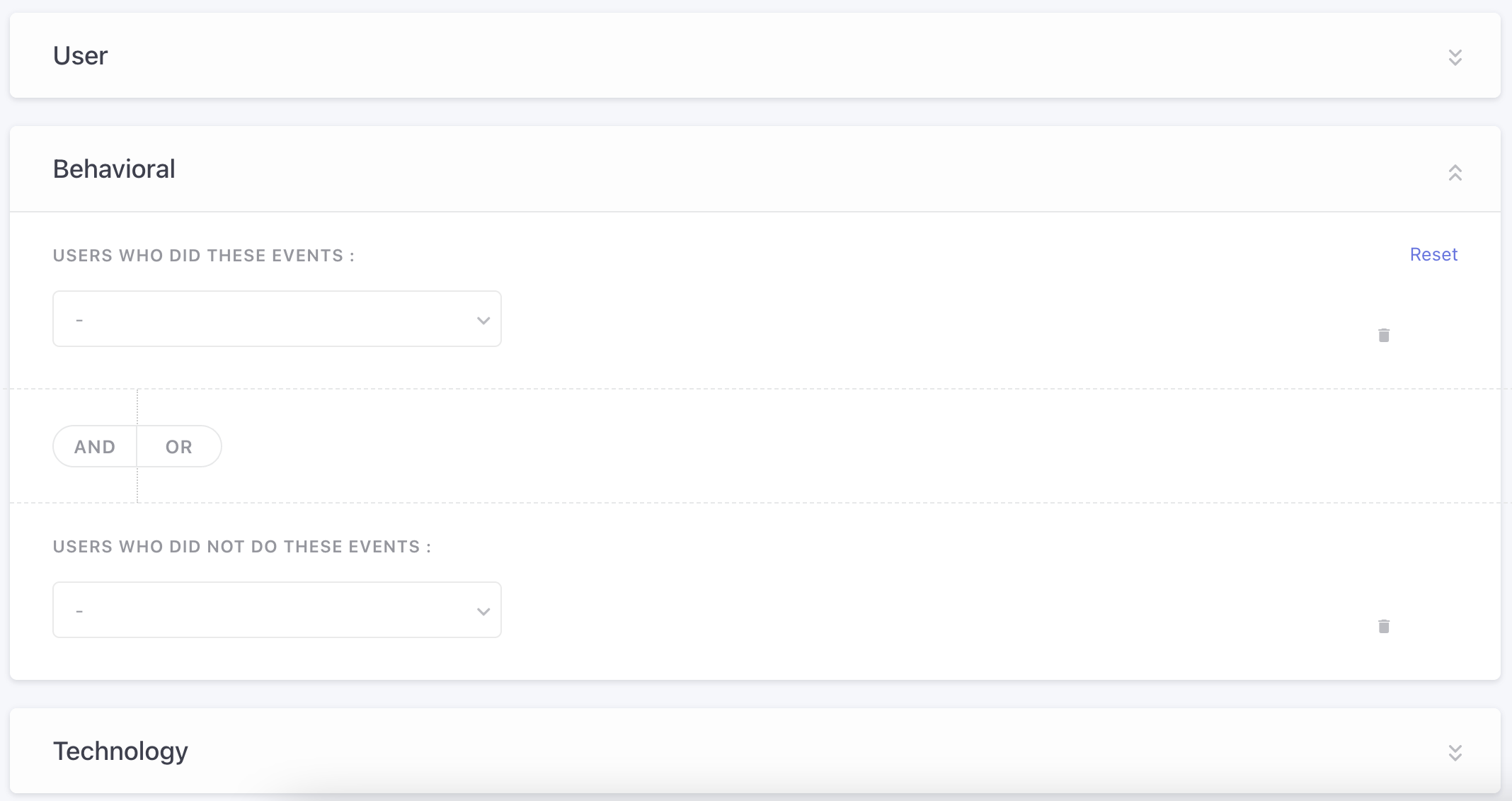
You now get to start with a clean criteria builder and express rules in anyway you like. There are no more predefined blocks or rigid structures to force fit your expressions. Now you can use a combination of user events, user attributes, realised variables, derived attributes and affinity expressions with ease.
Here’s a quick list of possible attributes and samples under each of those headers..
- User Attributes – City, Age, Gender, Membership Tier etc
- User Behavioural Data (Events) – Transactions, App Browsing Events, Web Browsing Events, Policy Purchased, Forms Filled etc
- Realised Variables – Last Seen Date, Channel Reachability, Acquisition Source, Best Channel etc
- Derived Attributes – Average Order Value, RFM Attributes, Engagement Score etc
- Affinity Based Expressions/Scores – Preferred Product Category, Most Watched Genre, Highest Intent Investment Product
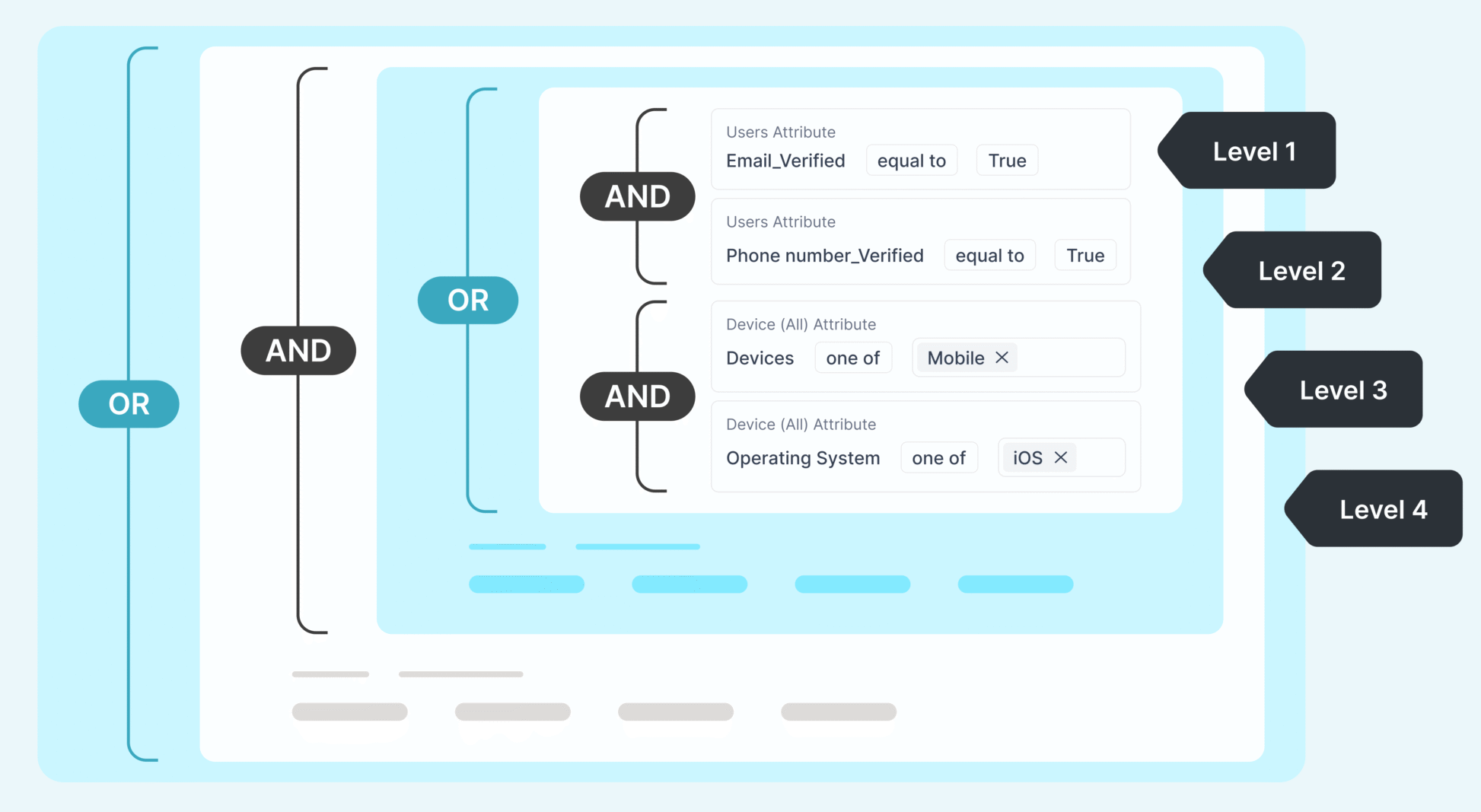
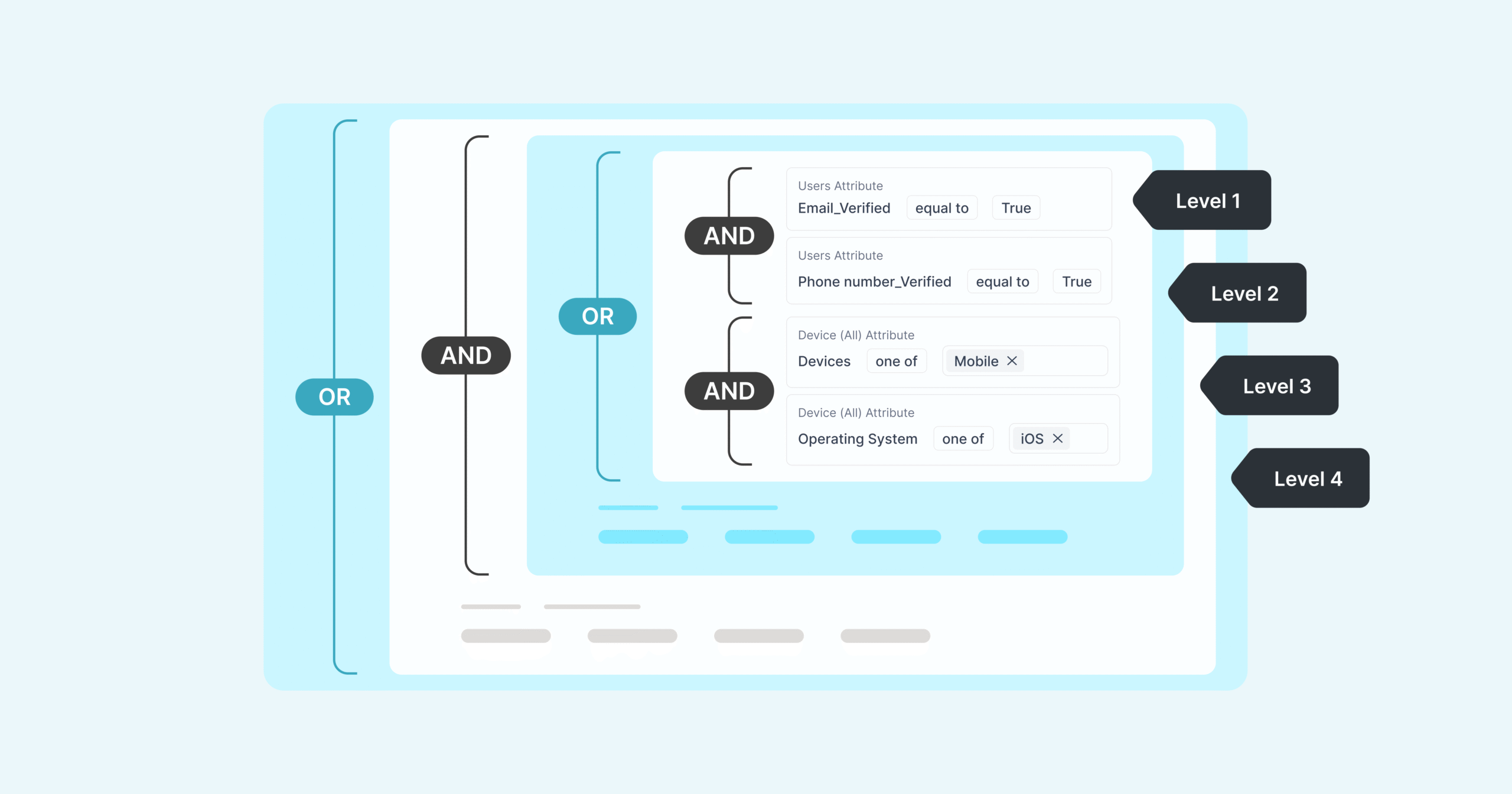
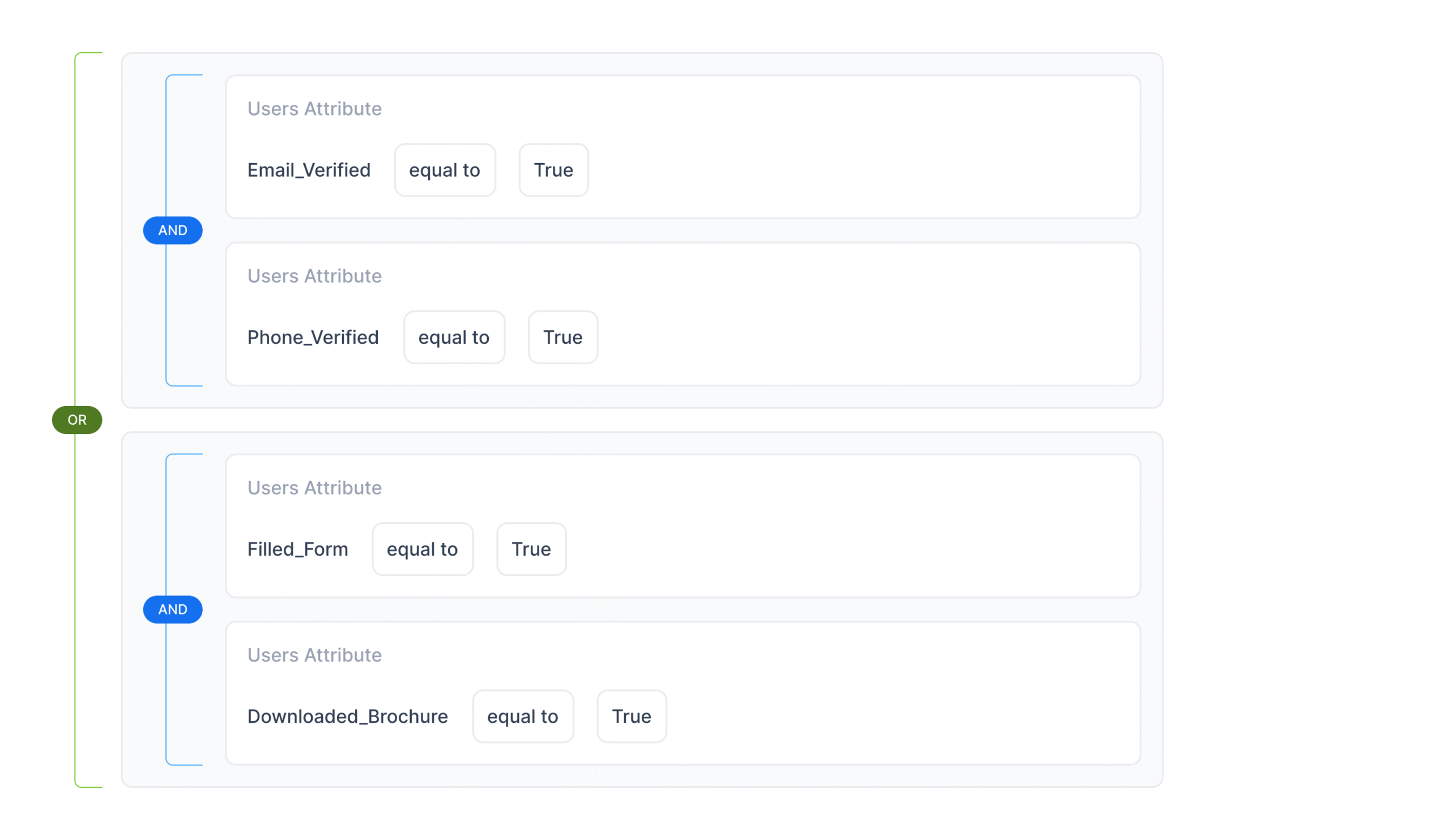
Oh yes, all of this with up to 4 levels of nested logical groups!
Let’s build a Segment in our new canvas together!
| Step 1 | Create a List (Segment)
Choose to do so with a criteria. |
| Step 2 | Basics – using Attributes & Filters
Let’s do this with an example.. Here’s your Segment criteria: “Users who have made more than 3 withdrawals in the last 7 days” These would be your Steps: Add an event → Withdrawal → Count > 3 → Last 7 Days. 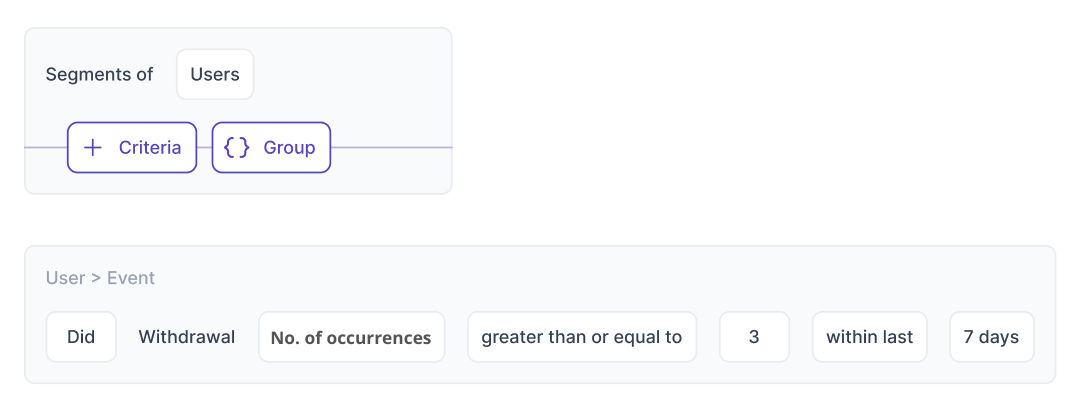 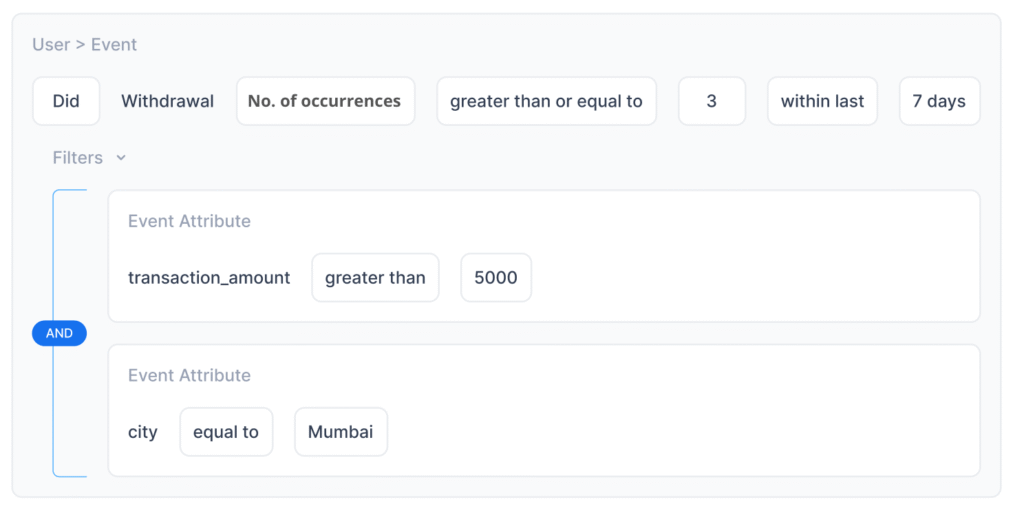 |
| Step 3 | Adding Criteria Groups – using nested logic
Here’s your Segment criteria: “Users who have either completed their profile verification OR shown a high purchase intent by downloading the brochure of a recently launched investment product” Check the screenshots below for each of those groups.. Group 1 (AND): Email Verified = true 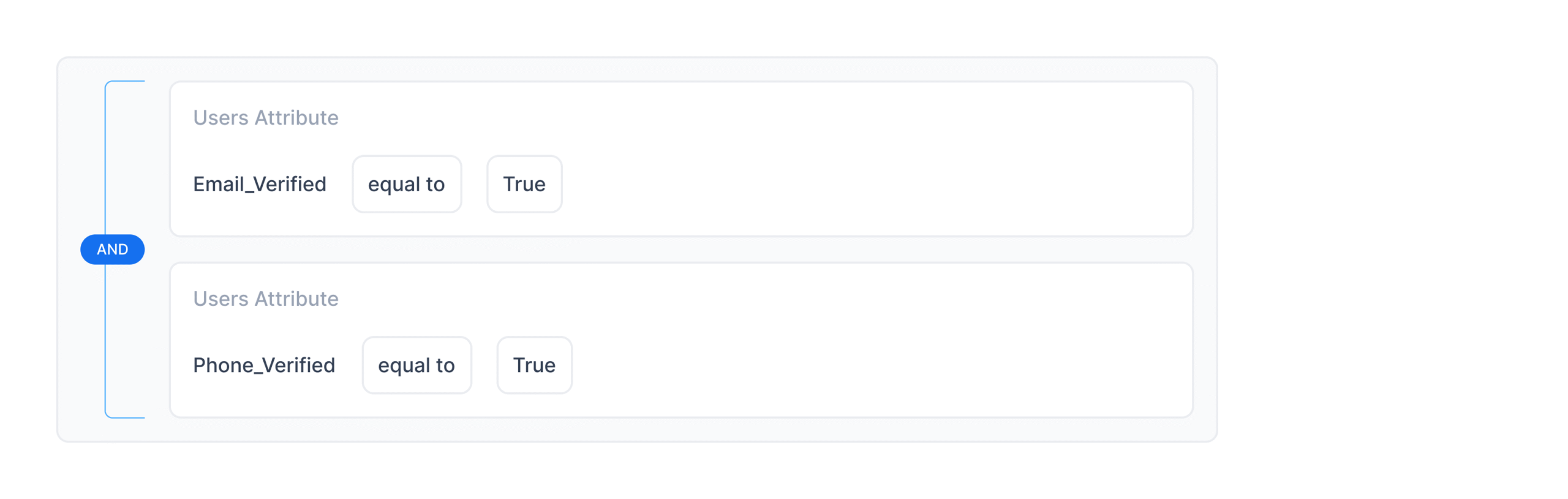 Group 2 (AND): Filled Form = true 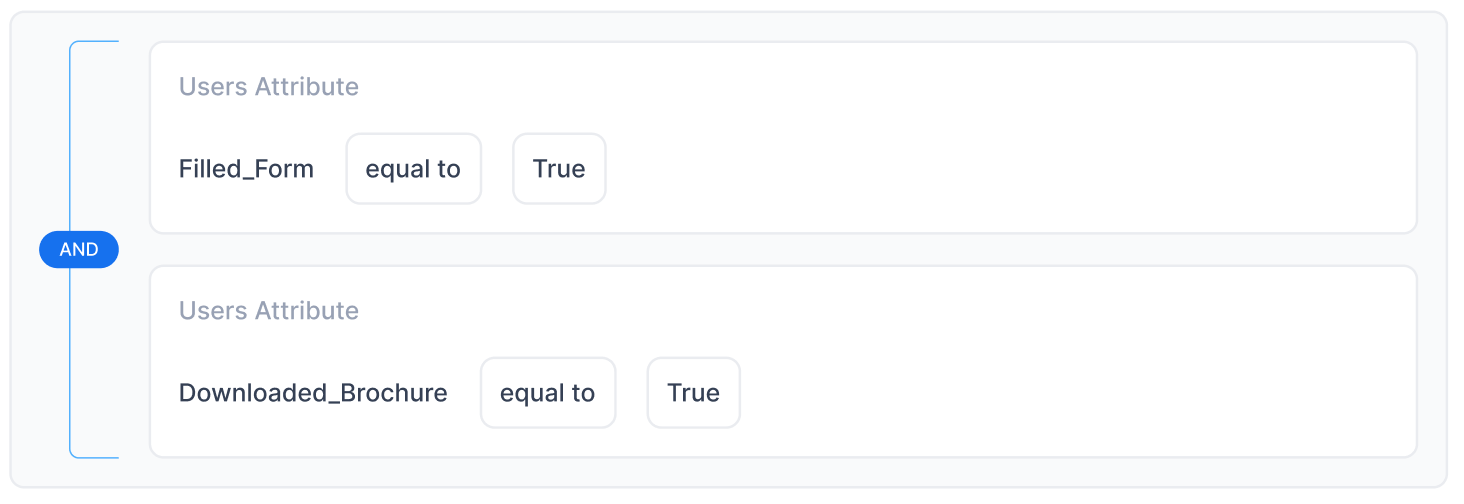 Now combine both as (Group 1) OR (Group 2) in the manner shown below Easy, right? Let your imagination run wild on how, with 4 levels of depth in nesting possible, could you potentially make use of our new Segmentation Engine 🙂 |
| Step 4 |
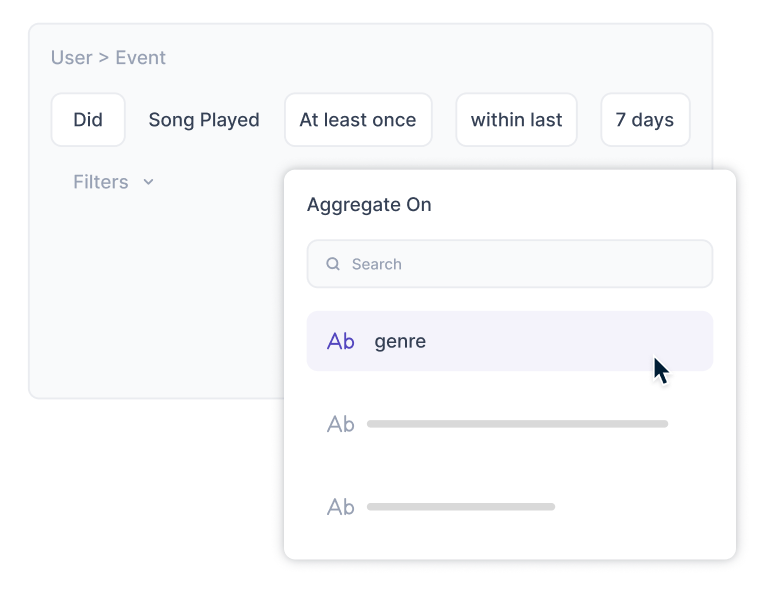
Apply Affinity Functions in the criteria builder What is Affinity? 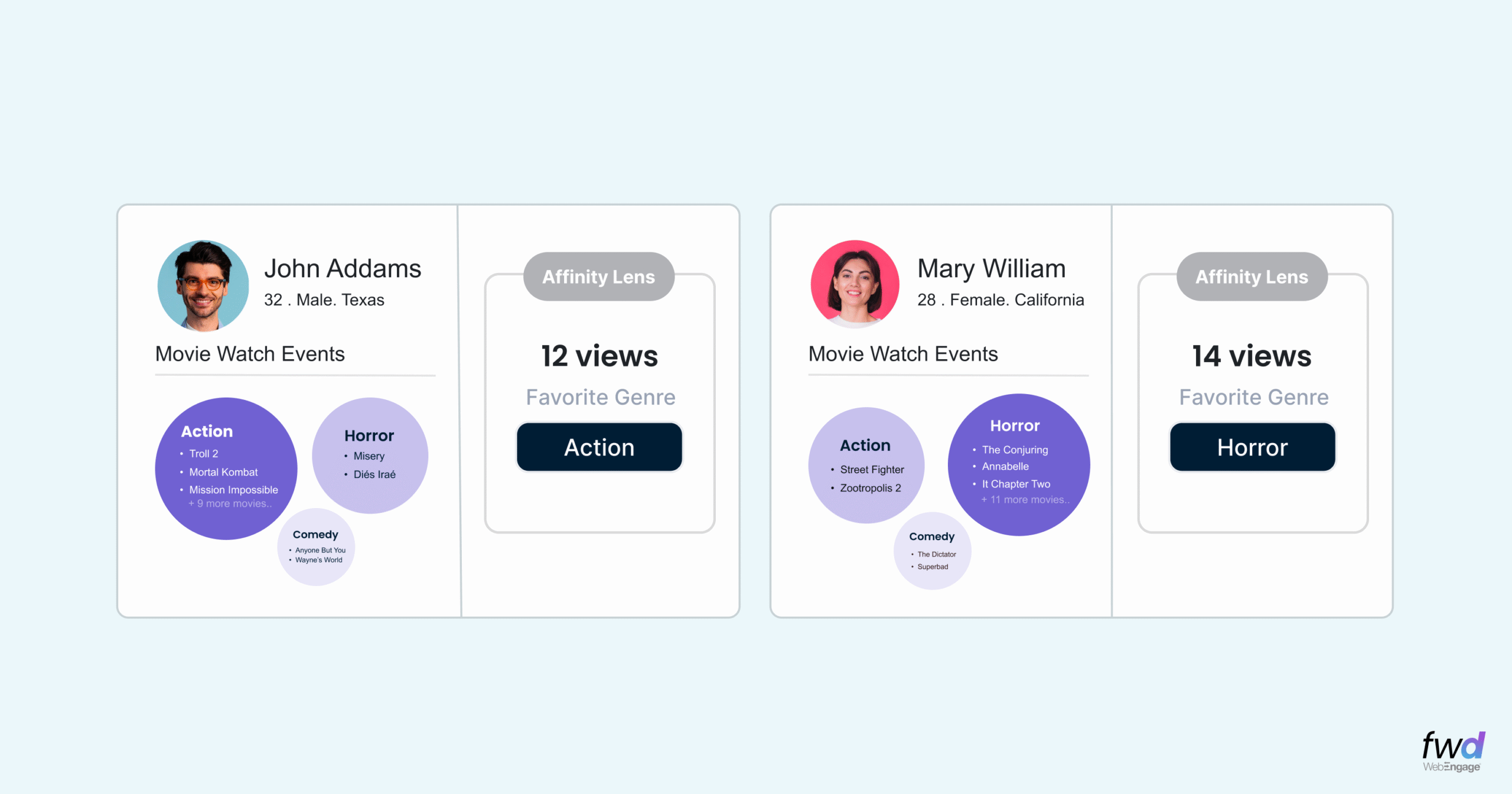 Step 4.1 Start by selecting the event that best captures user intent or preference.. 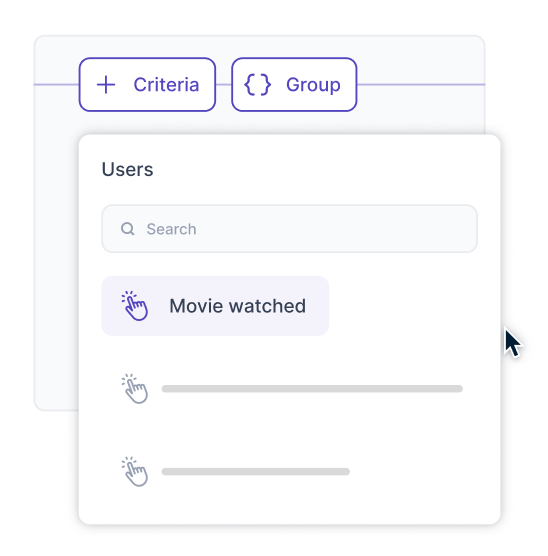 Step 4.2 Next, identify the event attribute that represents the dimension of preference you want to compute.
Step 4.3 After selecting the relevant event and attribute, choose the affinity() function in the criteria builder This function automatically:
Step 4.4 After you select the affinity function, you can use comparison operators (such as equals, one of, contains) to indicate which specific affinity value the current segment should represent. Examples:
|
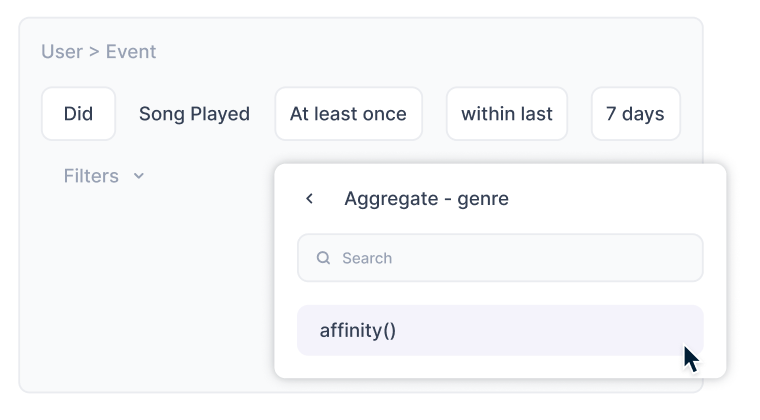

Coupled with a flexible criteria builder, WebEngage’s Affinity Function unlocks some of these great use-cases for you:
- Build Segment of “Users who purchased in the last 30 days AND have affinity for Sneakers”
- Build Segment of “Users who are high-value investors with an affinity for Small Caps”
- “Online Leads that have shown an affinity for AI courses”
- etc etc
With our Segment AI Agent, you don’t even need to build these segments manually. Just chat with our Agent to explain what kind of criteria you’d like to build and your Segment will be created automatically!
Set up auto-refresh on your Segments
You can configure your Segments to auto-refresh daily, weekly or monthly. You can tie these Segments to any Triggered or Recurring Campaigns. Based on your auto-refresh setting, these segments will always have the latest users matching the criteria before the campaigns are due to be triggered for their next run.
With a clean canvas, flexible criteria builder, nested logic, derived attributes, and affinity functions, Segmentation in WebEngage is the new gold standard in all modern day CDP/CEP products. We have just unveiled the most powerful Segmentation Engine ever seen in our category.
This revamped experience is being rolled out for all our customers in phases. Please speak with your Account Manager to jump the queue.


 Harshita Lal
 Diksha Dwivedi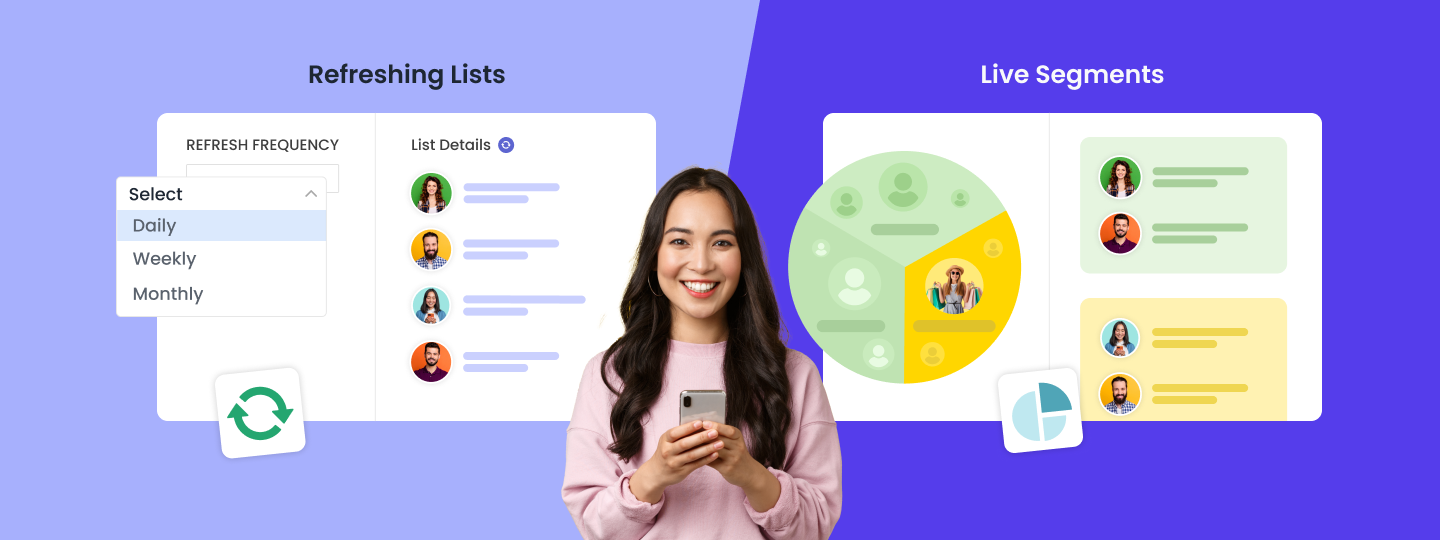
 Ananya Nigam